2D resultExample preview
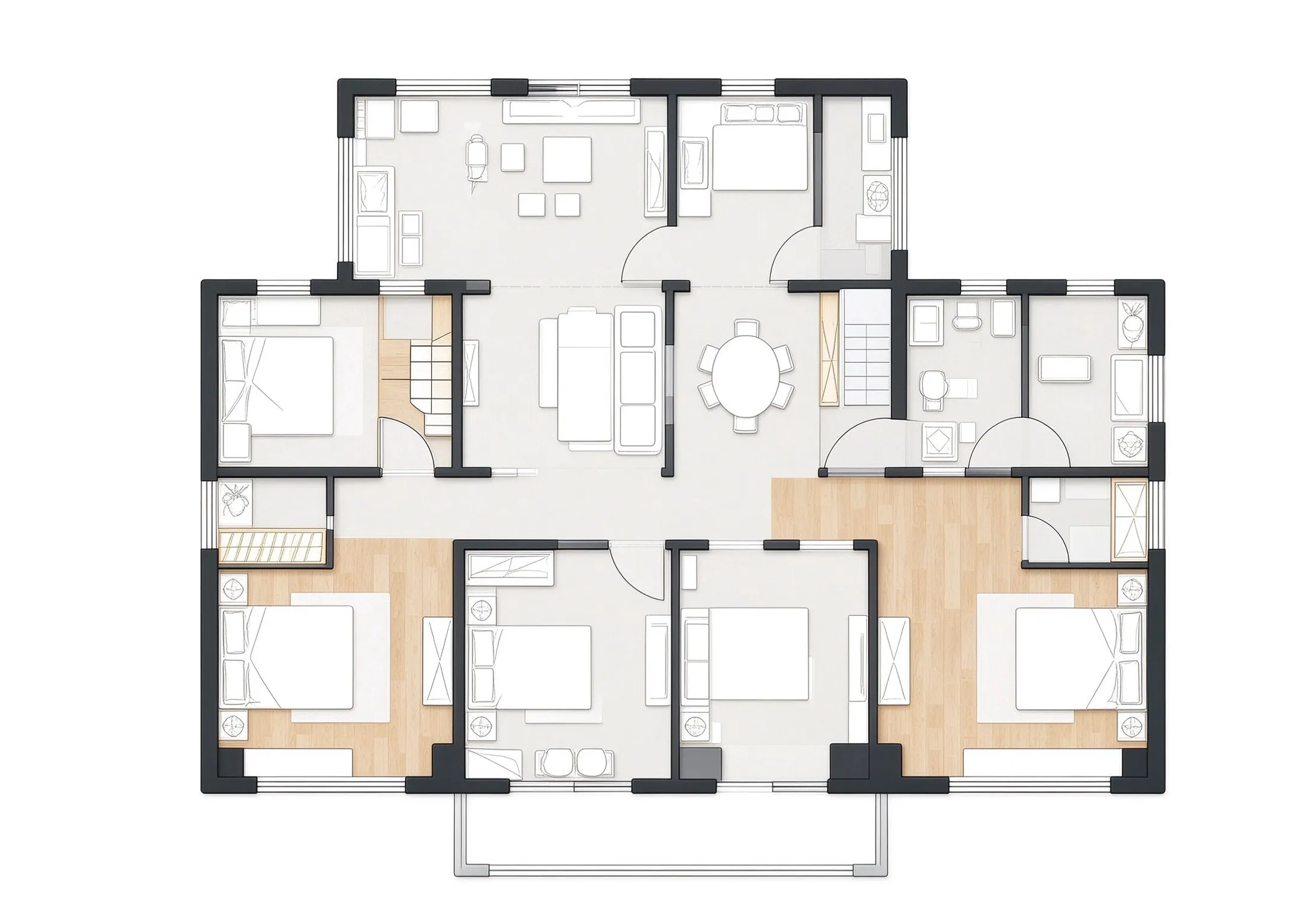
Example only. Generate a plan from your own requirements to download or continue editing.
- 1,200 ft²
- 3 bedrooms
- 2 bathrooms
- 1 floor
- Technical
- Laundry
- Dining Room
- Living Room
- Open kitchen
Example only. Generate a plan from your own requirements to download or continue editing.
Describe the home or space you want, set the basic room requirements, and generate a clean 2D floor plan. Keep the setup simple so you can move from an idea to a usable layout without a long form.
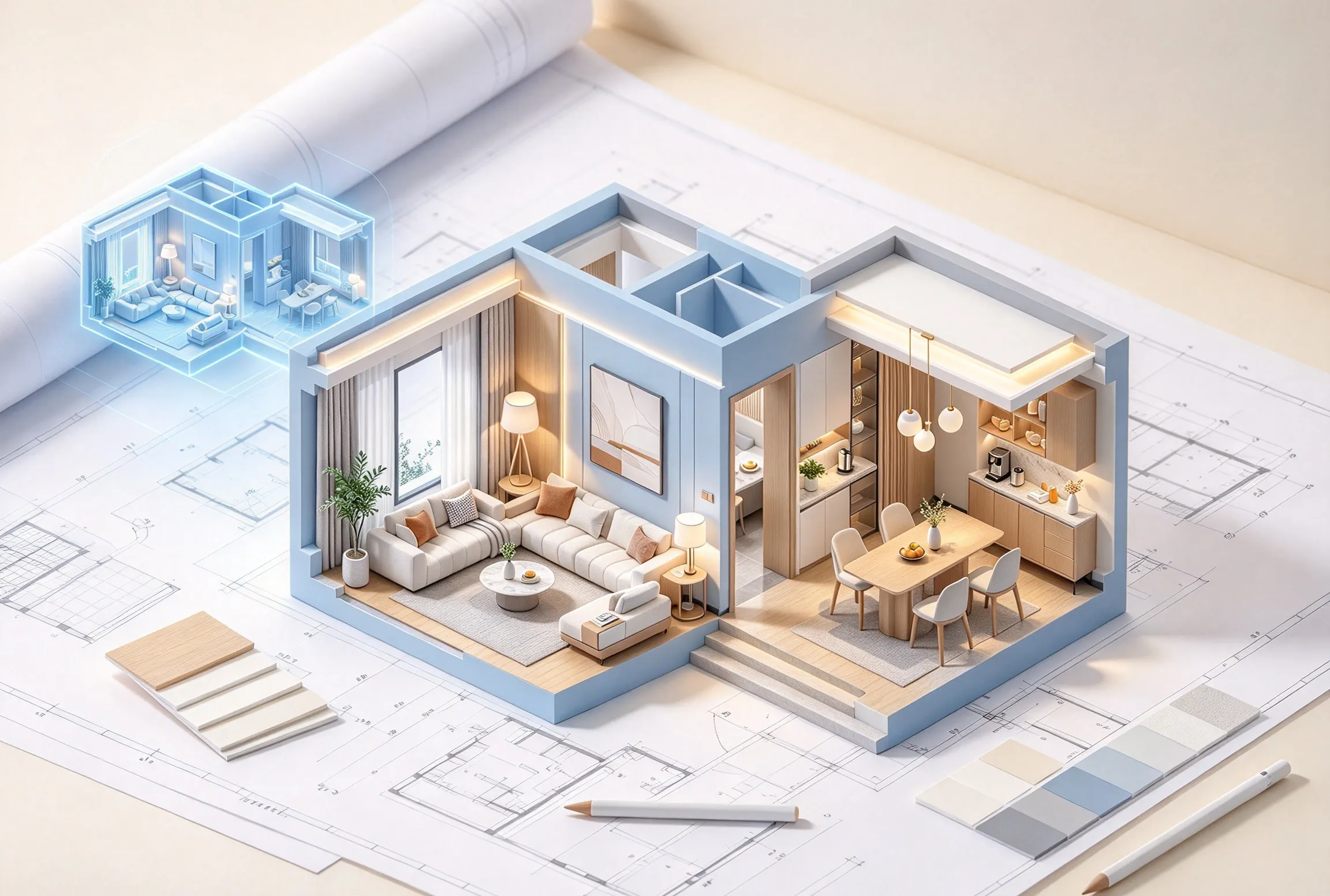
Set the requirements that matter most, generate a clear layout, and leave the fine adjustments for the editing stage.
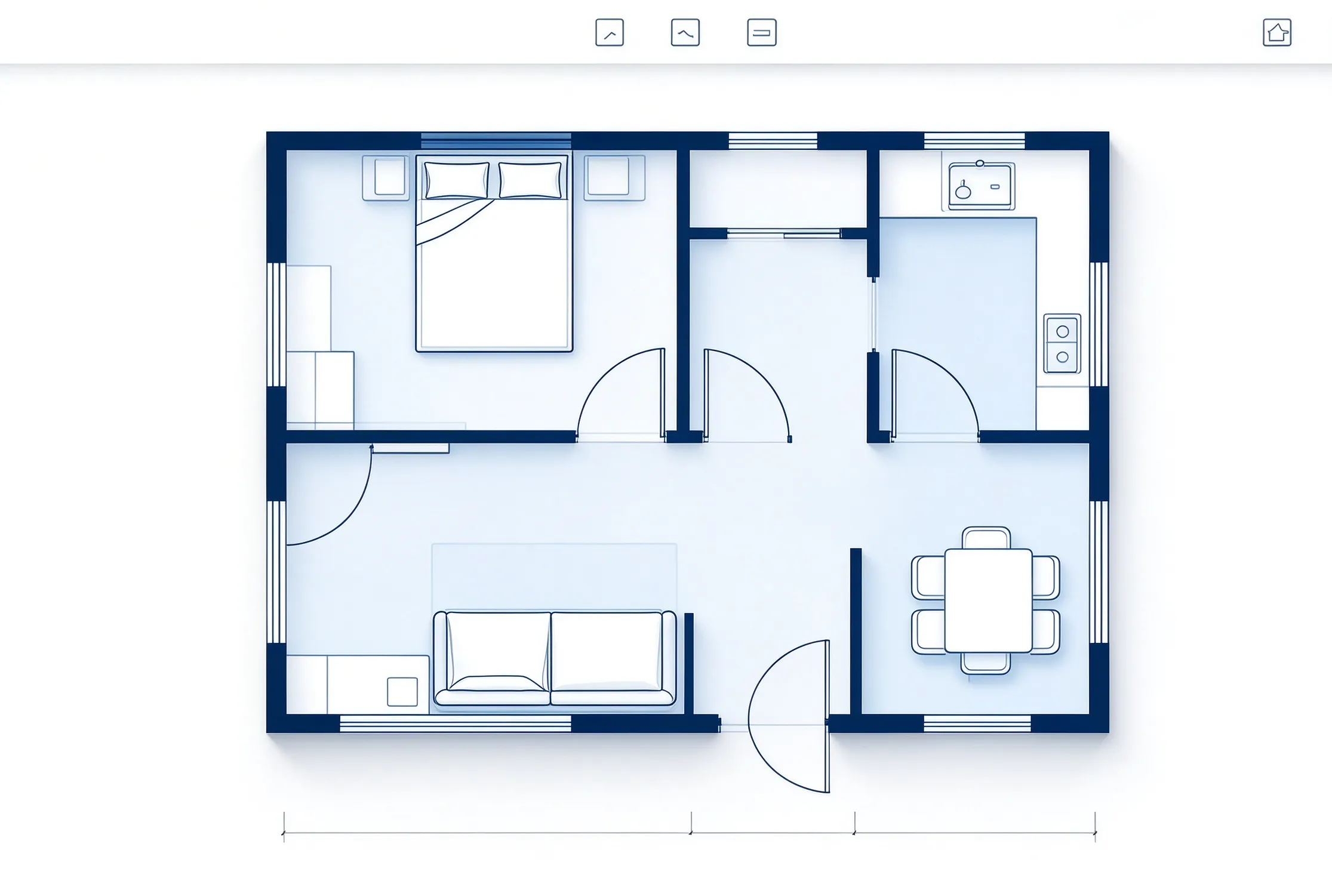
A useful 2D floor plan generator does not need a long questionnaire. Set the core size and room requirements first, then let the layout take shape around them.
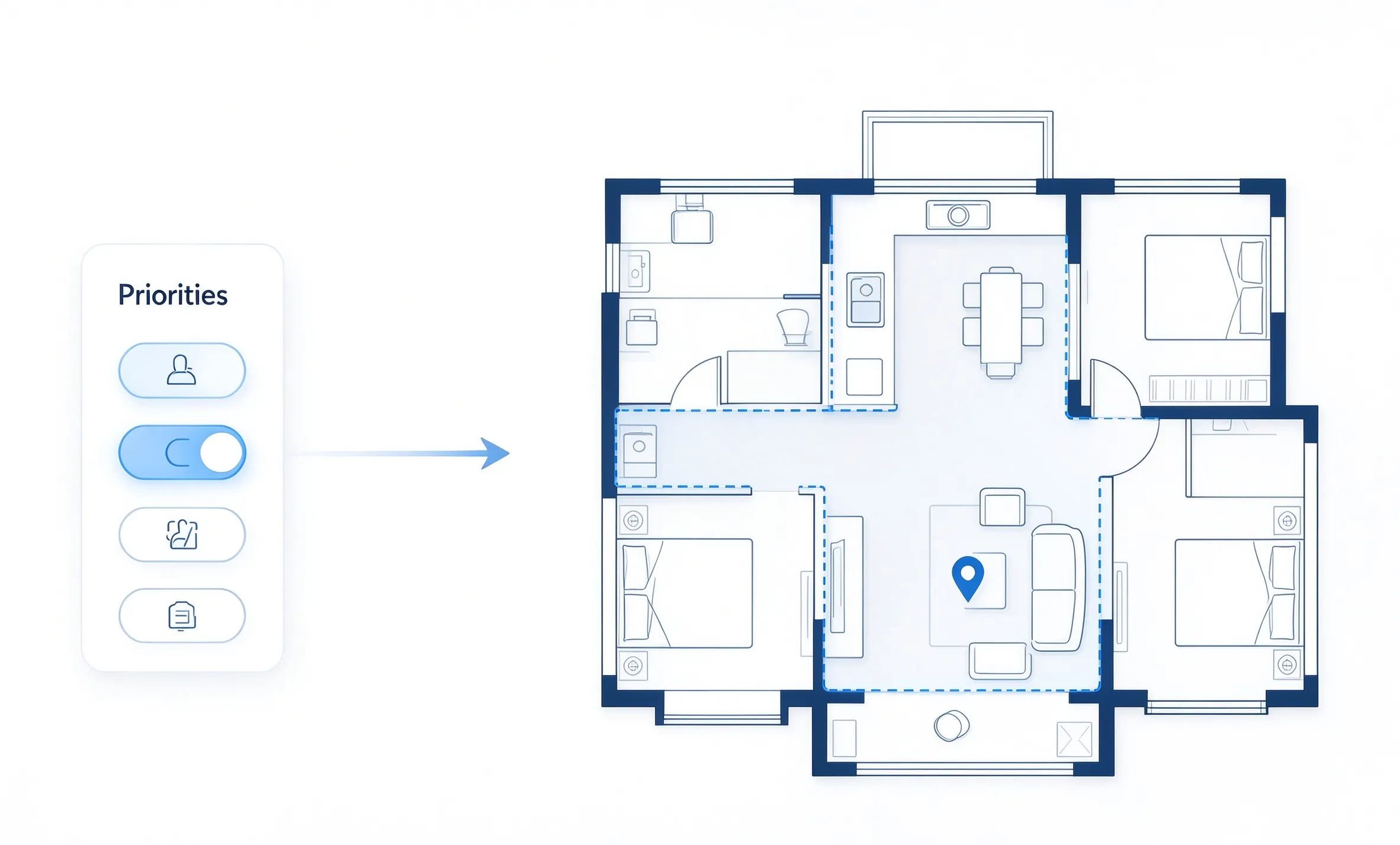
Choose practical priorities such as an open kitchen, home office, larger living area, or more storage. These details help shape the floor plan while keeping the form quick to complete.
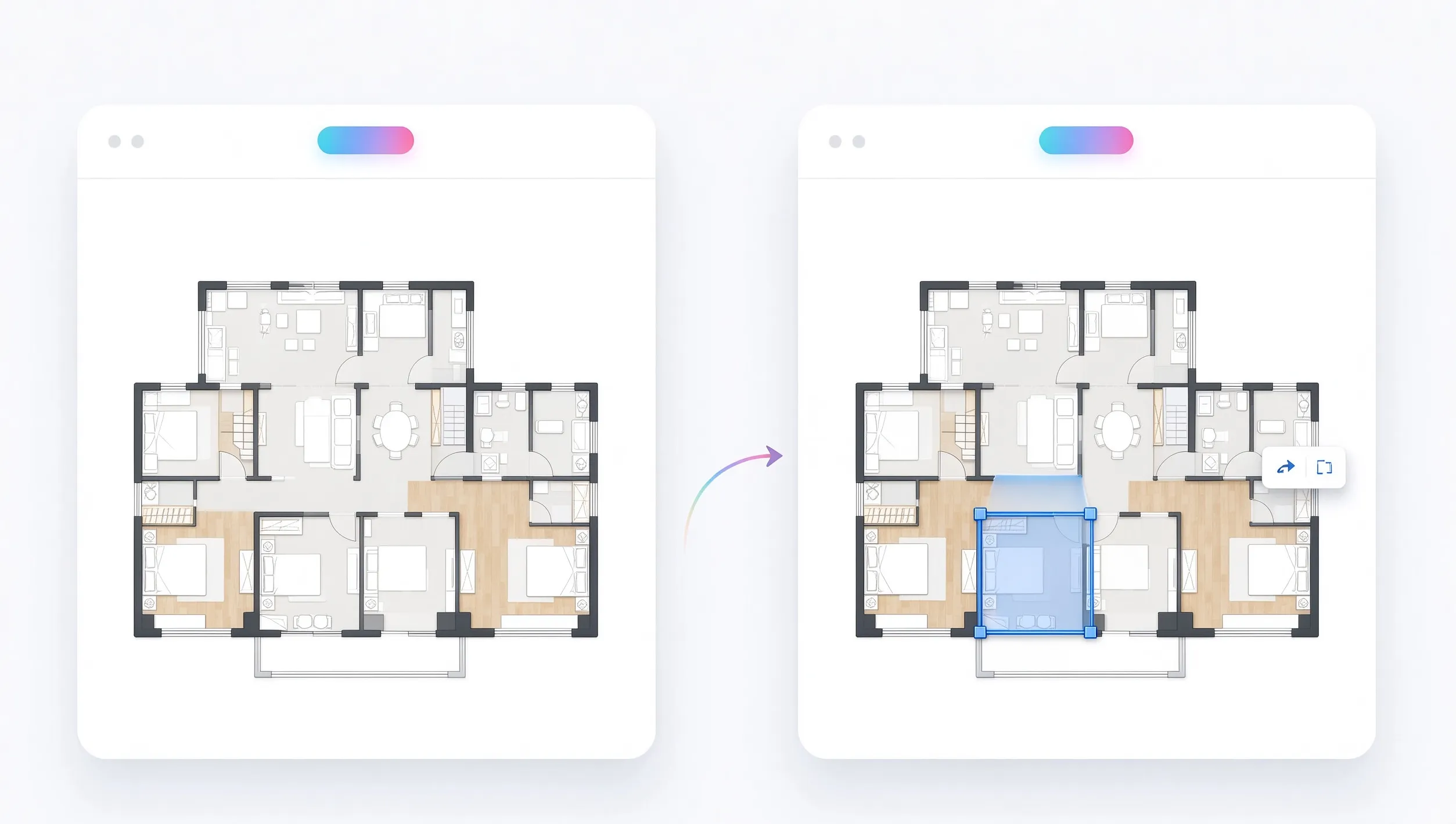
The first result should make the main room structure easy to understand. A simple top-down 2D floor plan gives you a practical starting point before you make detailed changes.
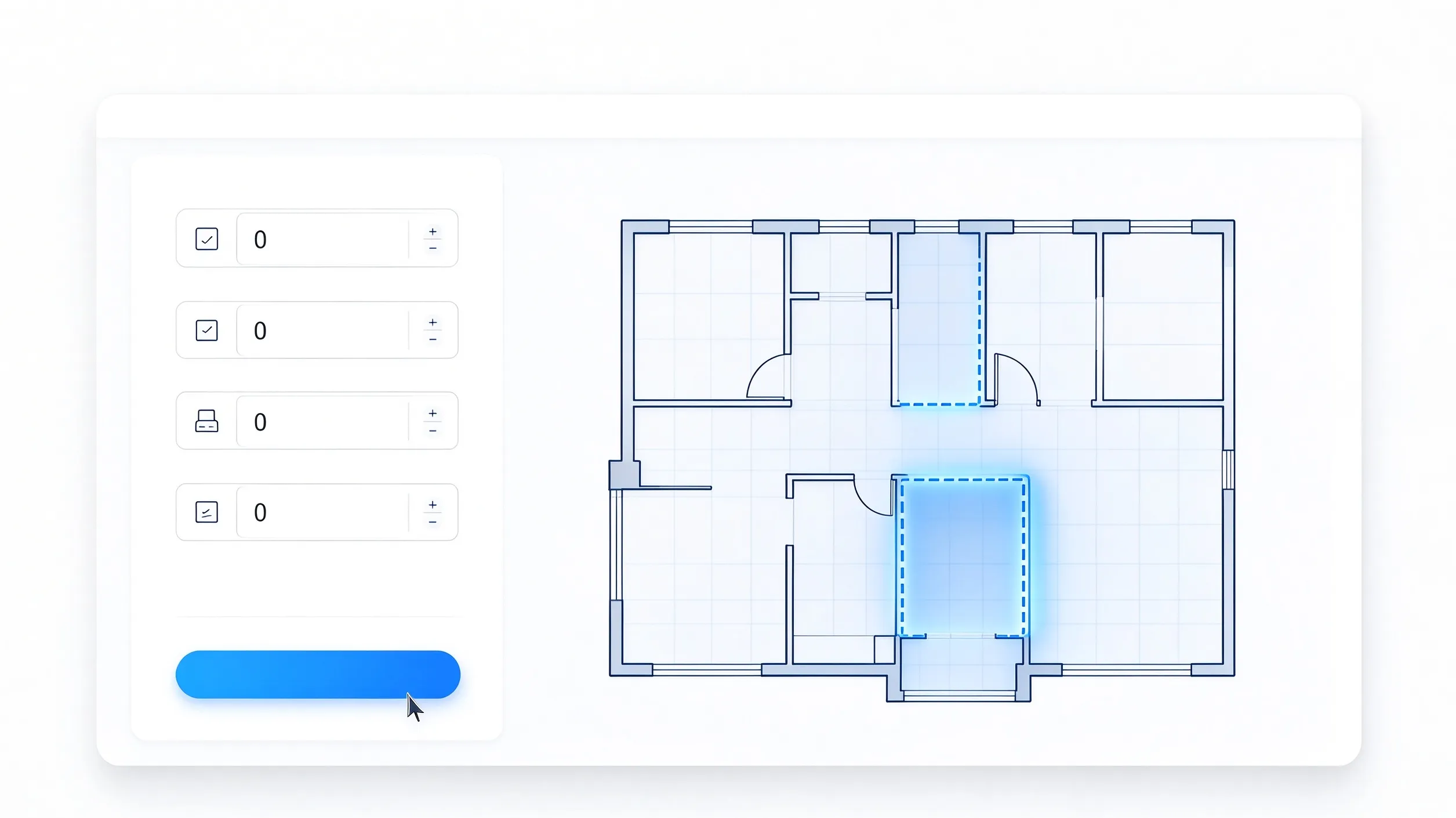
Generation is most useful when it gives you a solid starting point. Once the plan is ready, move to the Floor Plan Editor for focused changes instead of filling out another long setup form.
Set the main requirements, generate a starting layout, and refine the result when needed.
Add the area, floor count, bedrooms, and bathrooms for the space.
Select a few layout preferences and add a short note if something matters most.
Review the 2D floor plan and continue to the editor for detailed changes.
Simple layouts generated from common residential requirements.
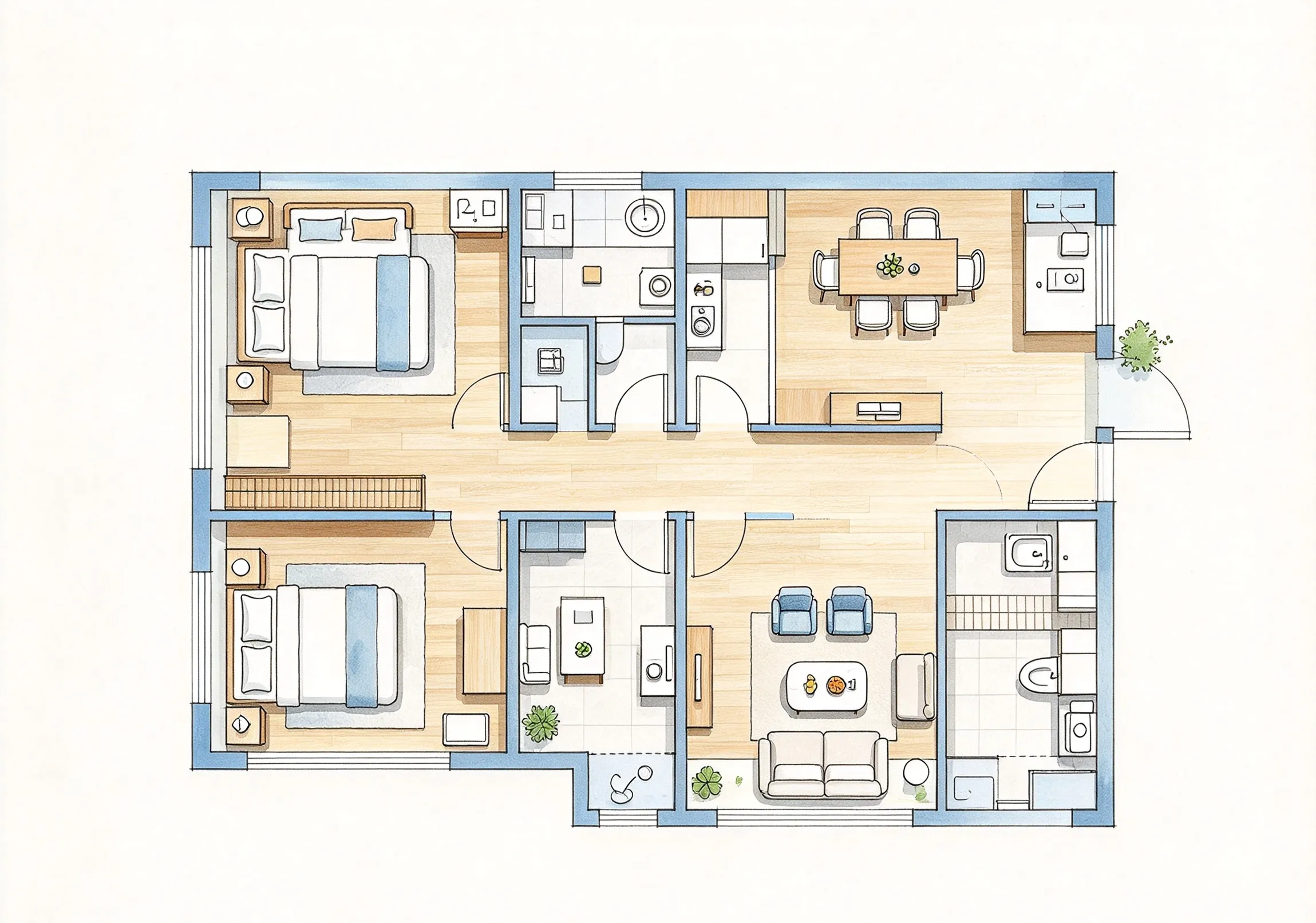
Compact everyday layout
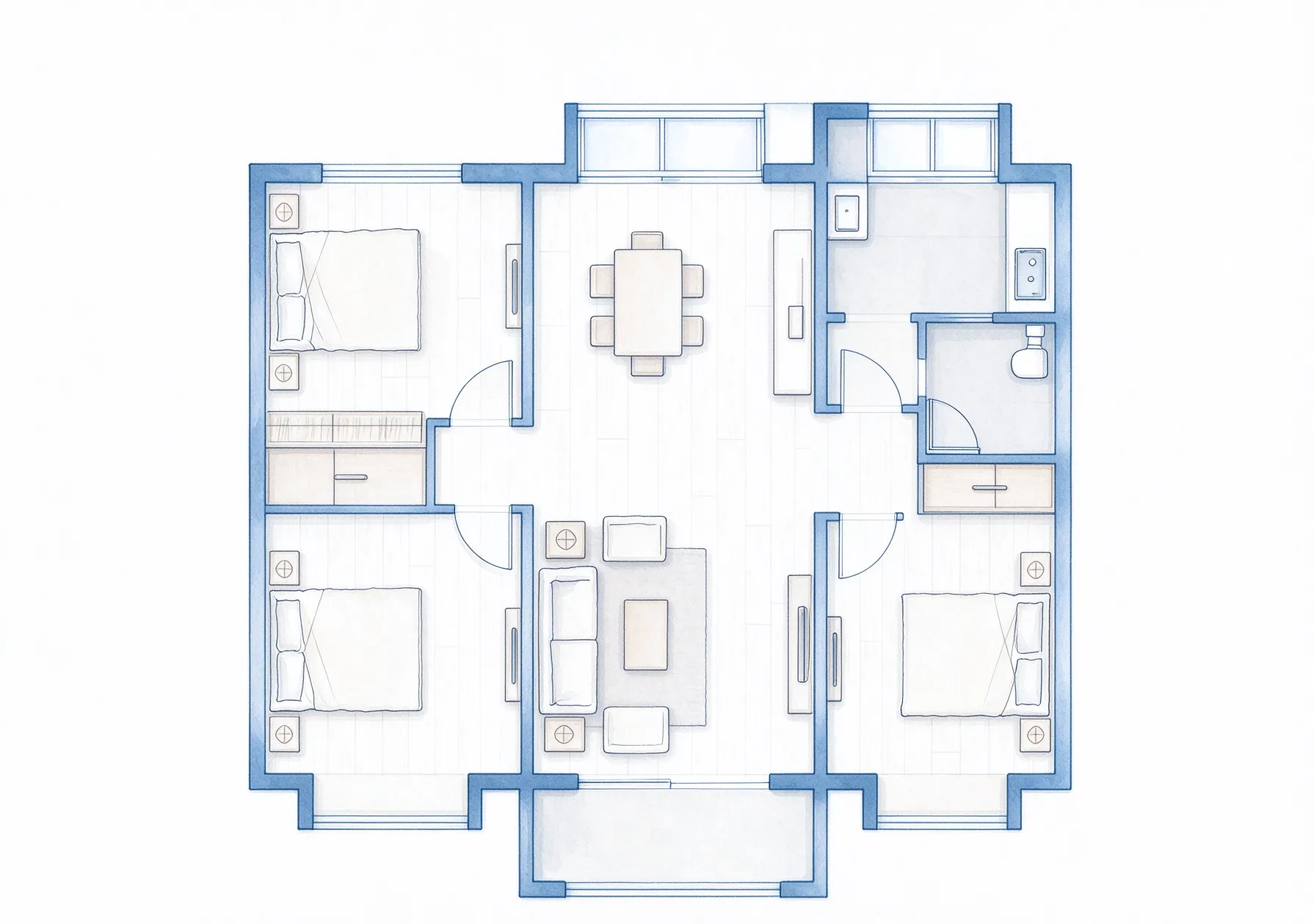
Family-focused floor plan
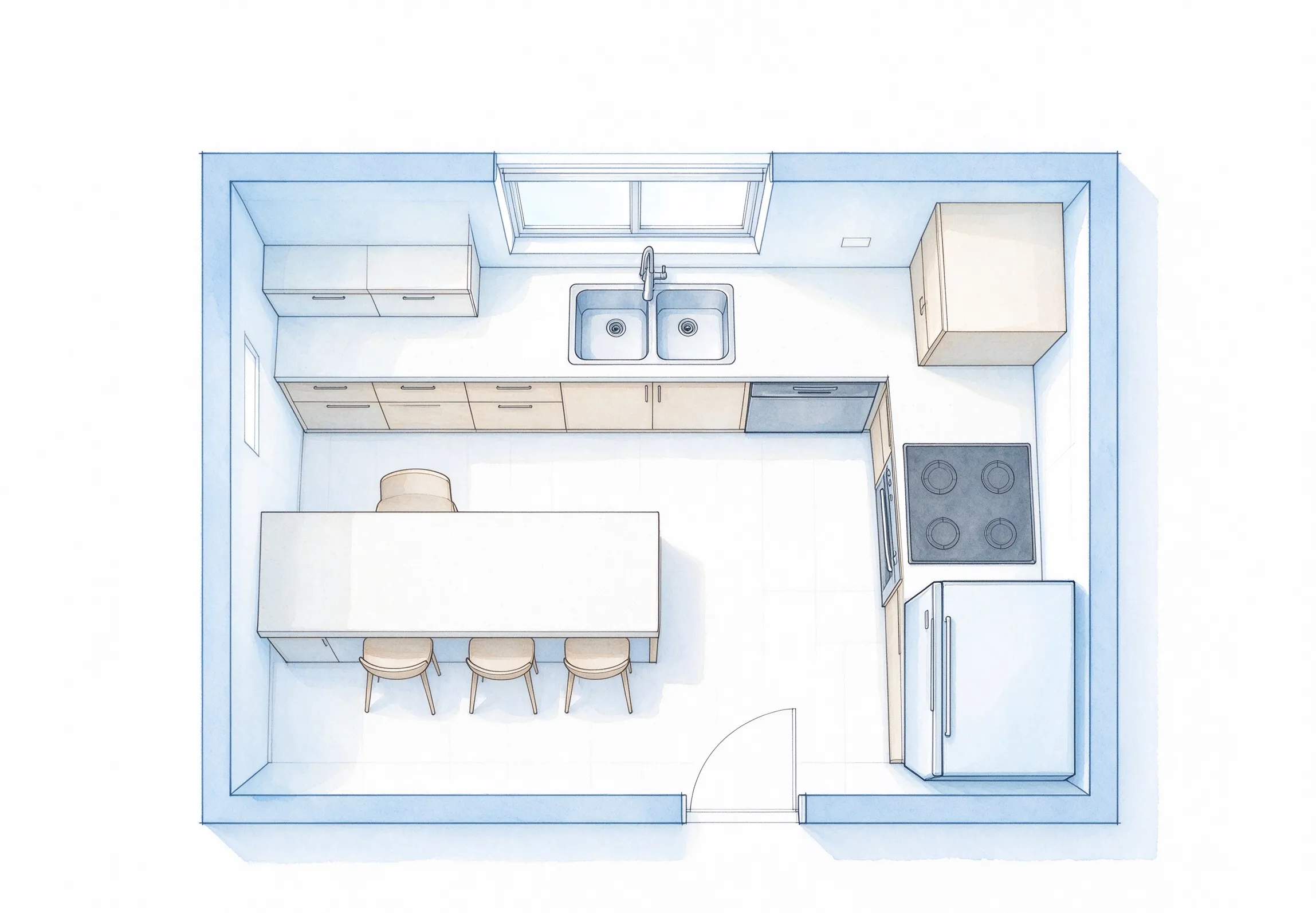
Connected kitchen and living space
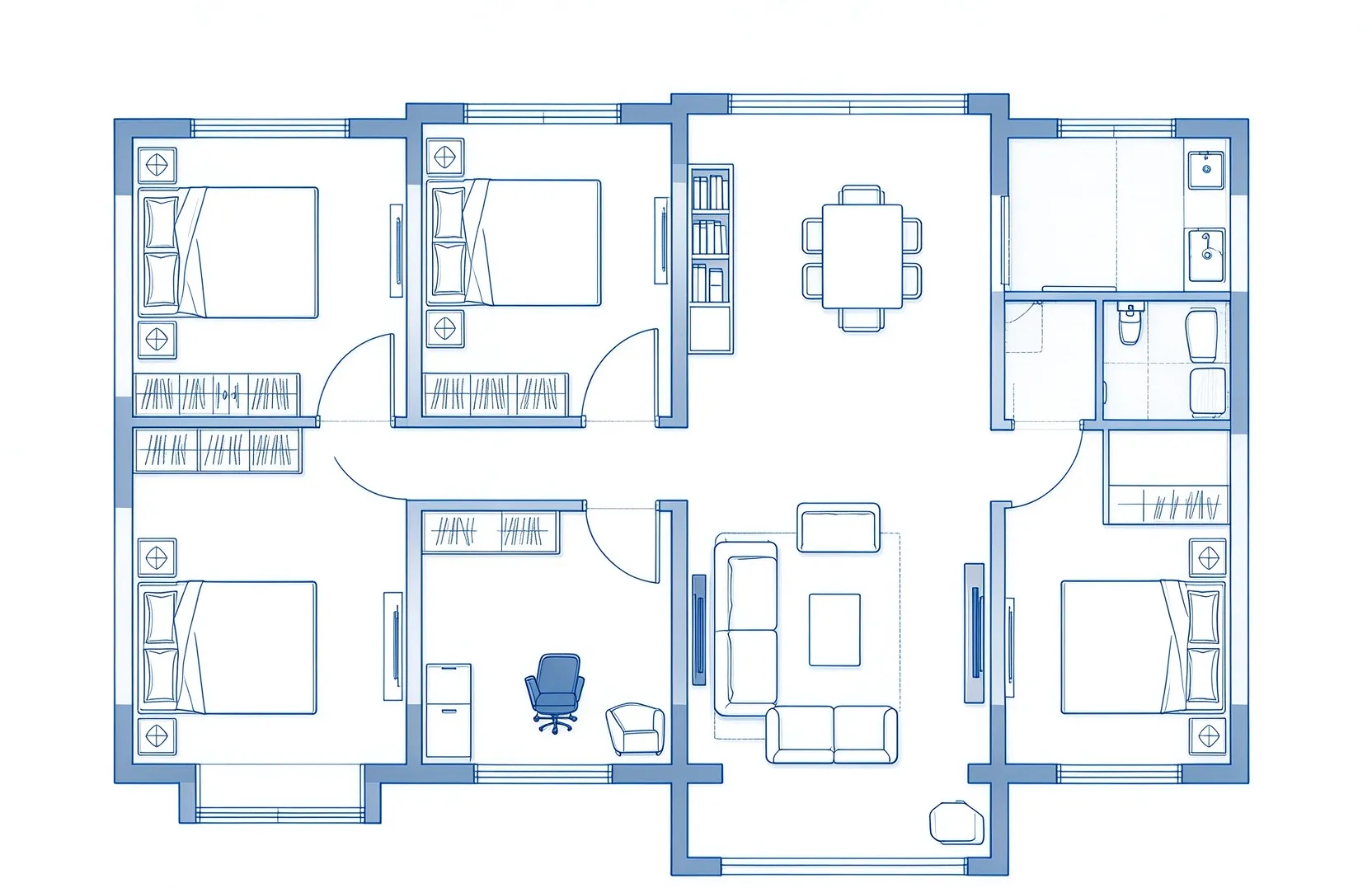
Extra work area at home
Start with a clear layout idea before moving into detailed design or editing.
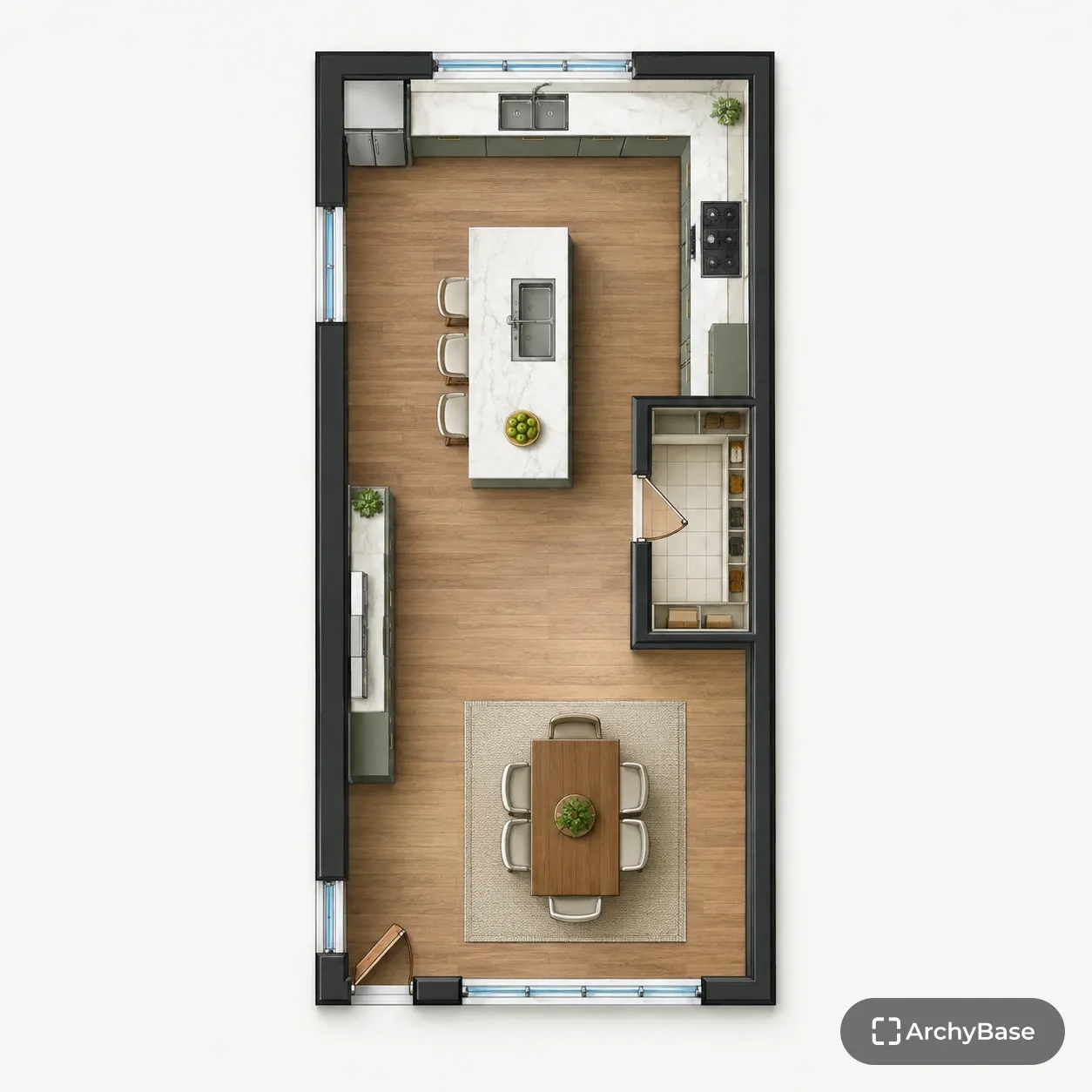
Explore a room arrangement before making detailed plans.
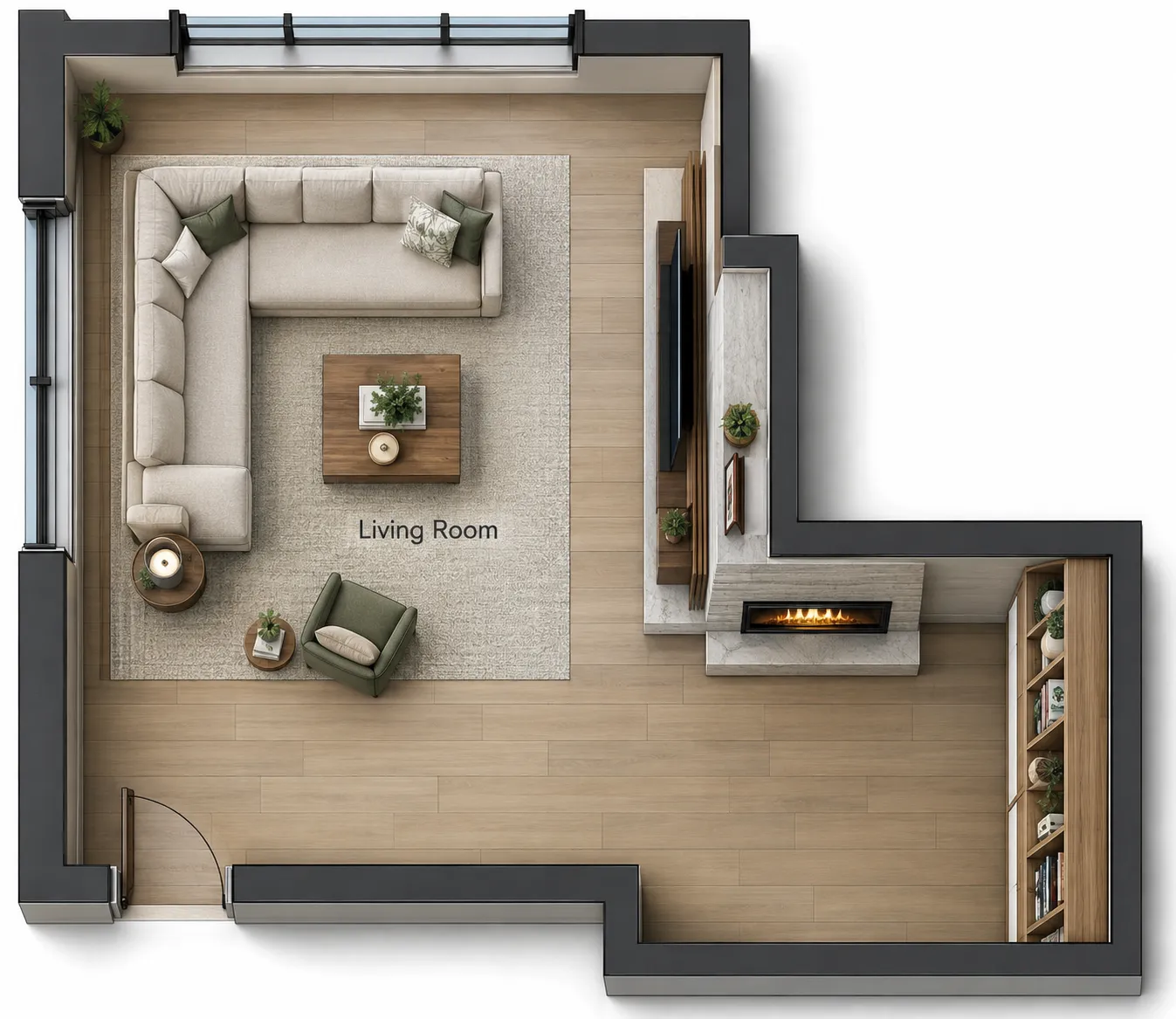
Test how rooms can fit within a target area.
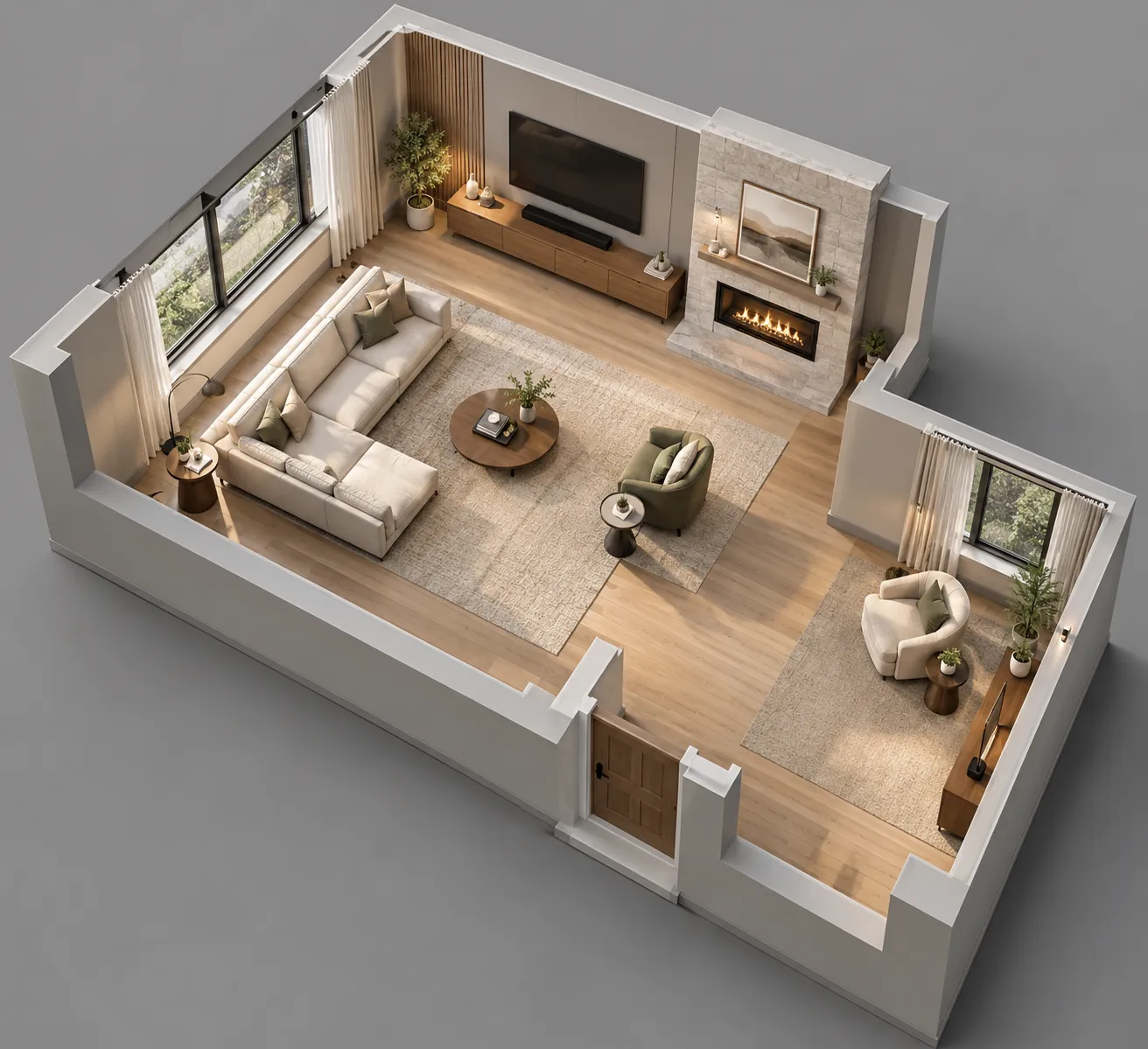
Try a basic layout before deciding on finer changes.
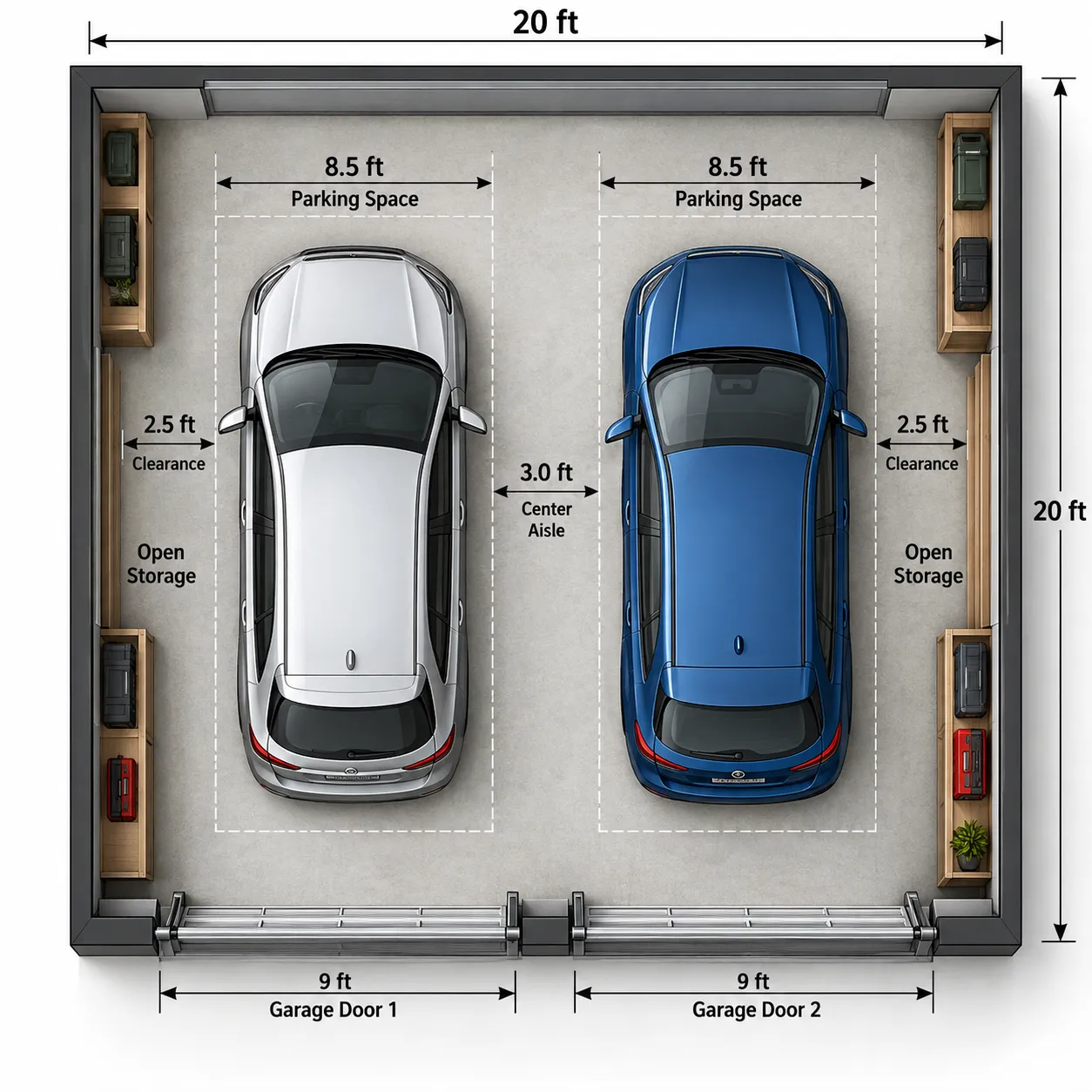
Create a simple floor plan to discuss with others.
The generator focuses on the requirements that usually shape a floor plan first, then leaves detailed changes for the editing stage.
Area, floors, bedrooms, and bathrooms form the basic brief.
Review the layout from a simple top-down view.
Add a few practical preferences without a long form.
Continue to the editor when the layout needs changes.
For an existing image, use Image to Floor Plan. For a rough hand-drawn idea, use Sketch to Floor Plan.
Common questions about inputs, layouts, and what to do after generation.
Set the basic requirements and generate a 2D floor plan to start working from.