Render preview
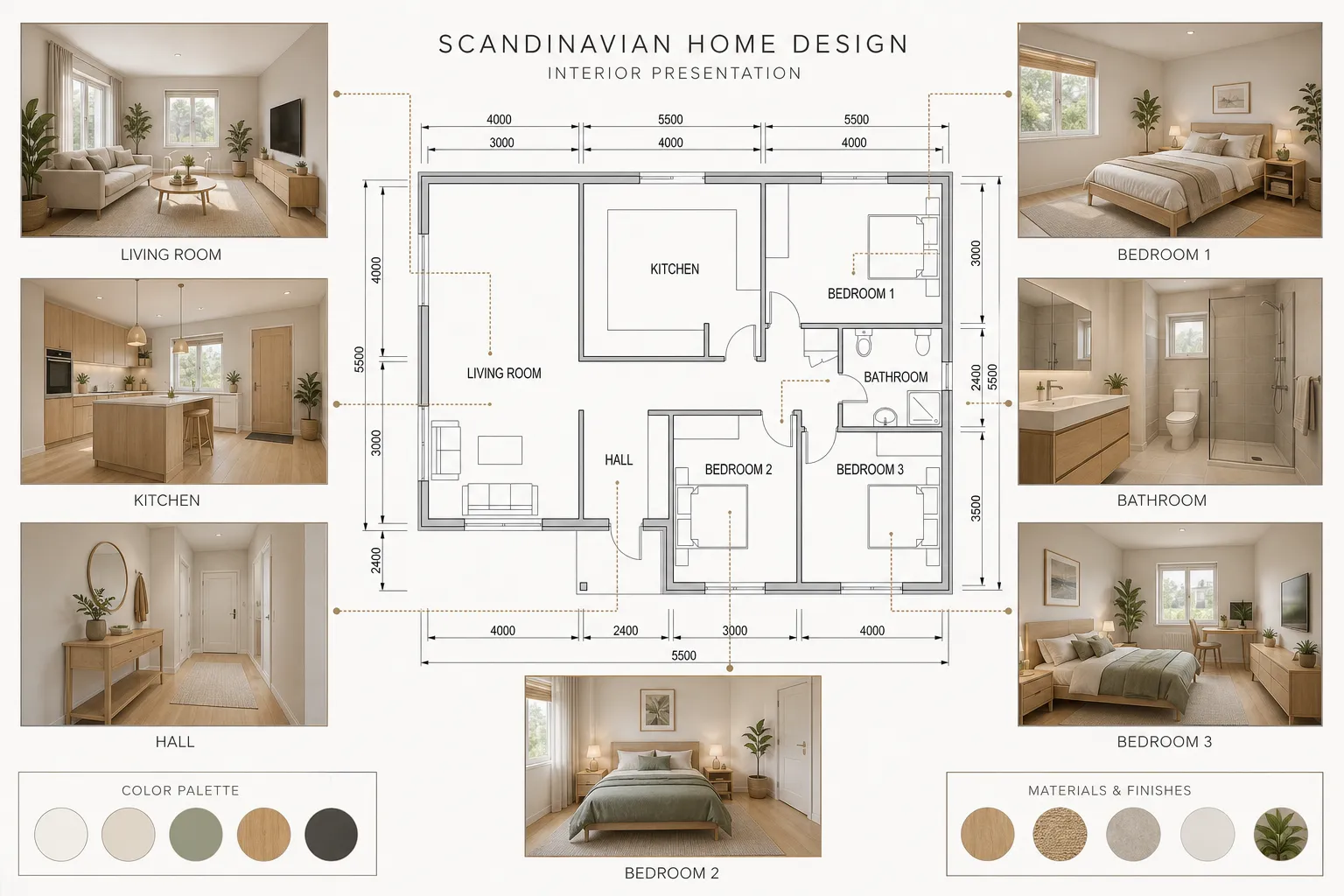
Illustrative example: Scandinavian style in Presentation View. Upload your own plan to generate a result.
- Top-down
- Modern
Illustrative example: Scandinavian style in Presentation View. Upload your own plan to generate a result.
AI floor plan rendering turns a flat 2D plan into a realistic, presentation-ready image. Upload your plan, choose an interior style, and enhance materials, furniture, and lighting while using your original layout as the reference.
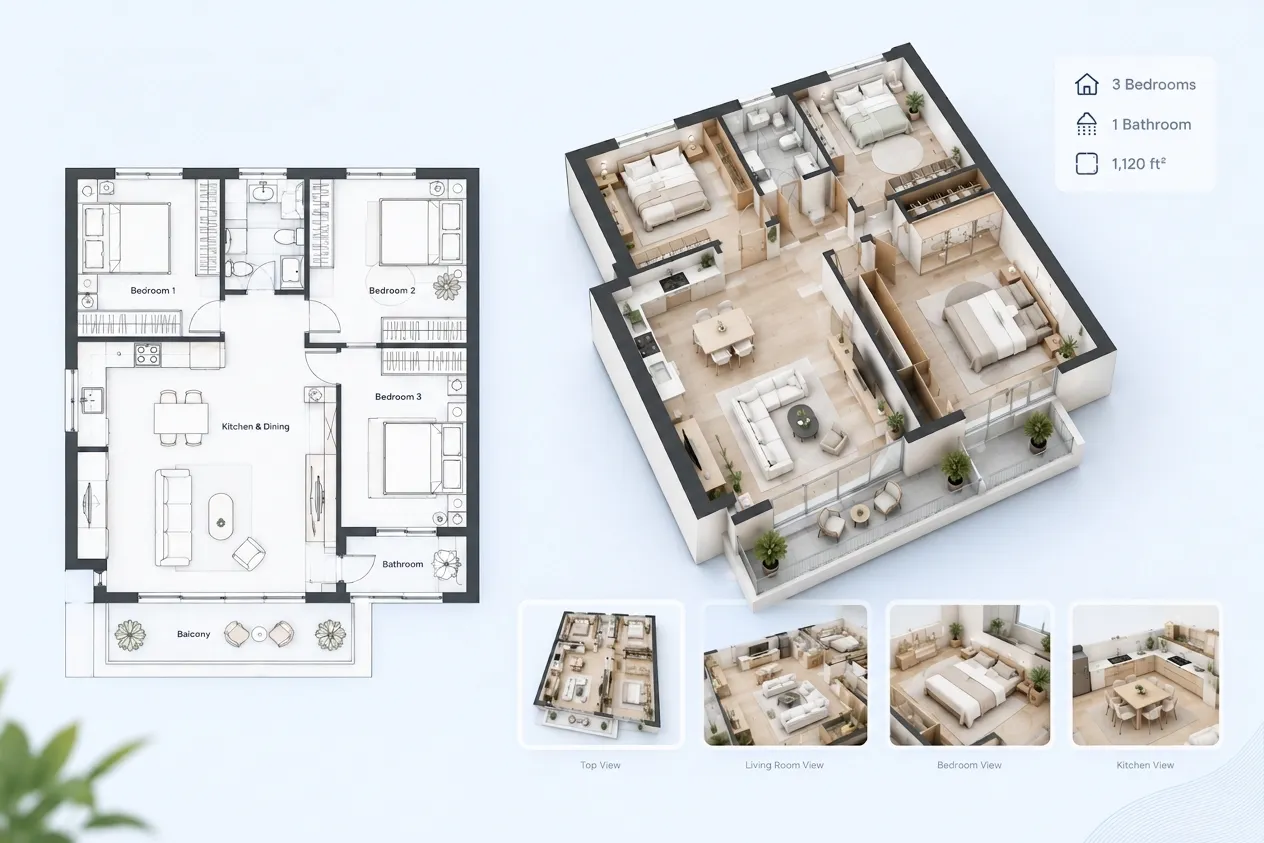
Enhance materials, furniture, and light with your existing floor plan as the starting point.
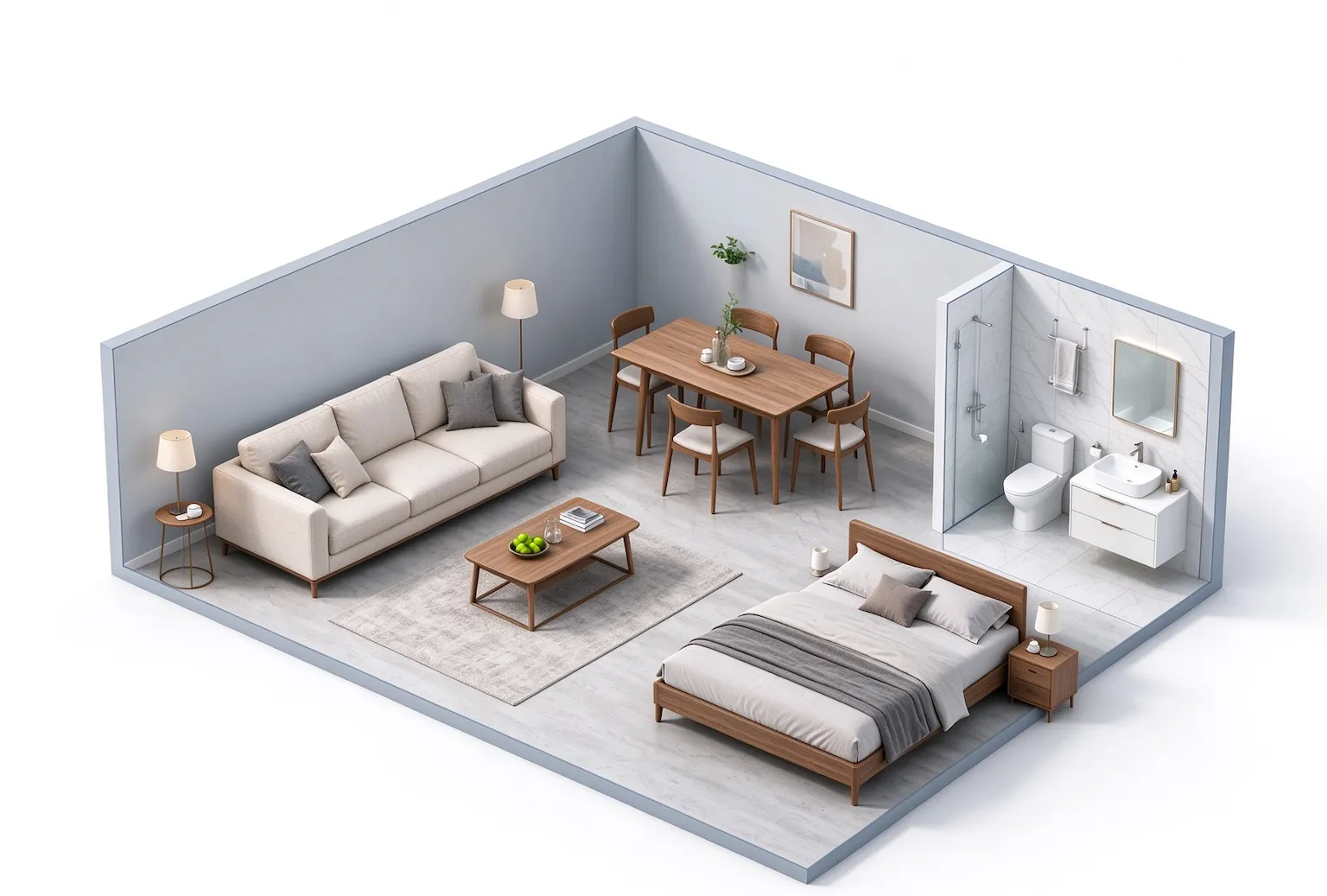
Use your input plan to guide room boundaries, wall positions, doors, windows, and room count. Review the result against the plan you designed.
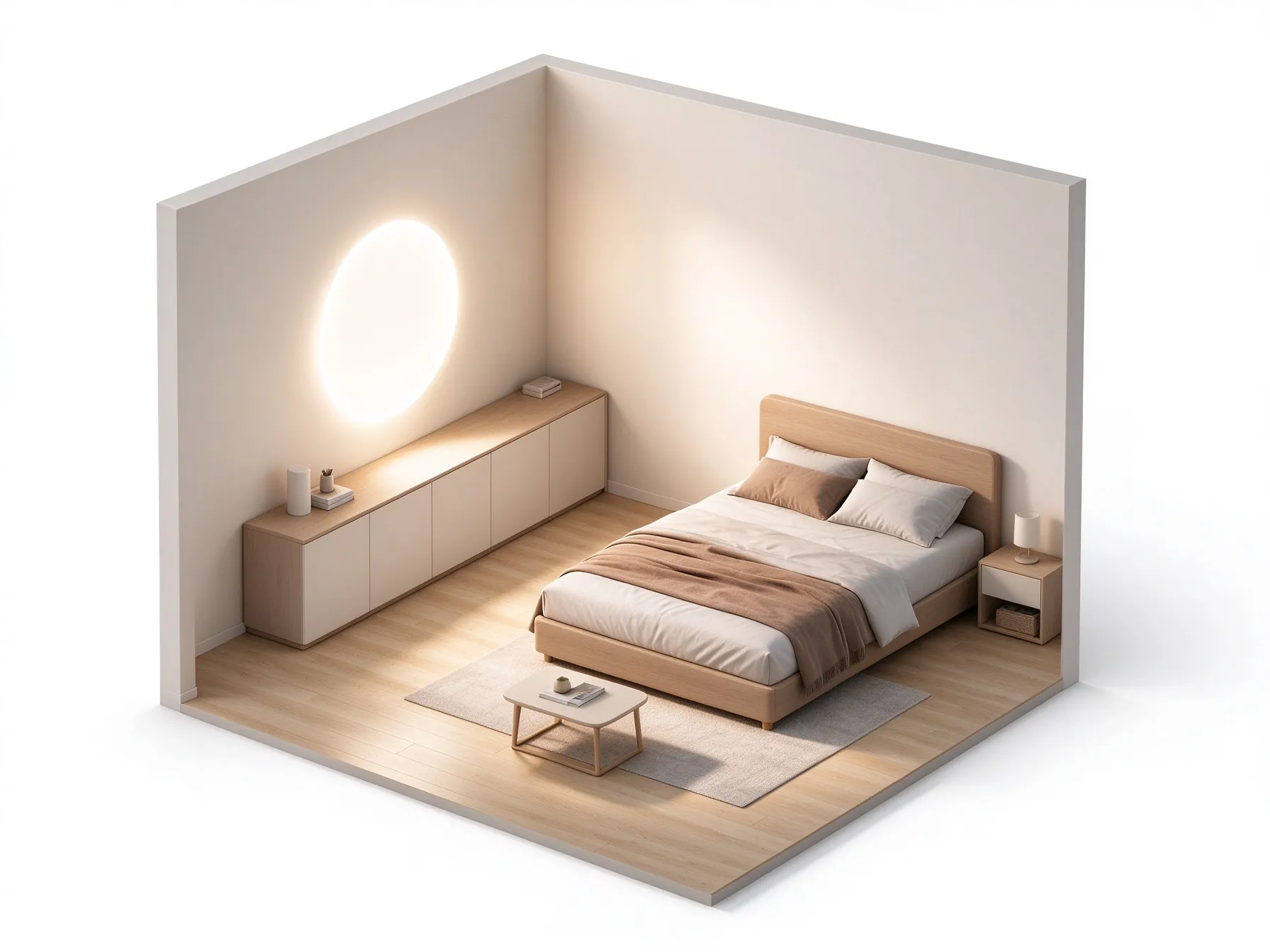
Give wood flooring grain and warmth, bathroom tile a ceramic finish, and countertops and upholstery natural texture without requesting a new layout.
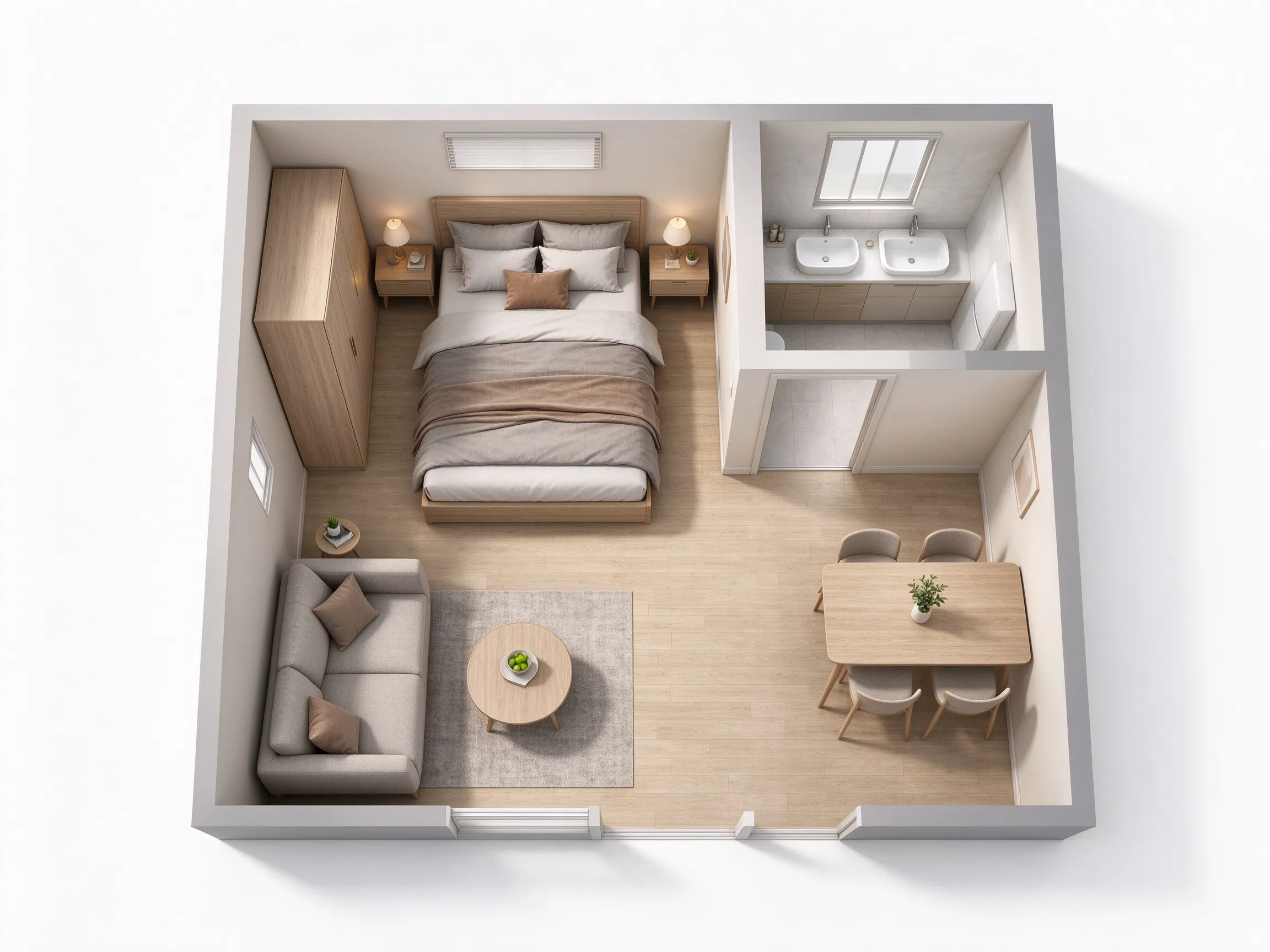
Visualize beds, sofas, dining tables, kitchen cabinetry, and bathroom fixtures in a consistent style. Use the description to guide furnishing for each room.
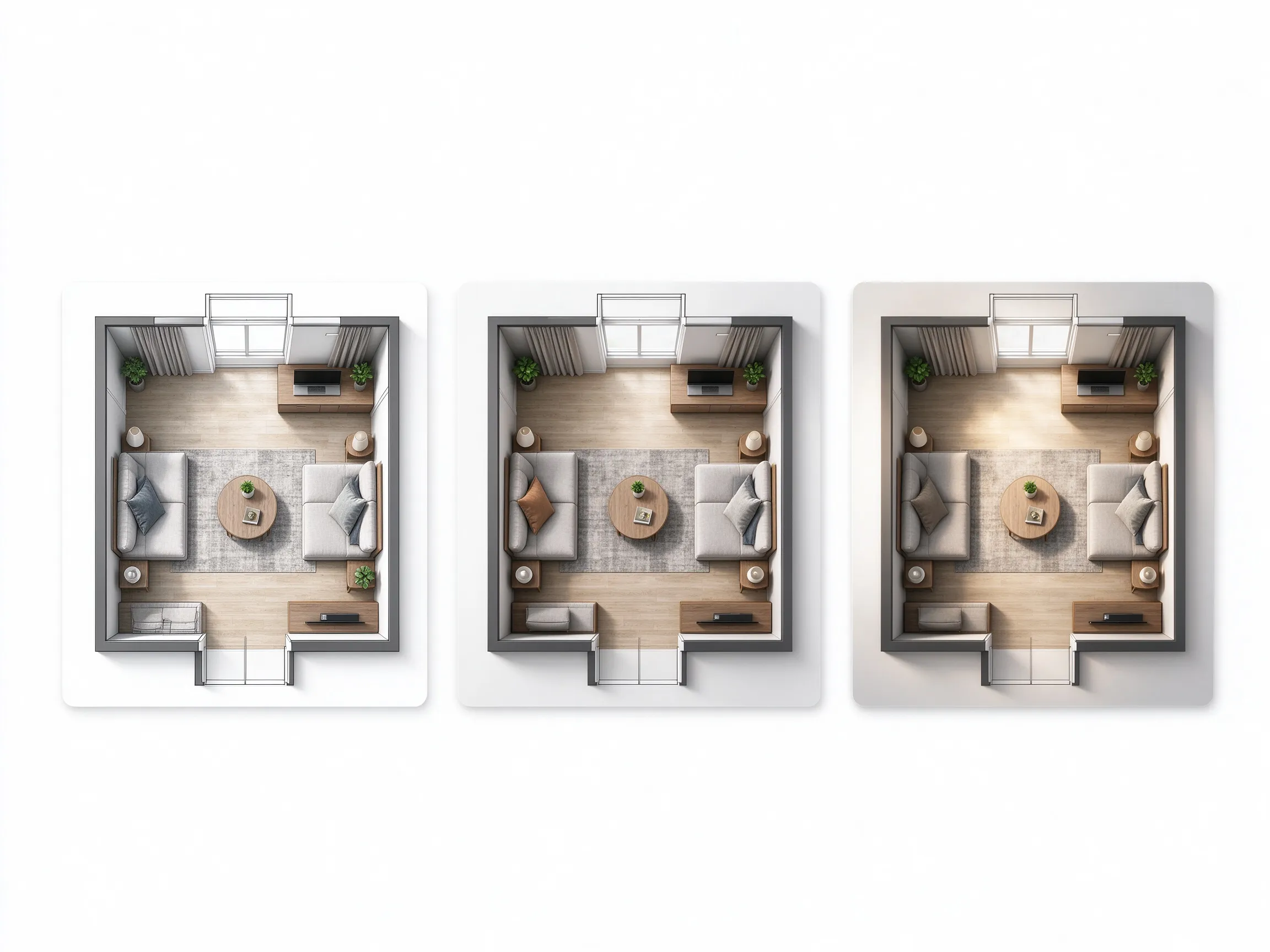
Add depth with subtle furniture shadows and balanced lighting that keeps the rooms readable. Choose a top-down view or a presentation view for your project.
Explore materials, palettes, and mood while keeping the architecture as the reference.
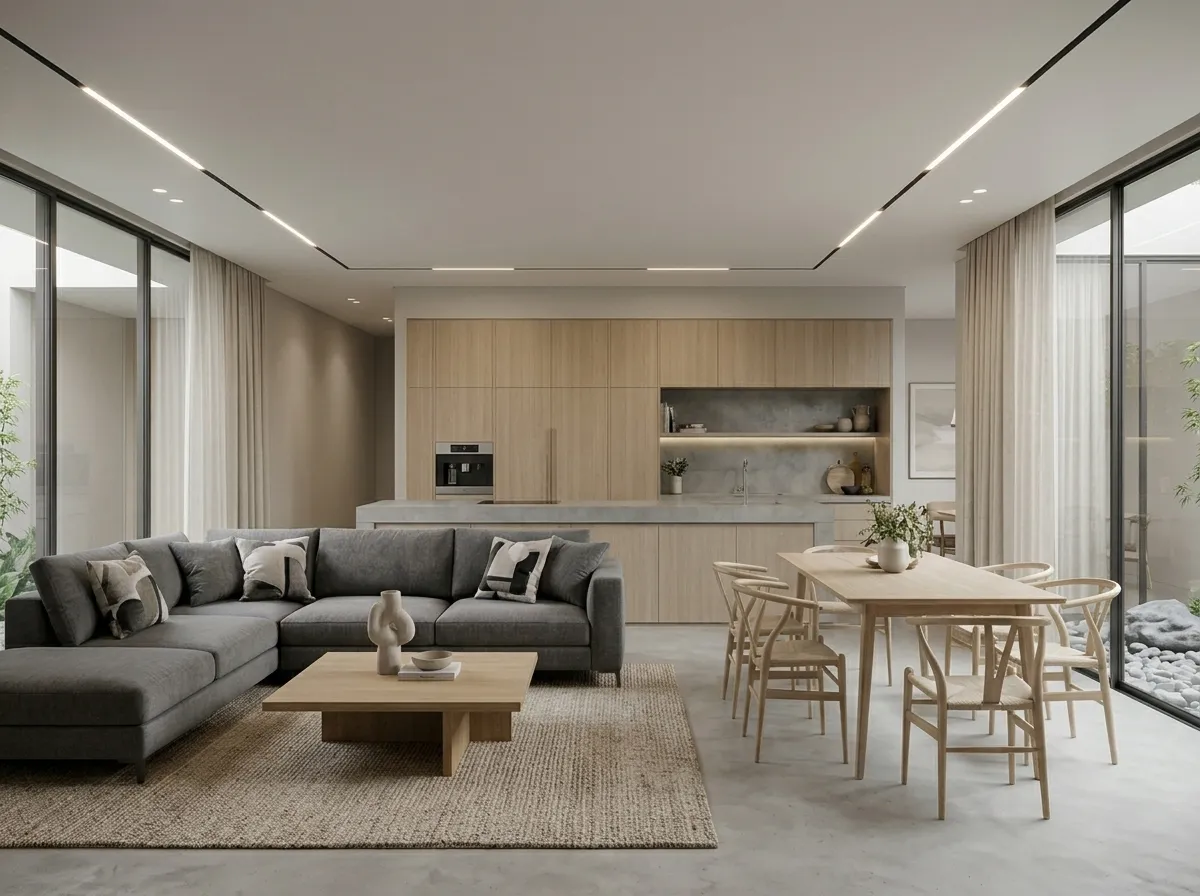
Neutral tones, oak flooring, clean lines.
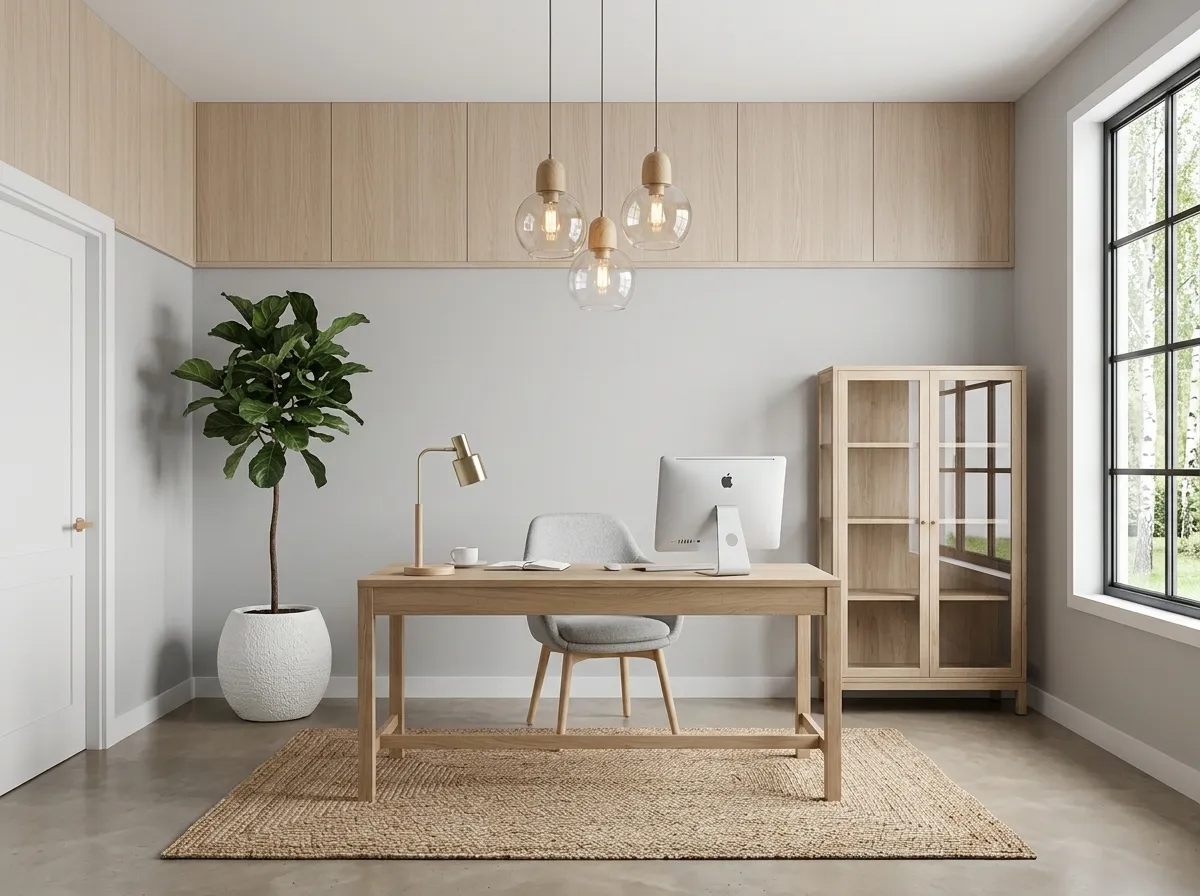
Light wood, airy, bright and calm.
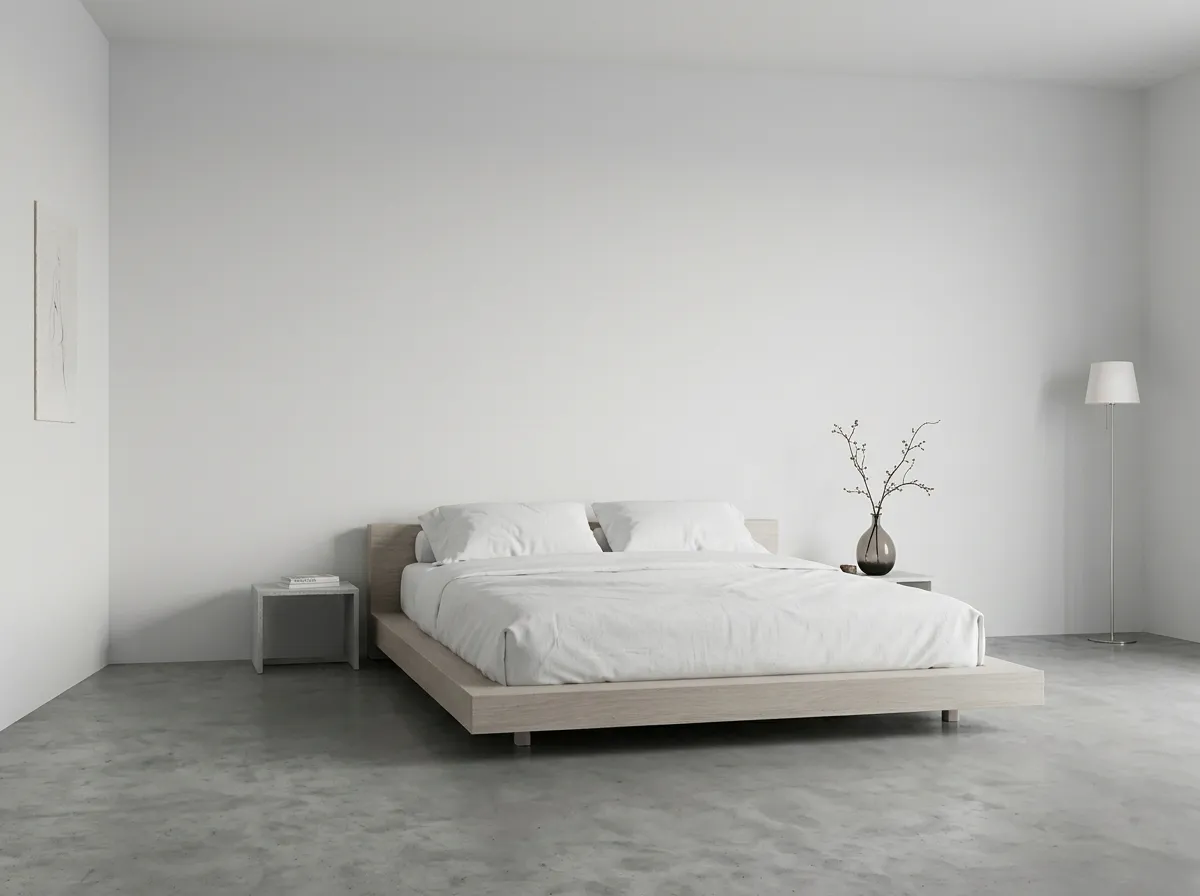
Simple furniture, restrained decoration.
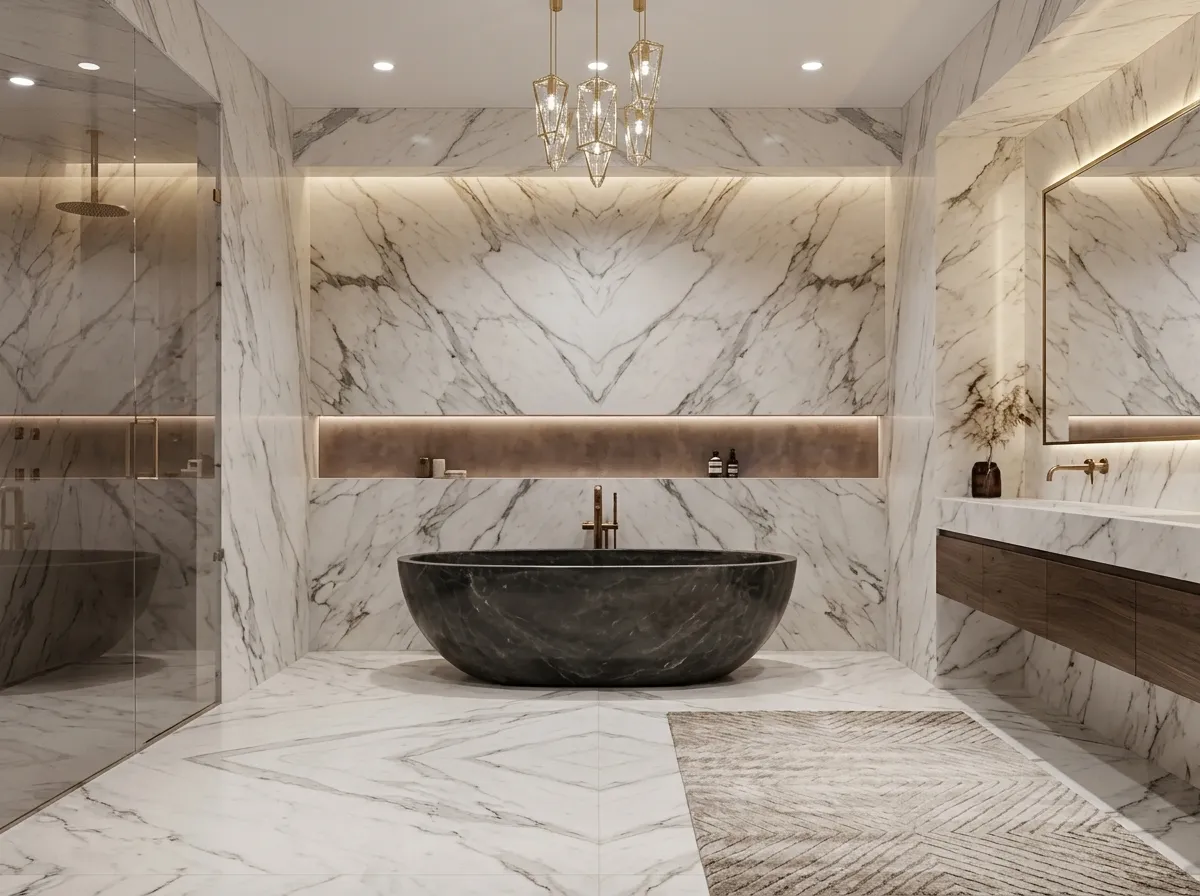
Stone, refined materials, premium feel.
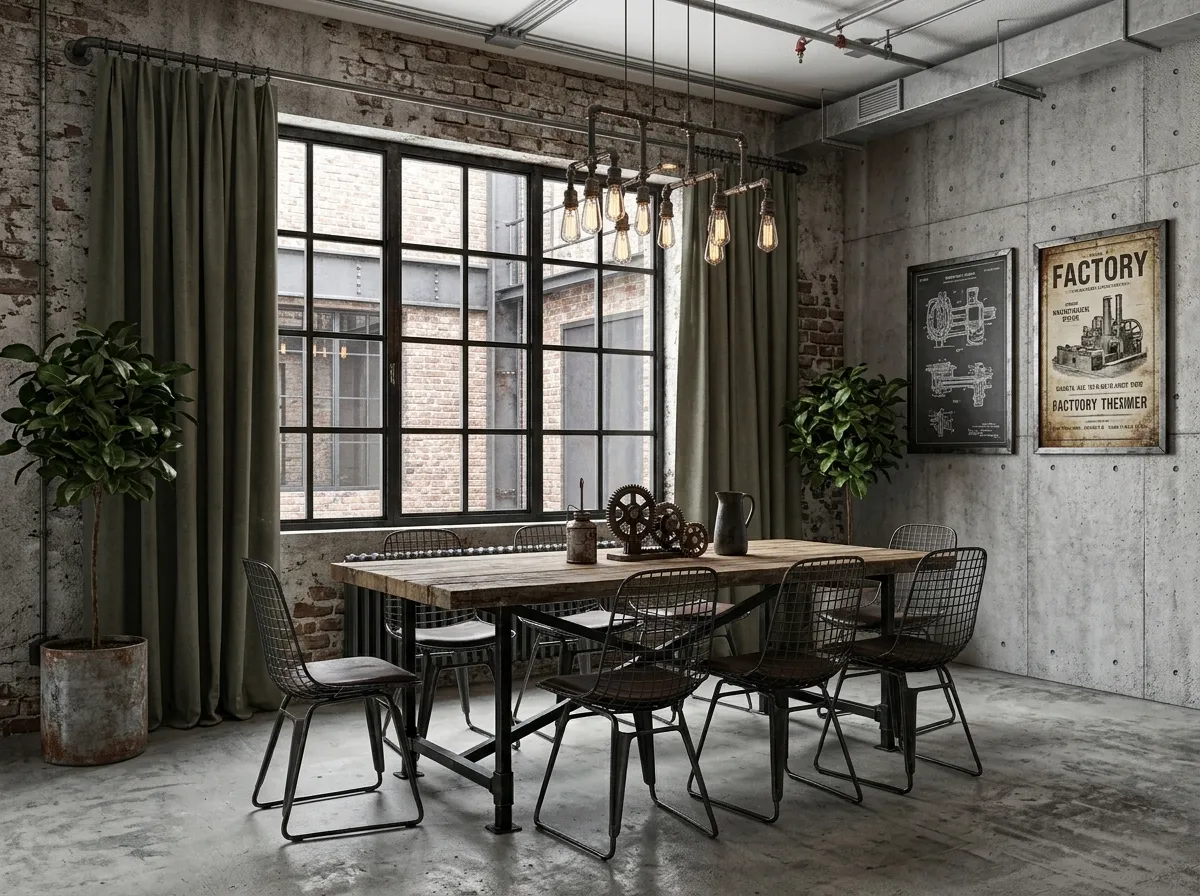
Concrete, metal, deep tones.
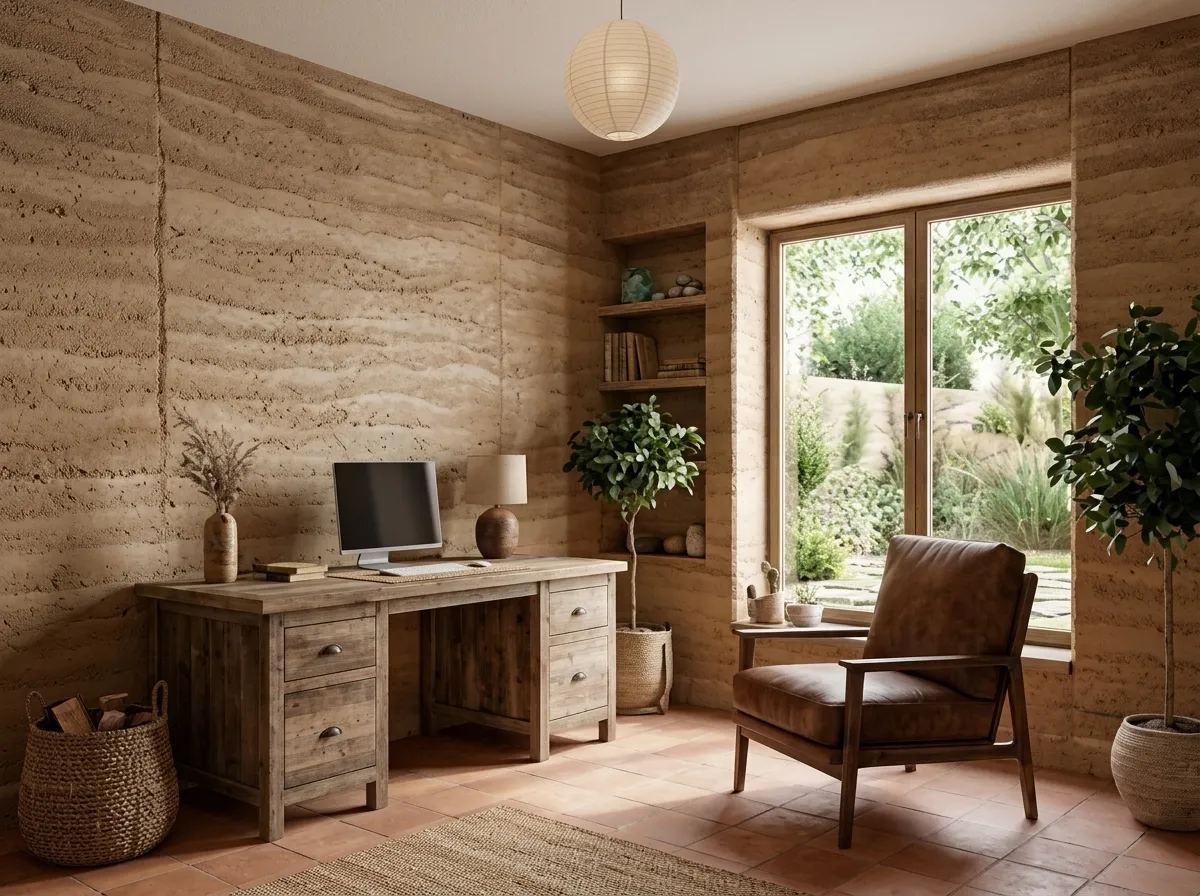
Earthy textures, warm atmosphere.
No modeling skills required. Upload your plan and let AI create a rendering for review.
Choose a PNG, JPG, or JPEG image up to 20 MB, such as a sketch, CAD export, or photograph of a plan. Your image provides the layout reference.
Pick Modern, Scandinavian, Minimalist, Luxury, Industrial, or Natural, then choose Top-down or Presentation View. Add optional instructions to guide the look.
Review the rendered image. Adjust the style and generate another version, download a PNG, or continue refining it in Floor Plan Editor.
Practical controls for turning a plan into a clear visual.
Modern, Scandinavian, Minimalist, Luxury, Industrial, and Natural.
PNG, JPG, and JPEG for both the floor plan and optional reference image.
Top-down for an overview or Presentation View for a presentation-oriented result.
Export a PNG for listings, presentations, and design review.
The rendering is intended for visualization and communication. AI results may vary; verify the layout and dimensions against the original plan before construction or furniture orders.
Upload a floor plan and explore a finished, presentation-ready style.