Restaurant floor planExample preview
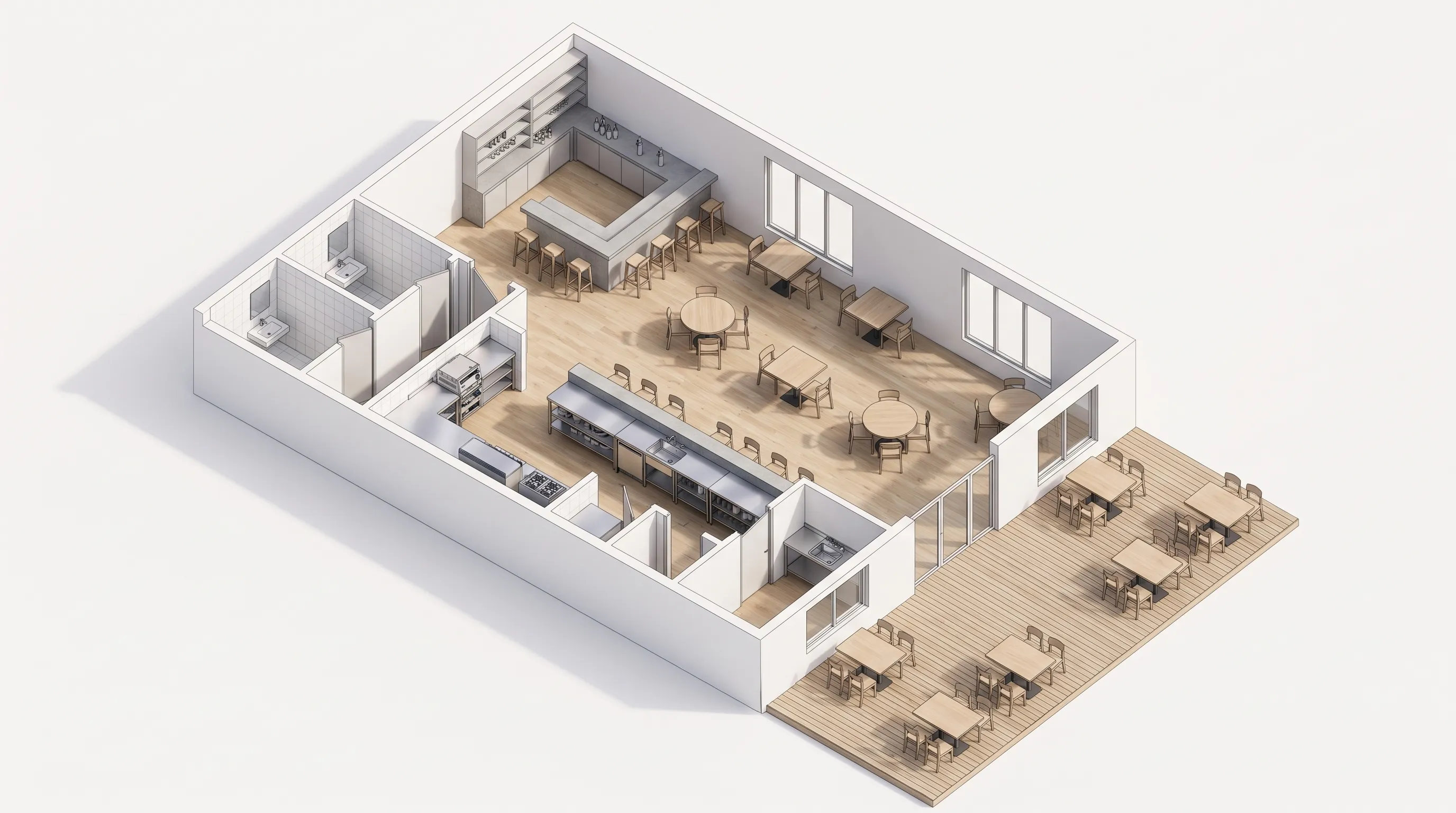
Illustrative casual dining floor plan with dining, kitchen, entrance, restrooms, a bar, and a waiting area.

Illustrative example. Generate a plan to see a result based on your settings.

  • Casual Dining
  • 1,200 ft²
  • 60 seats
  • Technical
  • Dining
  • Kitchen / BOH
  • Entrance
  • Restrooms
  • Bar
  • Waiting Area
RESTAURANT FLOOR PLAN

Restaurant Floor Plans Dining, Kitchen & Service Flow

Choose your restaurant type, zone the dining room and kitchen, and set the seating capacity before you commit to a lease. Fast food, casual dining, fine dining, café, buffet, or bar — each type loads its own core zones and a default seat count. Tune the seating as you go and share the restaurant floor plan as a PNG.
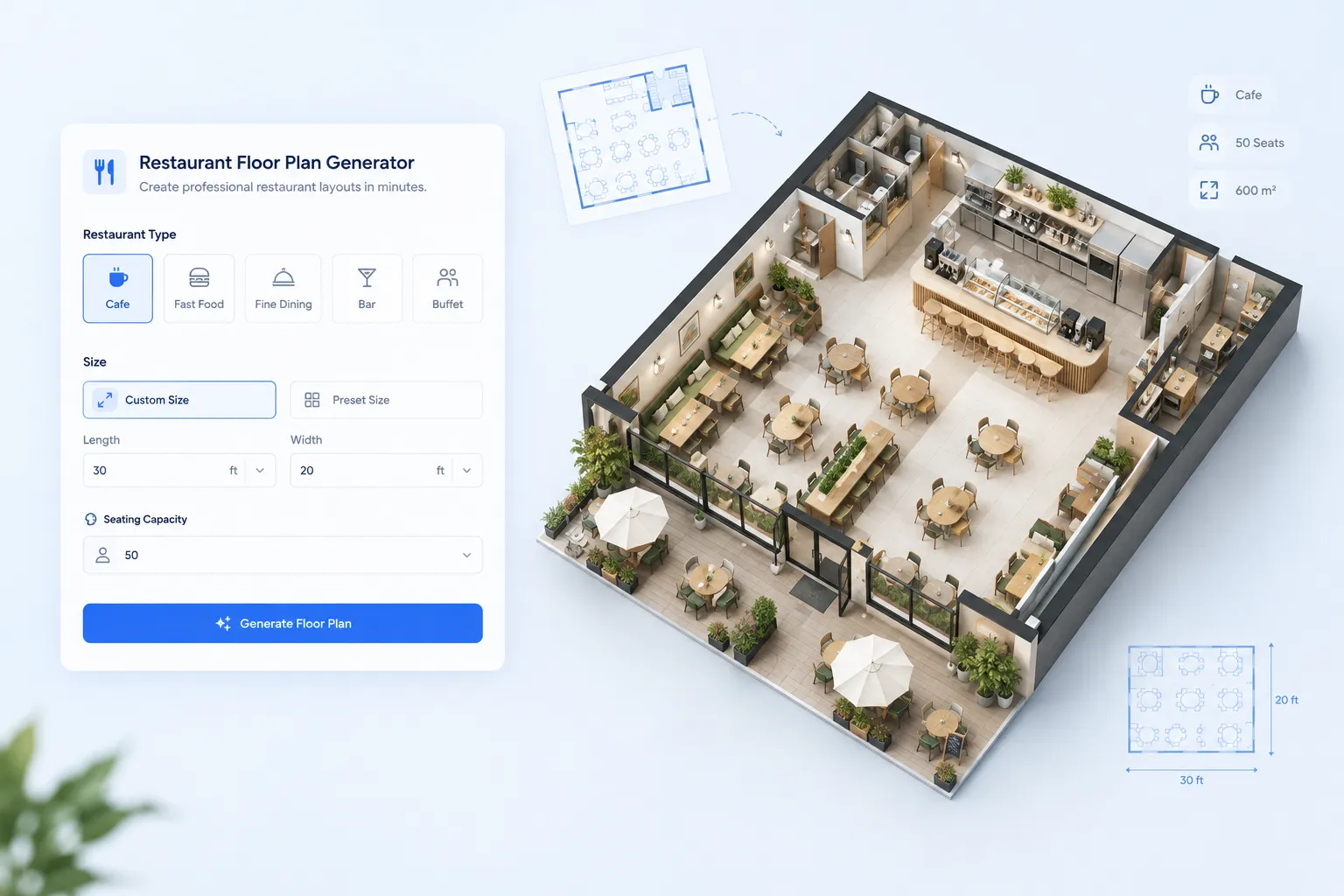
6 restaurant typesSeating capacityCore + optional zonesPNG download
RESTAURANT FLOOR PLAN: example floor plan
FEATURES

Restaurant floor plan features for lease-ready drafts

Zone the space first, tune the seating, and share a draft you can take to partners, landlords, and designers.
Zone the dining room and kitchen first
ZONE FIRST

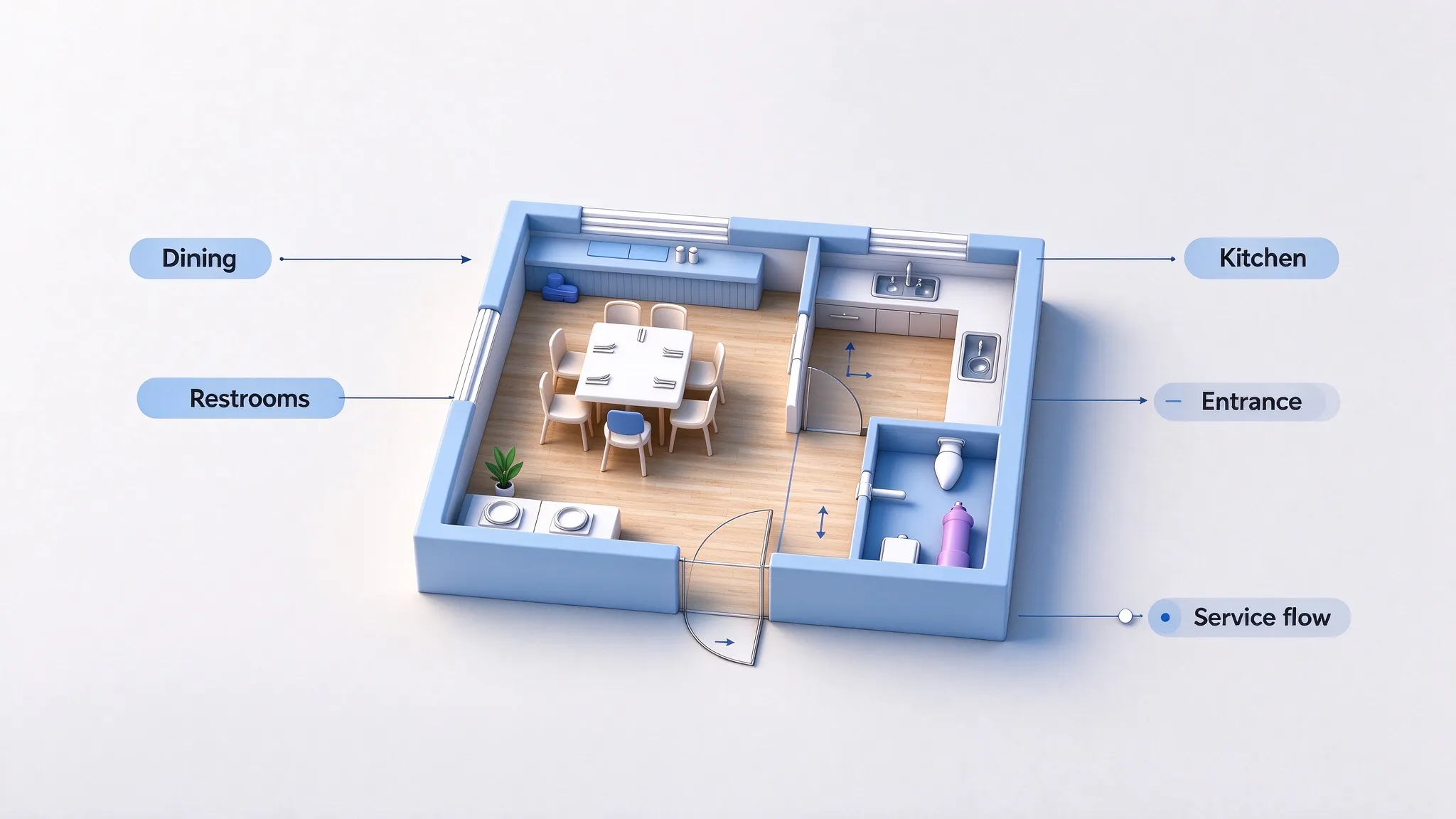
Zone the dining room and kitchen first

Core areas are always planned in the restaurant floor plan; optional areas follow the restaurant type. The draft shows where the service flow works and where it doesn't.
  • Core zones always on
  • Type-matched optional areas
  • Toggle what you need
  • Service flow included
Pick the service type that matches your concept
PICK A SERVICE TYPE

Pick the service type that matches your concept

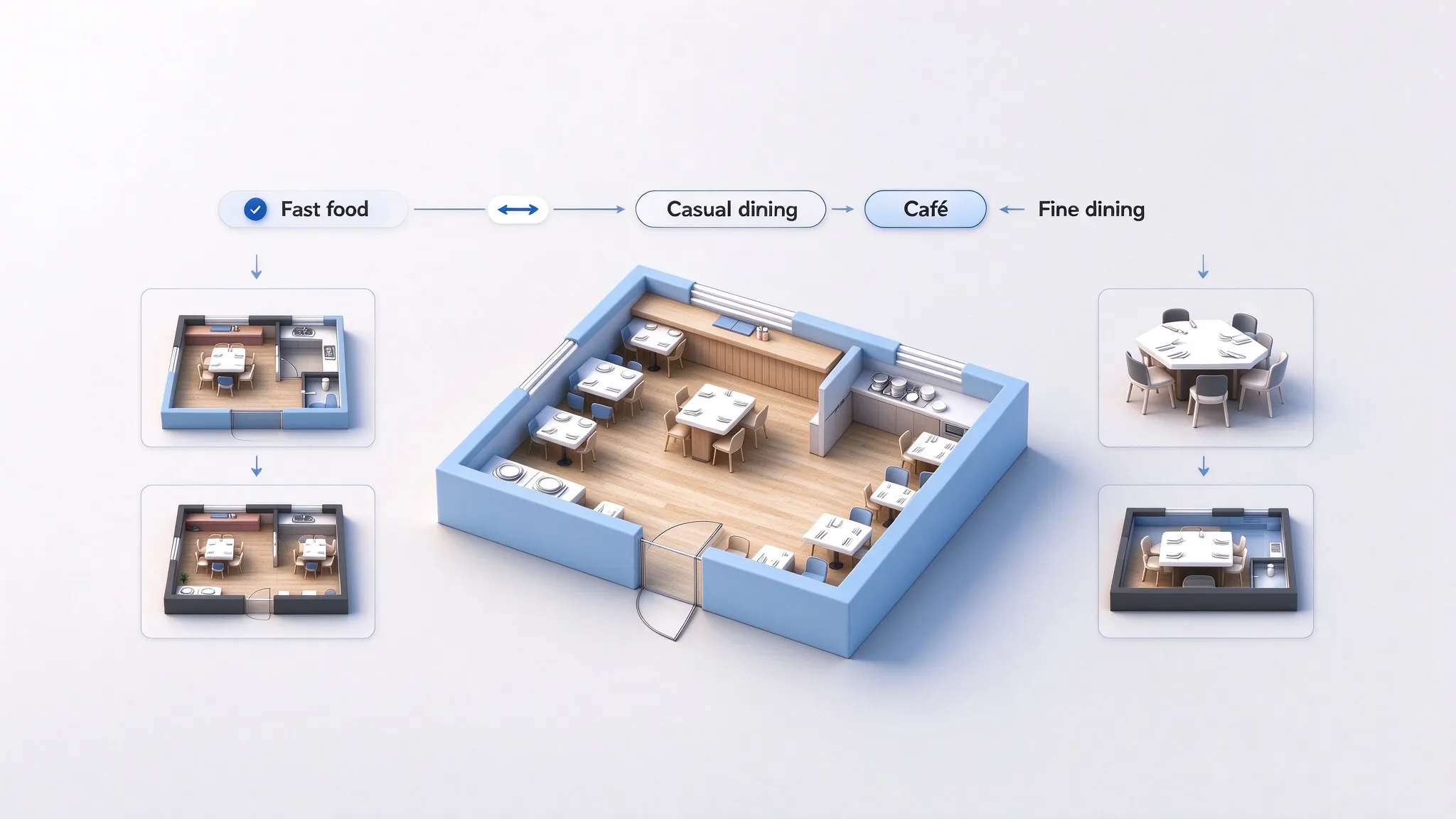
Fast food, fine dining, café, buffet, or bar. Each type brings its own areas and a default seating capacity.
  • 6 restaurant types
  • Type-matched areas
  • Default seating per type
  • Switch types freely
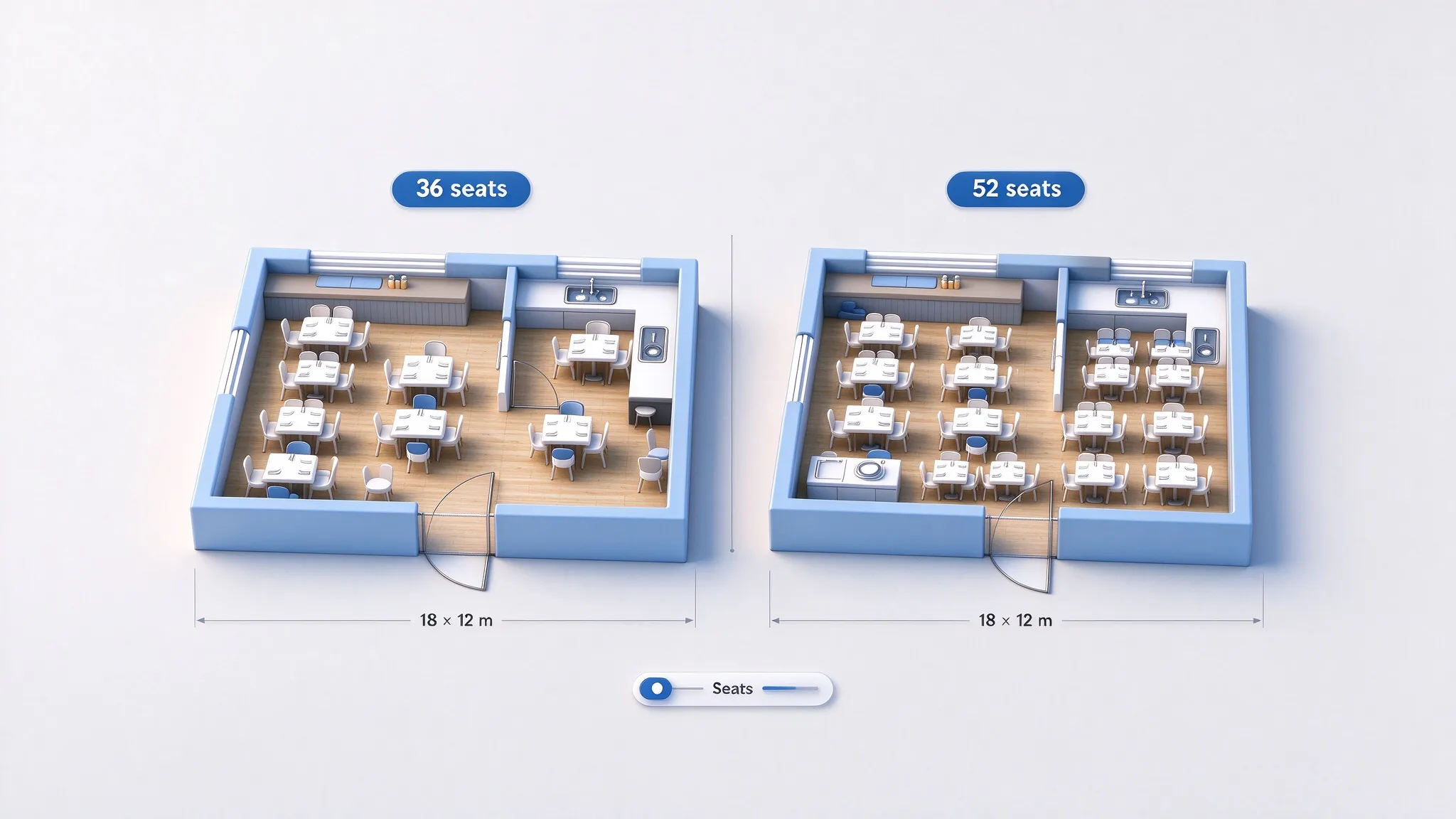
Tune the seating capacity as the plan evolves
TUNE THE SEATING

Tune the seating capacity as the plan evolves

Set the seat count with a stepper and adjust it while you zone. The AI keeps the dining area in proportion to the rest of the plan.
  • Seat stepper
  • Type-based defaults
  • Adjust at any time
  • Fits the dining zone
Share the draft before you commit
SHARE THE DRAFT

Share the draft before you commit

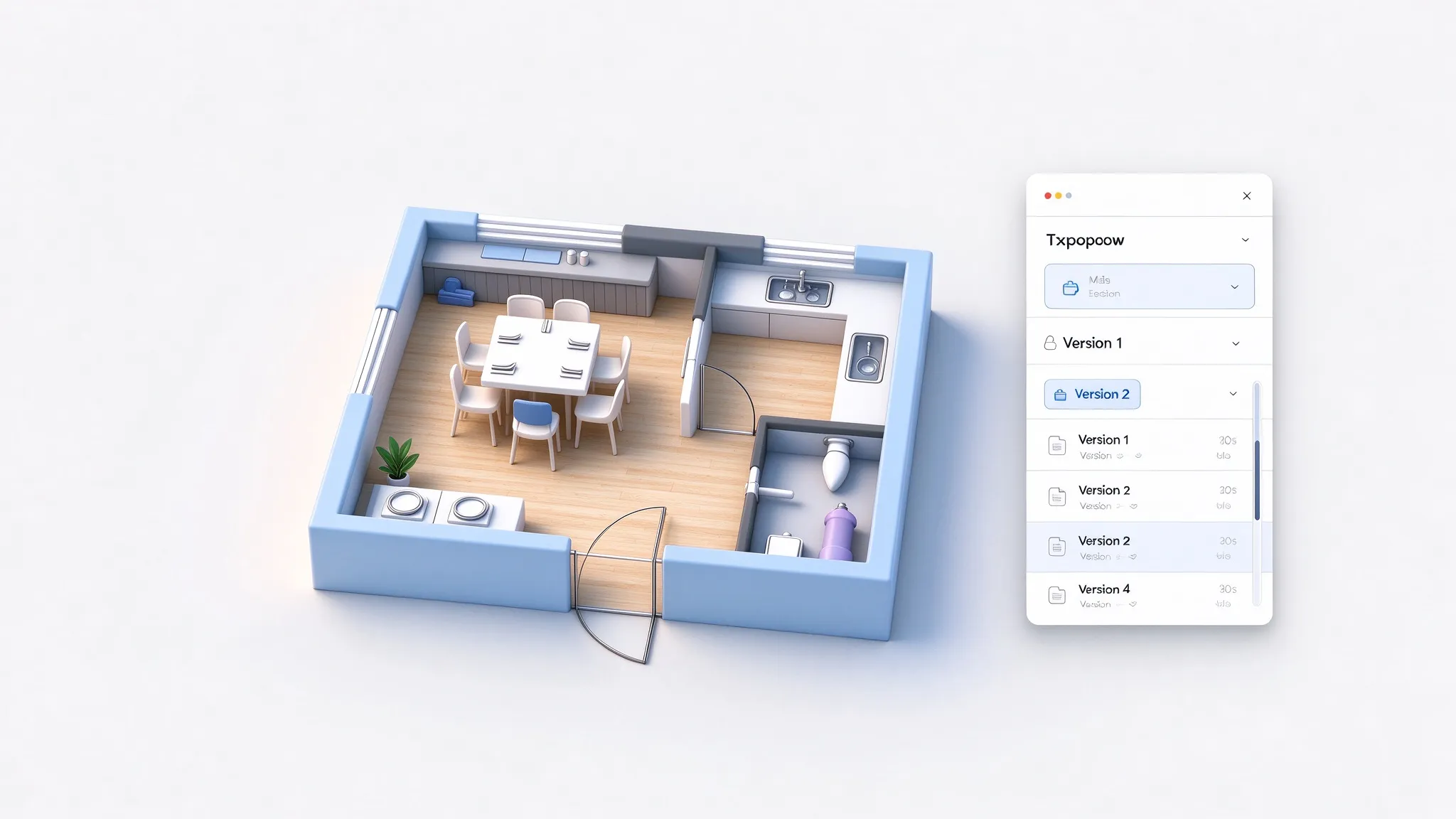
Download the plan as PNG for partners and landlords, or continue in the Floor Plan Editor to refine the layout.

  • High-resolution PNG
  • Share with partners
  • Continue in the editor
  • Compare in history
HOW TO

How to plan a restaurant layout

Three steps from a concept to a draft you can negotiate with.

01

Pick the restaurant type

Choose fast food, fine dining, café, buffet, or bar.

02

Set size and seating

Enter the space size in meters or feet and tune the seat count.

03

Generate and refine

Download the PNG, or open the result in the editor.

EXAMPLES

Restaurant floor plan examples

Common service types, zoned from their usual area sets.
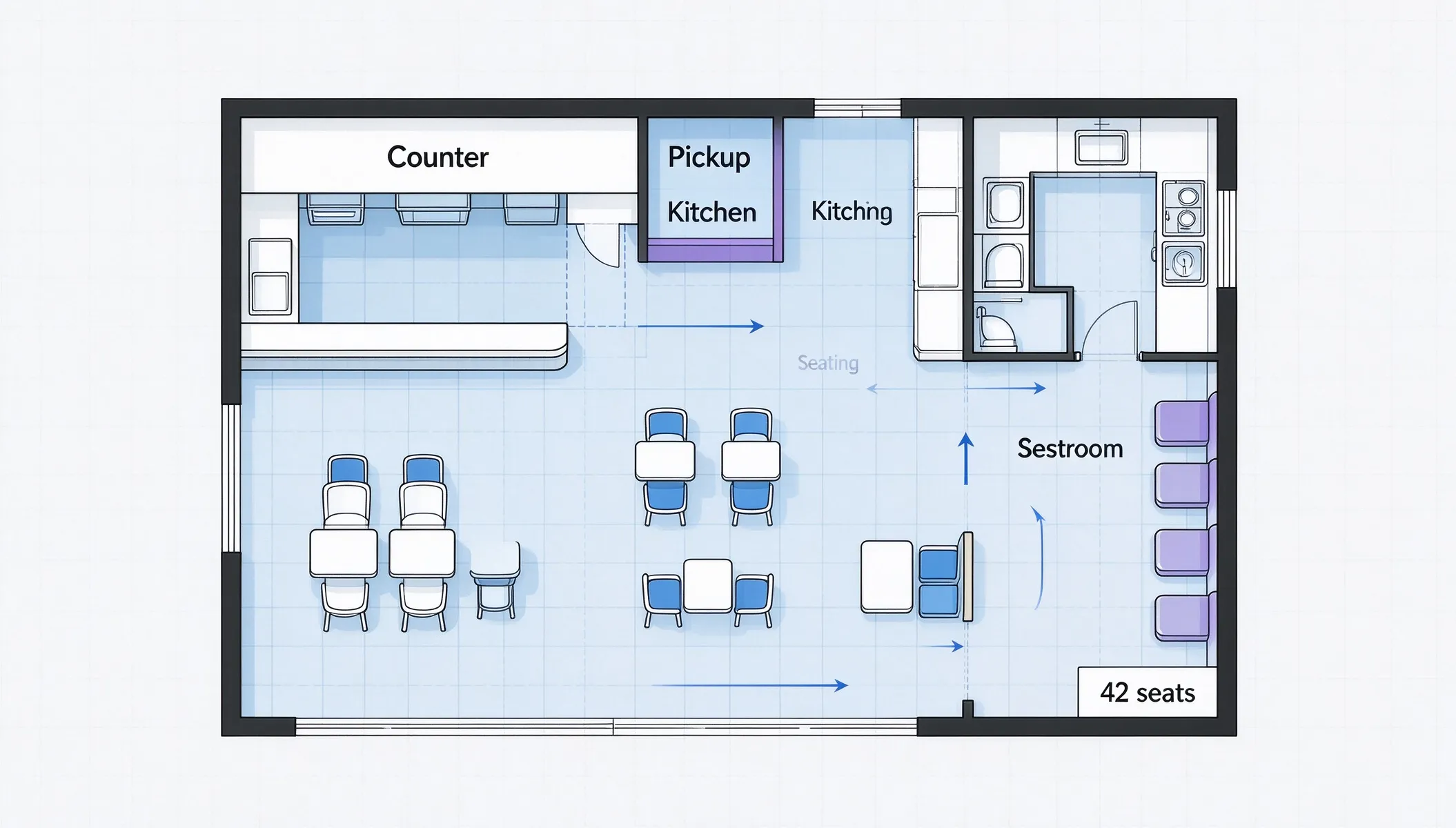
Fast food

Fast food

Counter, kitchen line, and compact seating
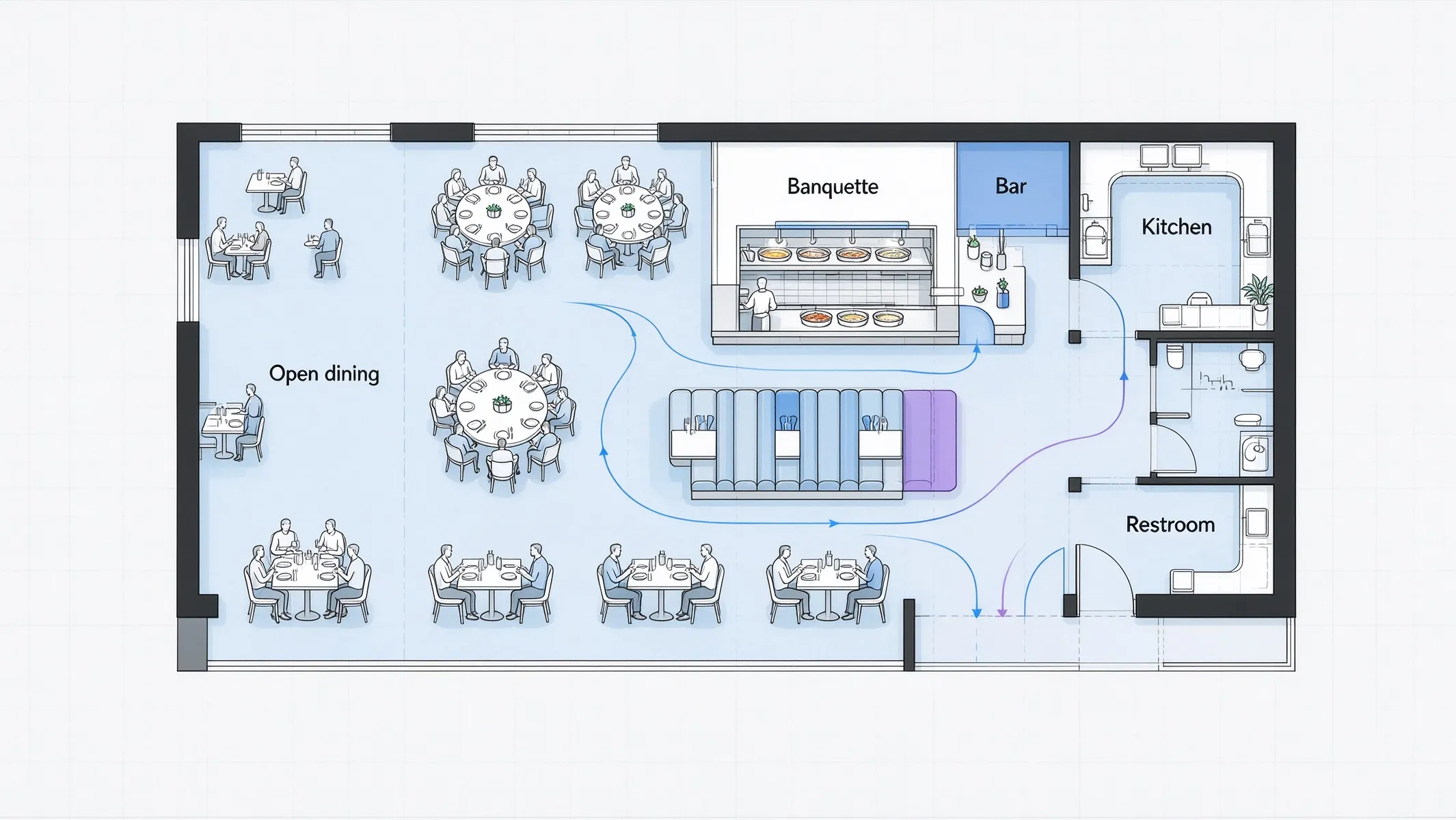
Casual dining

Casual dining

Open dining room with a visible kitchen pass
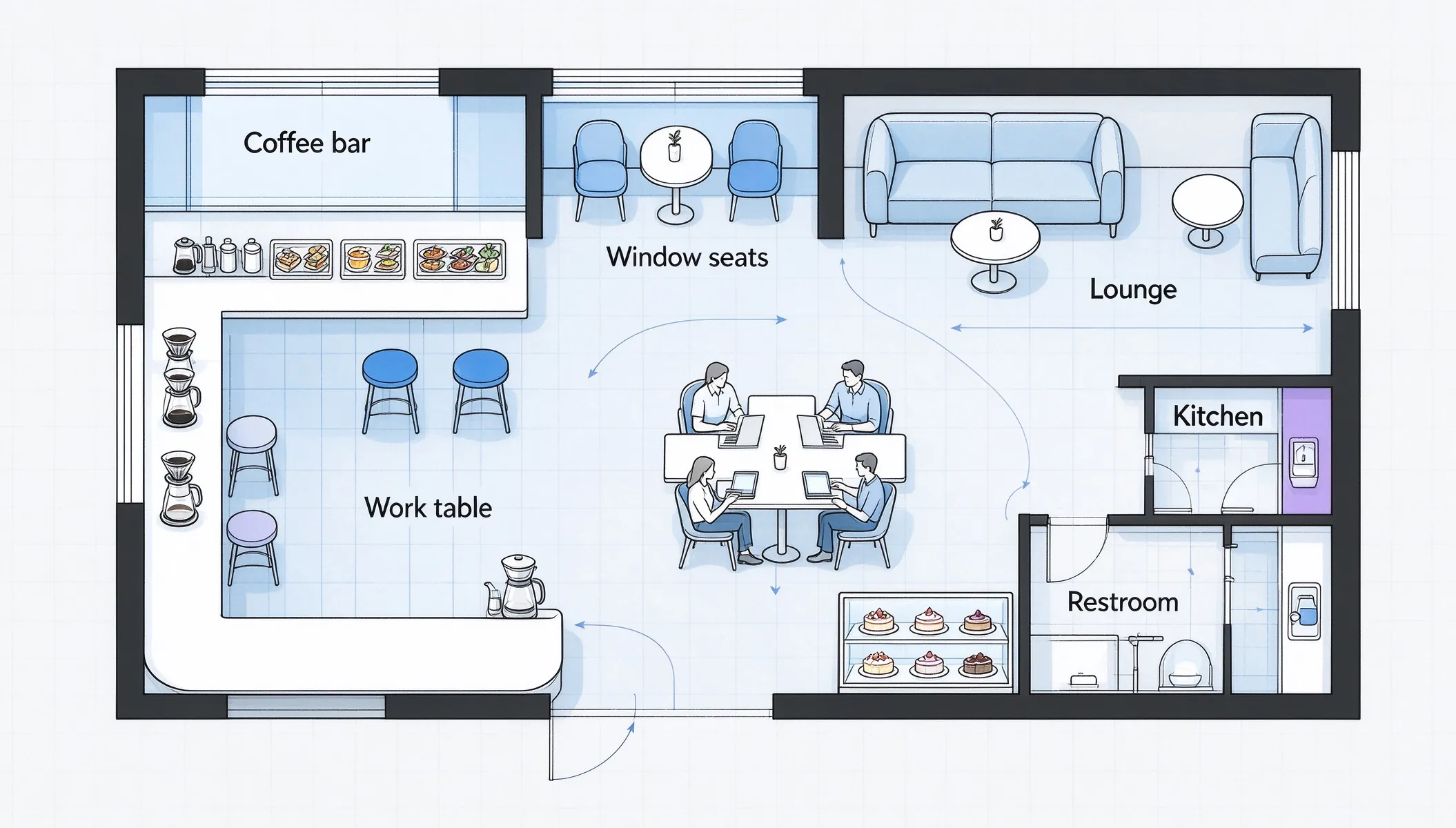
Café

Café

Counter service, window seating, and a work corner
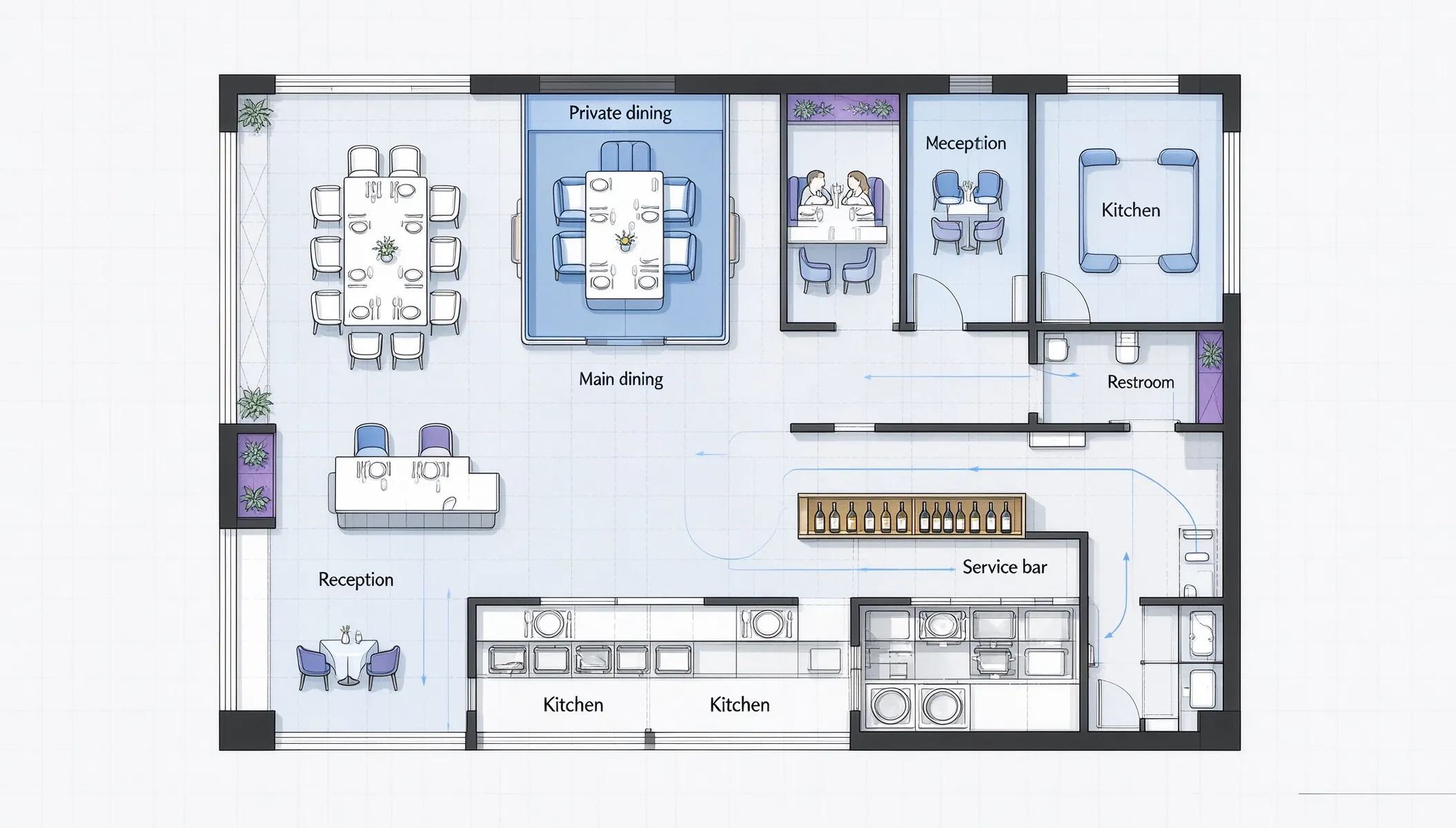
Fine dining

Fine dining

Spaced tables, private corner, and full BOH

USE CASES

When a restaurant floor plan helps

Any time the layout decides whether the concept works.
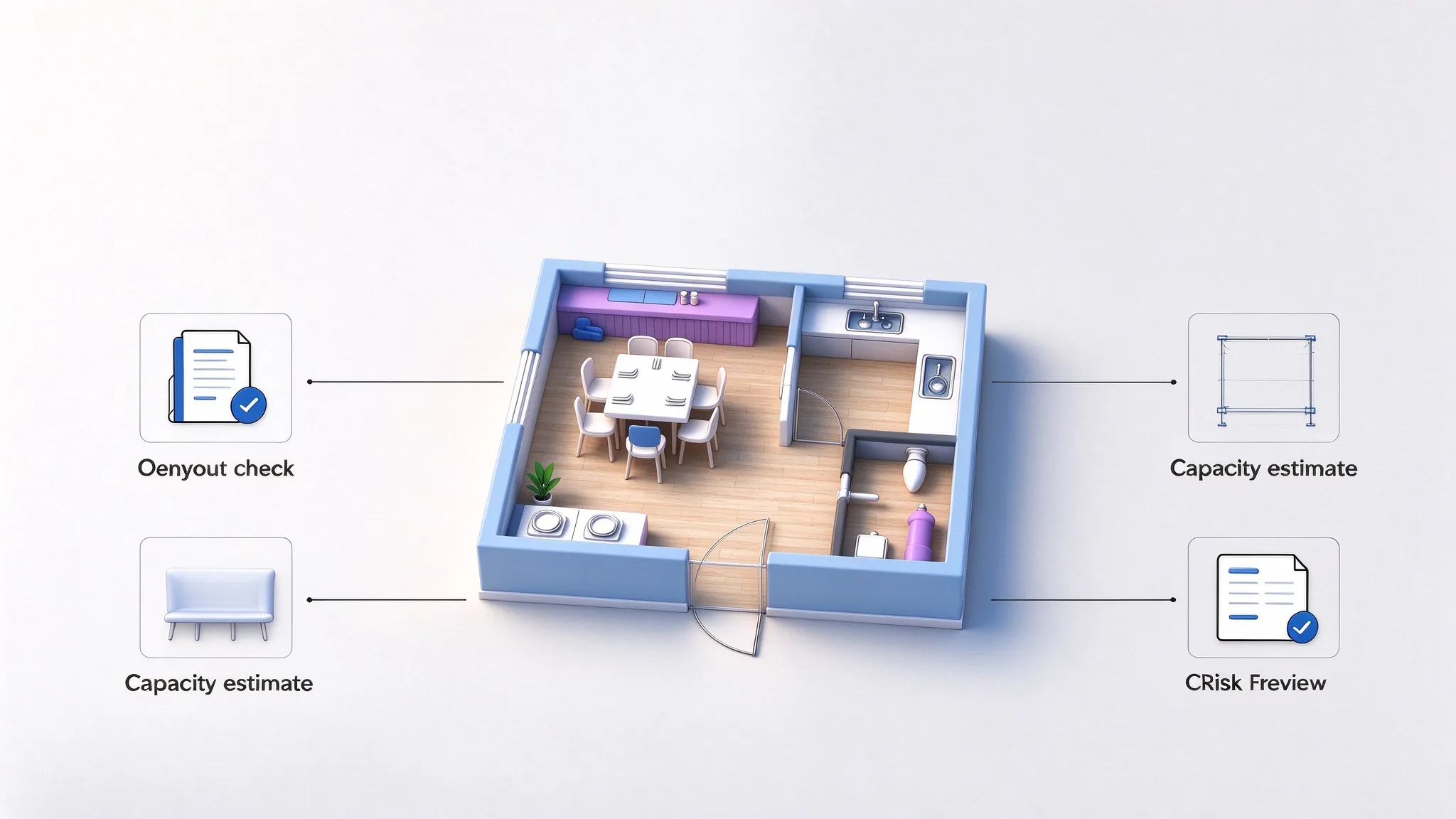
New restaurant owners

New restaurant owners

Test the concept layout before signing a lease.
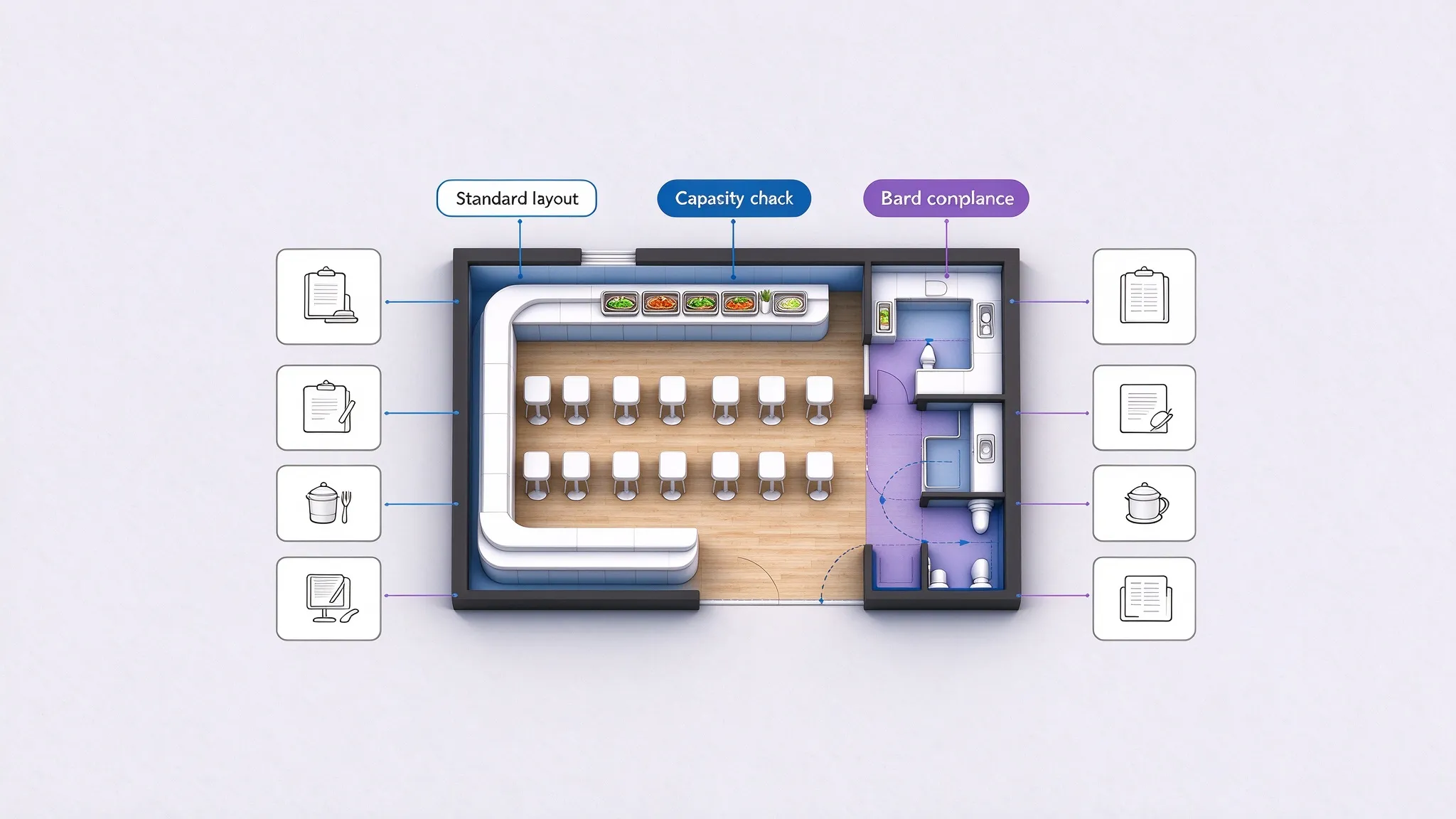
Franchise operators

Franchise operators

Check that a unit can hold the standard seating.
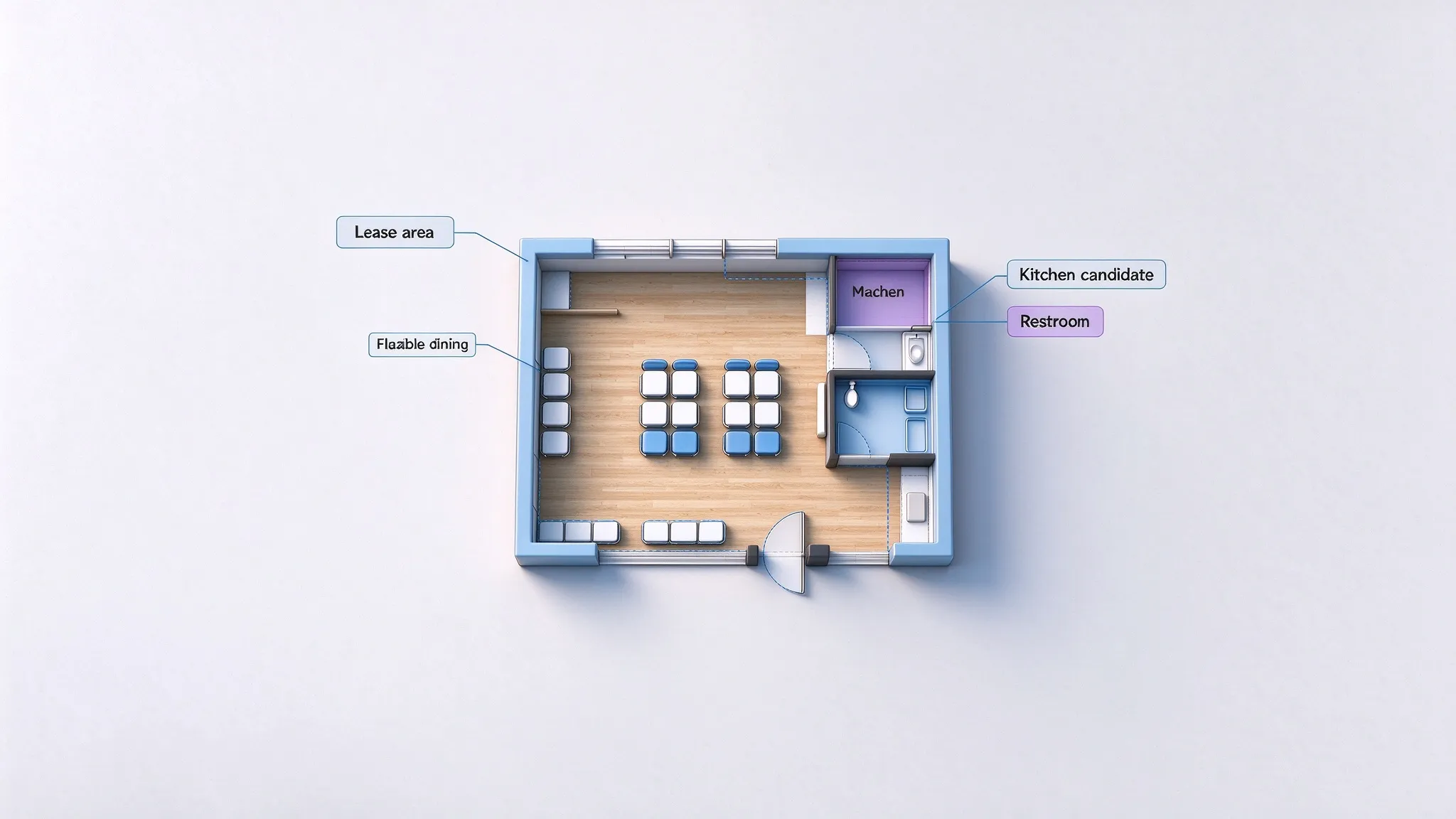
Landlords and leasing

Landlords and leasing

Show tenants how the space can be zoned.
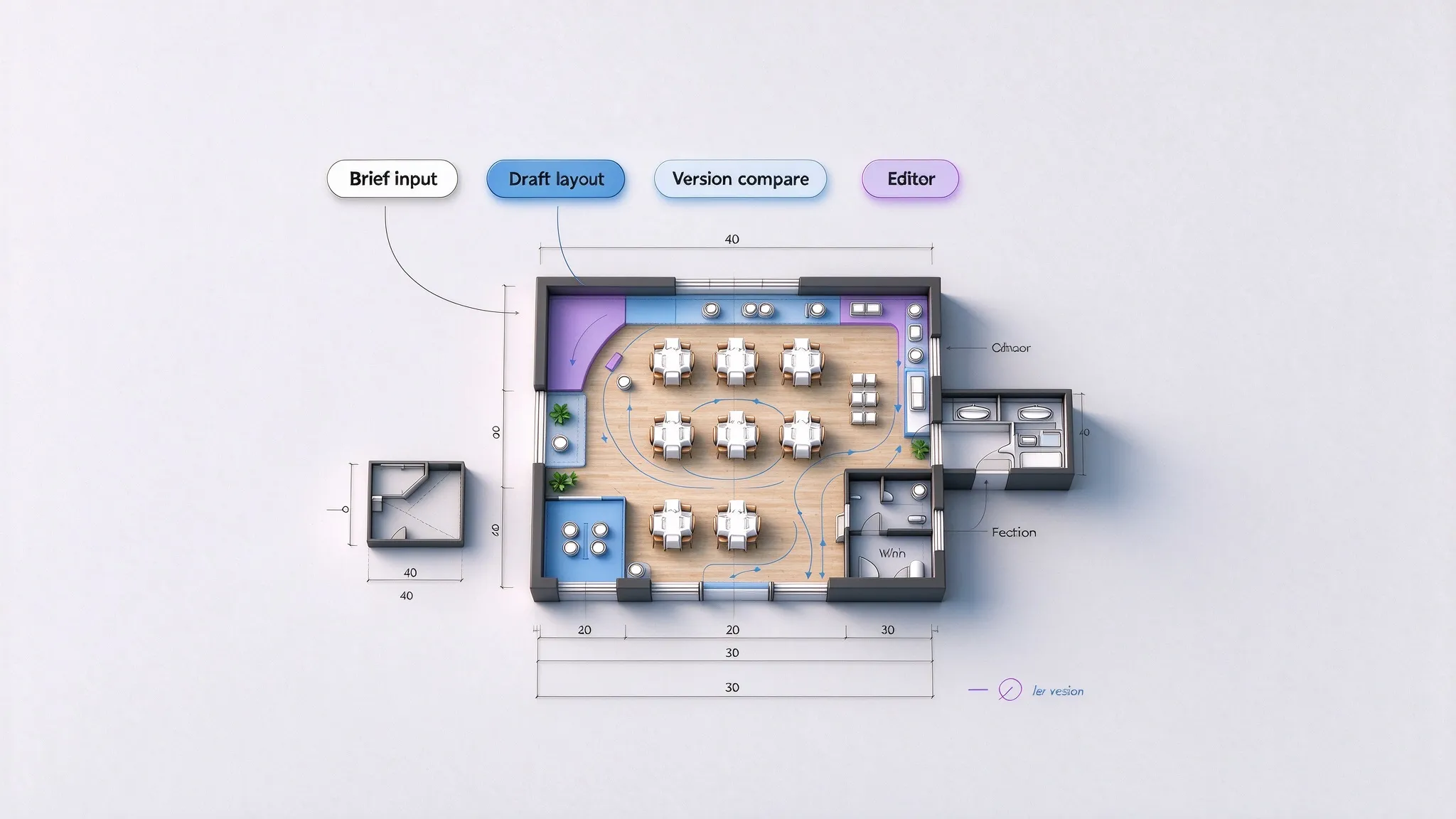
Restaurant designers

Restaurant designers

Turn a brief into a first-pass zoning draft.

WHY THIS WORKFLOW

Everything a restaurant floor plan should get right

The details that decide whether the service flow works.

6

restaurant types

Each with its own core and optional zones.

120

seats planned

Buffet-scale dining zones when the space allows.

2

measurement units

Work in meters or feet and switch at any time.

1

next step

Continue to the editor when the layout needs changes.

The draft is intended for planning and negotiation. Always verify dimensions, capacity limits, and local codes before signing or building.

NEXT STEP

Take the draft further

Refine the result or switch to a workflow built for a different space.

FAQ

Restaurant floor plan questions

Answers about types, seating, and zoning.

Fast food, casual dining, fine dining, café, buffet, and bar & lounge. Each type loads its own core and optional areas.
Each type starts from a default — 40 for fast food, 60 for casual dining, 120 for a buffet — and you adjust with the stepper as the zoning evolves.
Yes. Dining, kitchen, and restrooms are planned as core zones; optional areas like a bar or private dining follow the restaurant type and can be toggled on or off.
Yes — that is the main use. Generate the zoning draft, tune the seating capacity, and share the PNG with partners and landlords before you commit.
Treat the draft as a planning tool. Confirm measurements, capacity limits, egress, and local codes on site before you sign or build.
Yes. Open the result in the Floor Plan Editor to move walls, resize areas, and adjust doors and windows.

Have a space in mind?

Pick the restaurant type, tune the seating, and see the zoning draft in seconds. Share the PNG with partners and landlords before you commit.