Floor Plan MakerExample preview
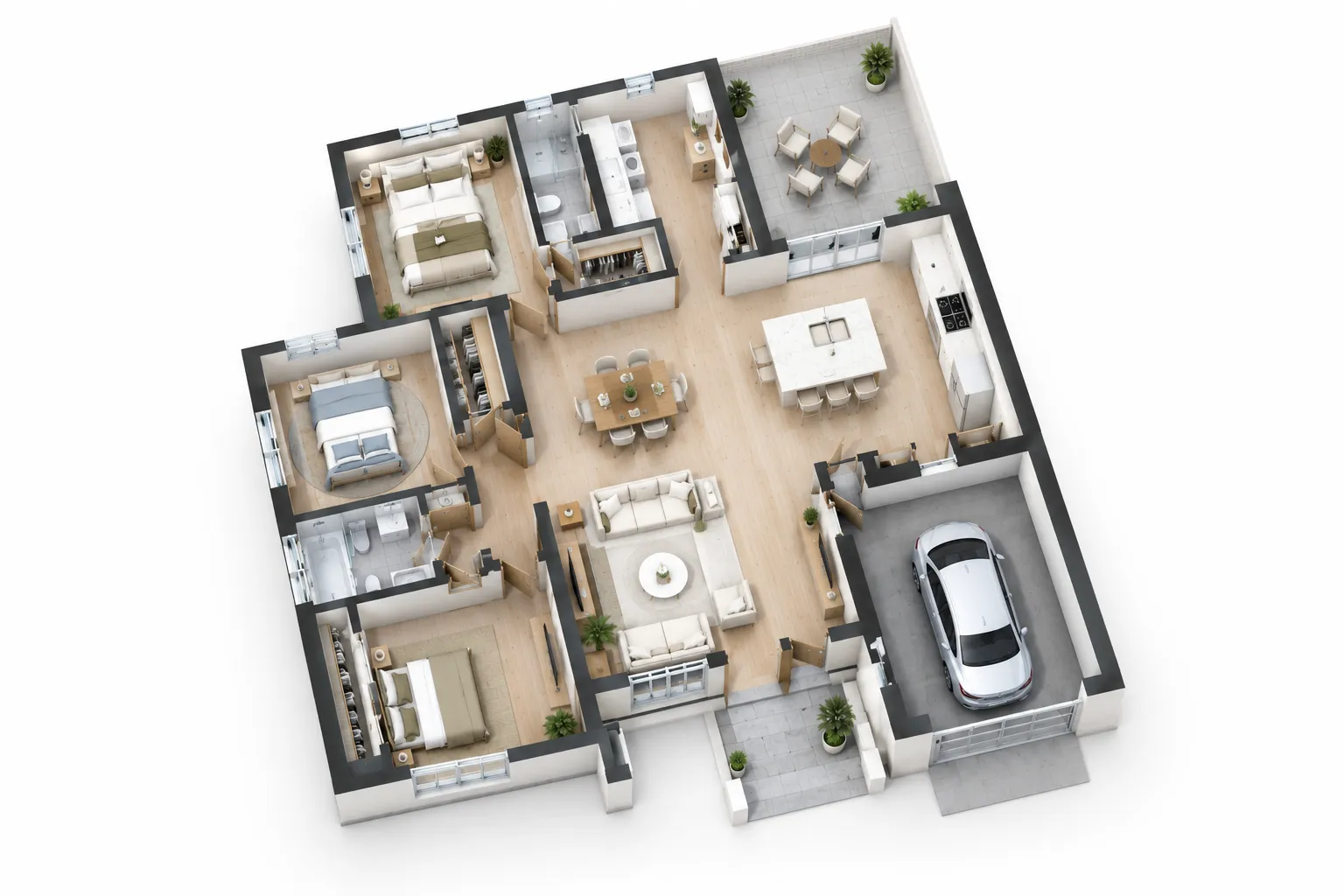
Example only. Describe your own space and generate a plan to download or continue editing.
- 1,200 ft²
- Technical
Example only. Describe your own space and generate a plan to download or continue editing.
Describe the rooms you need and the AI floor plan maker draws a clean plan in seconds. Set exact dimensions in meters or feet, preview ten output styles, and download the finished plan as a high-resolution PNG. No drawing skills, no long forms — make a floor plan online from a written brief.
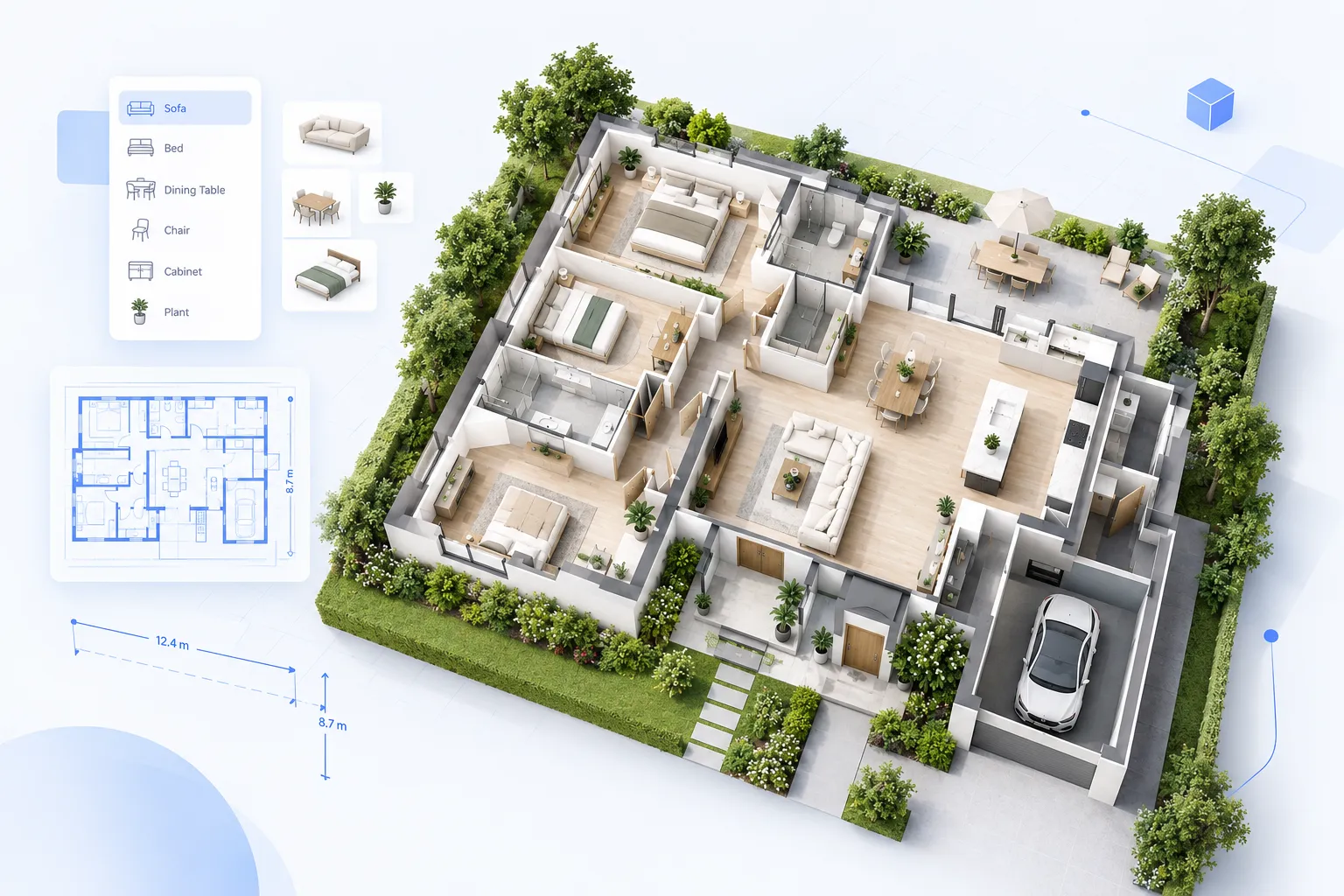
Describe the space in plain language and the floor plan maker returns a layout in seconds. The form stays short and the effort goes into the result.
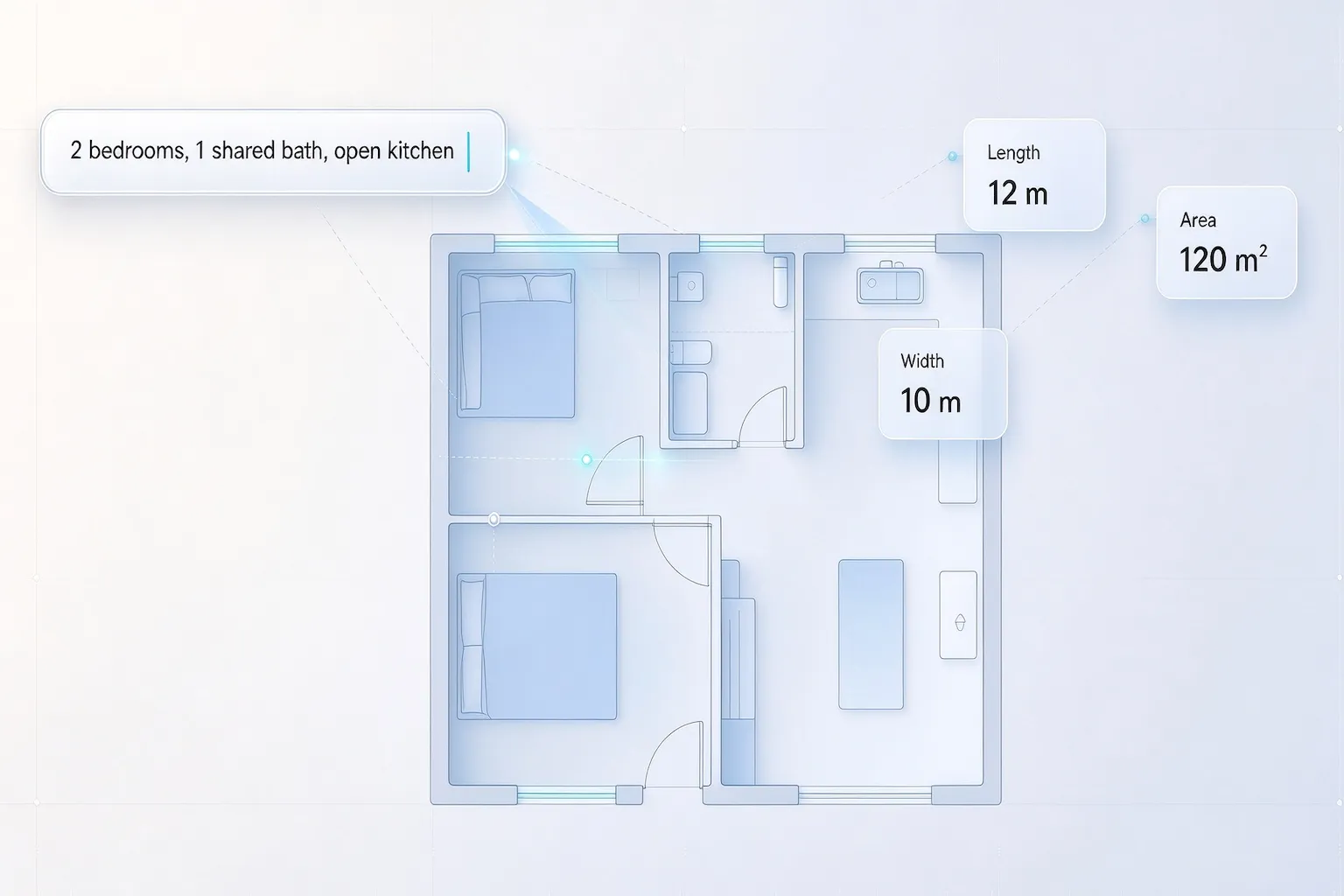
Type the rooms, counts, and how they should connect. The floor plan maker turns the brief into a layout without a long questionnaire.
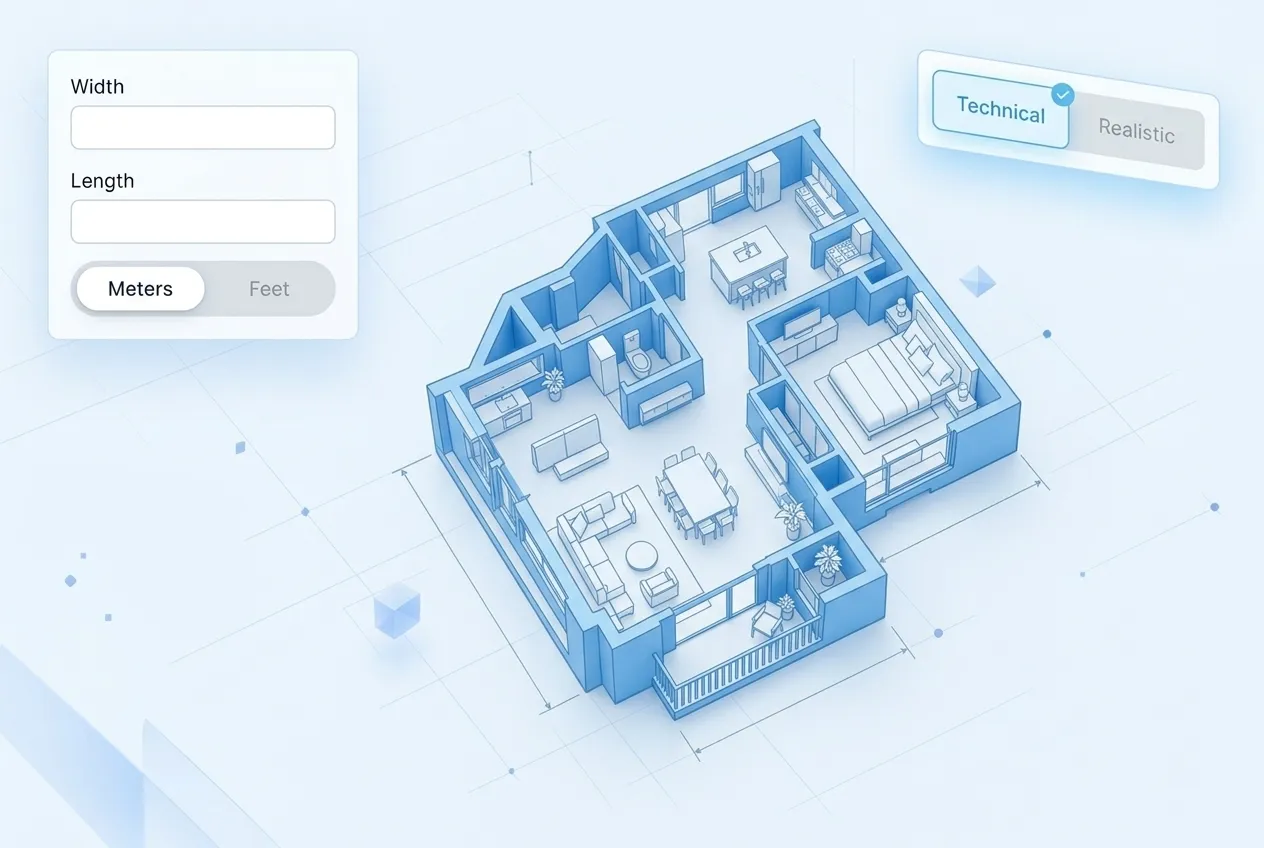
Enter length and width in meters or feet, or switch to gross area. Use these measurements to guide the proportions of your first draft.
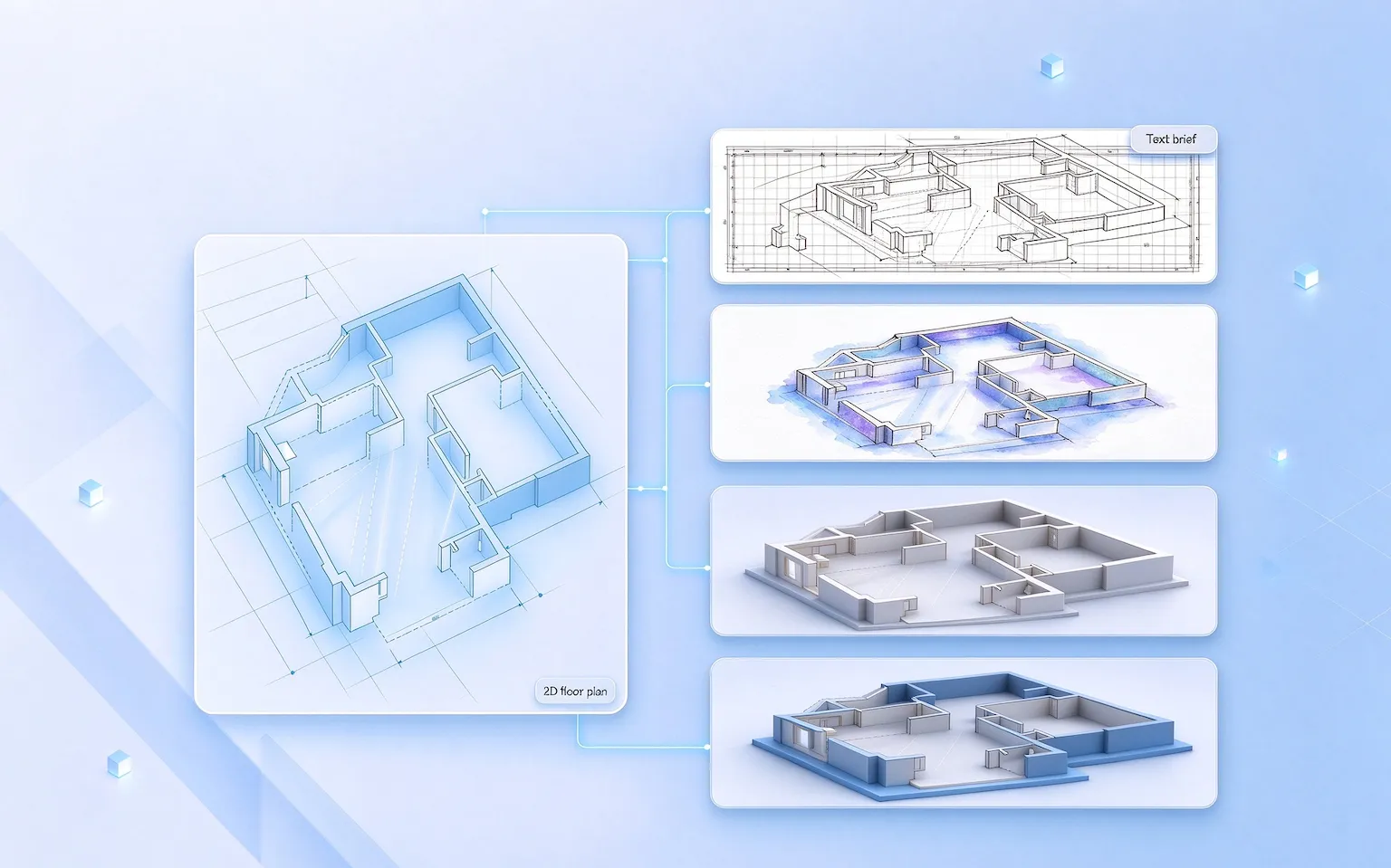
Ten styles cover technical drawings and presentation-ready looks, from blueprint lines to watercolor and 3D isometric. Preview the style before you generate.
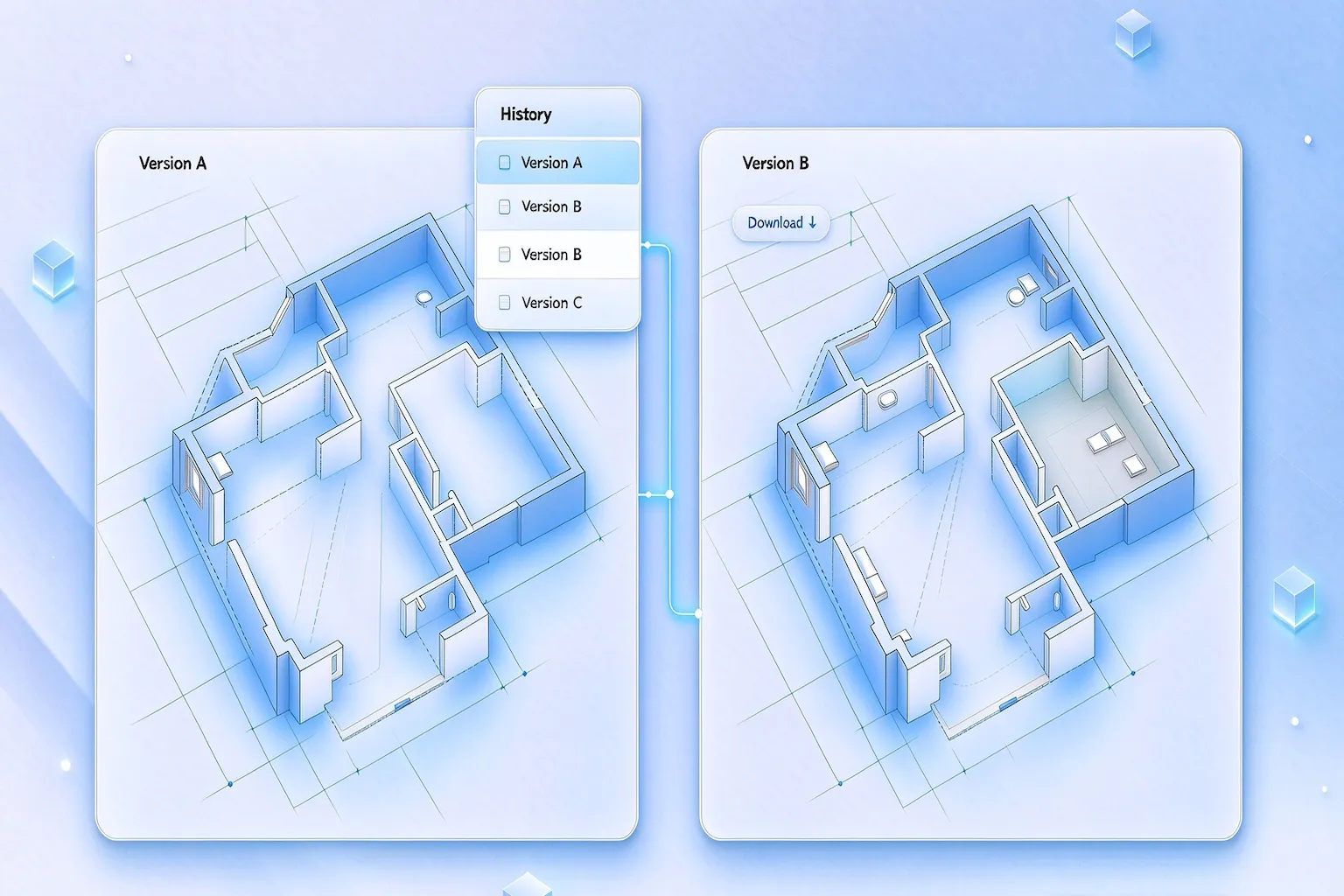
Compare generations in history, download the PNG, or open the result in the Floor Plan Editor for focused changes.
Three steps from a written brief to a downloadable plan.
Type the rooms, counts, and flow, or start from an example brief.
Enter length and width in meters or feet, or choose gross area.
Download the PNG, or open the result in the editor to refine it.
Every example starts as a written brief in the workspace.
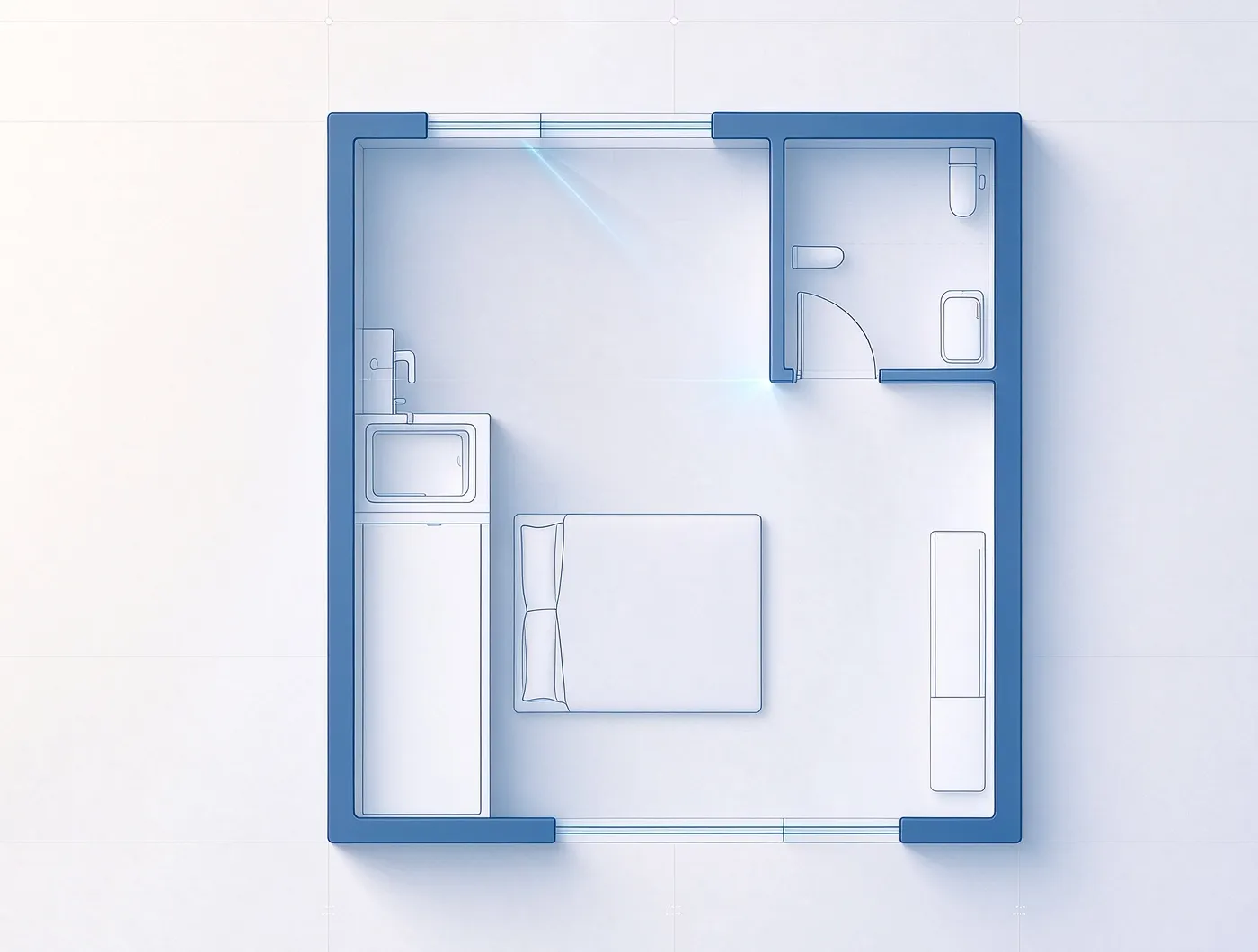
One living-sleeping zone plus kitchenette and bath
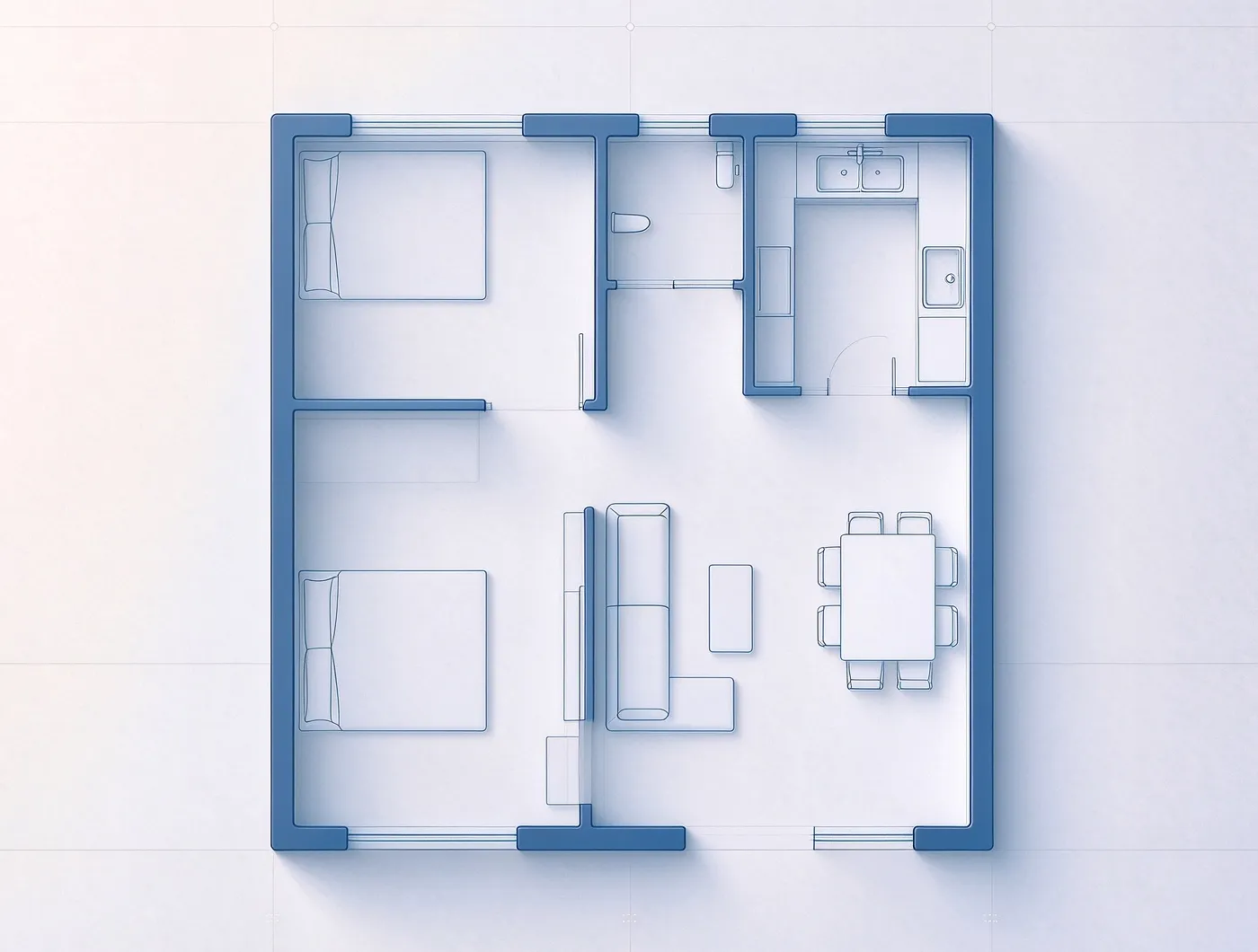
Two bedrooms, shared bath, L-shaped living area
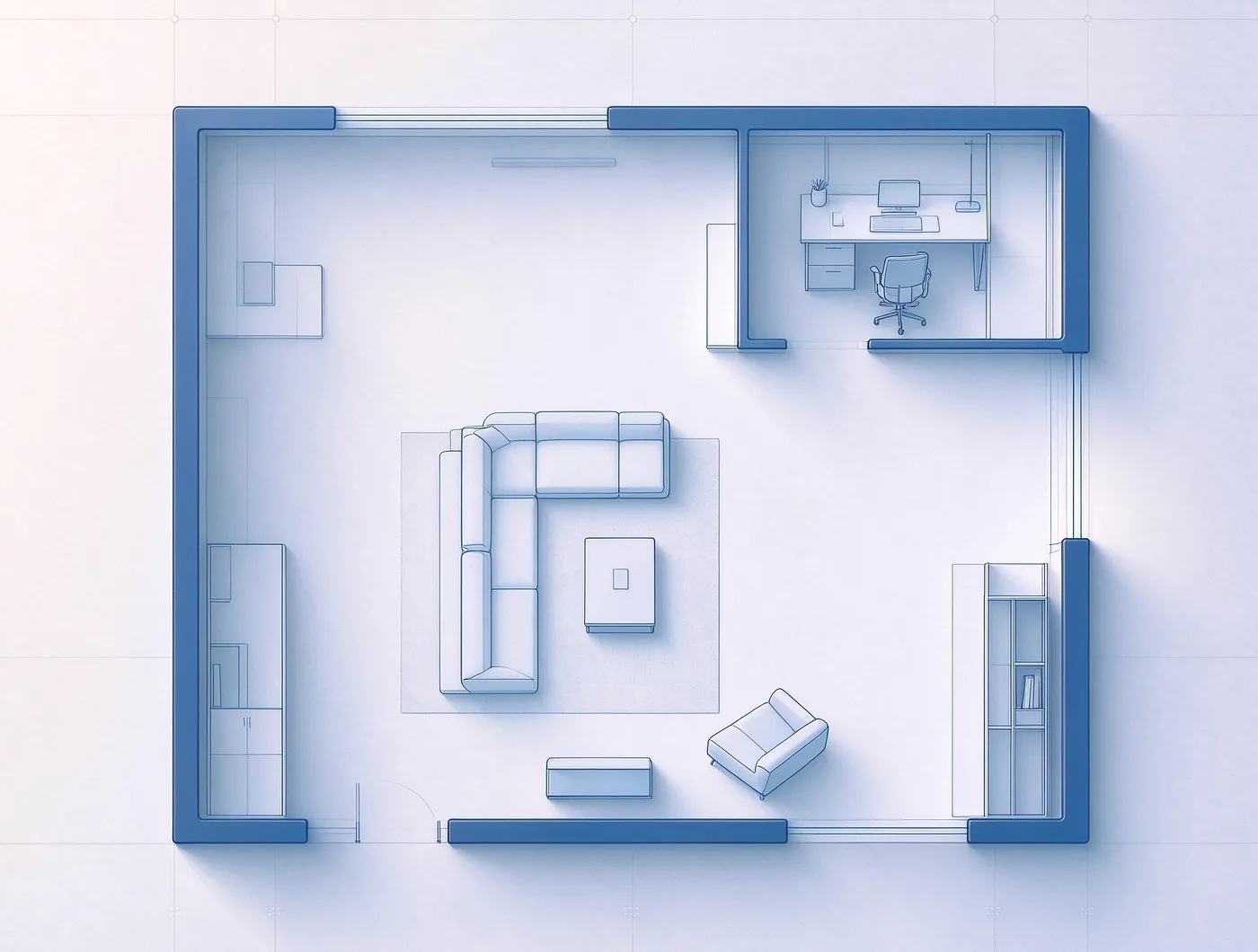
One bedroom, a workspace alcove, and a wide open living area
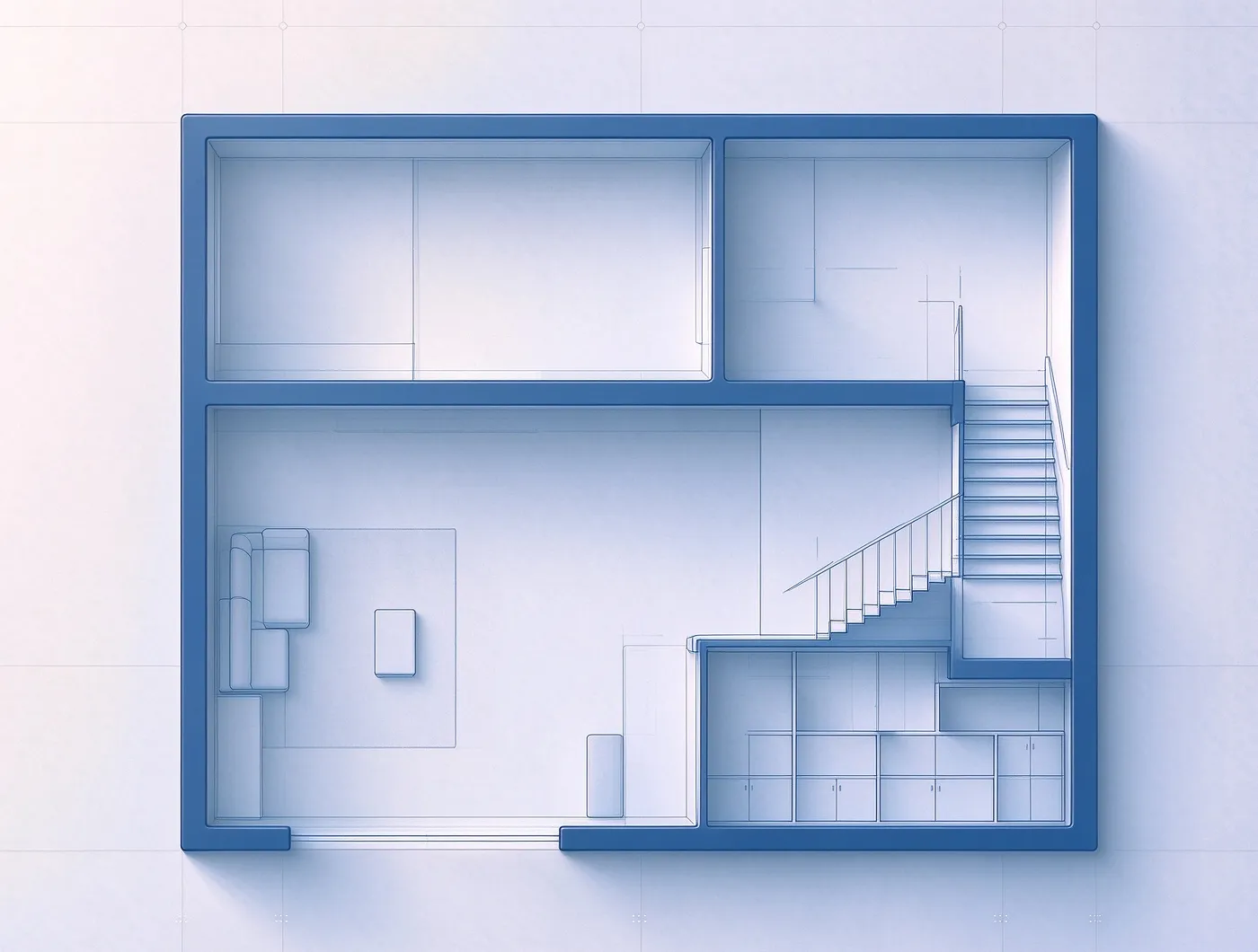
Staircase on the right wall with storage underneath the steps
Any time you have a space in mind but no drawing yet.
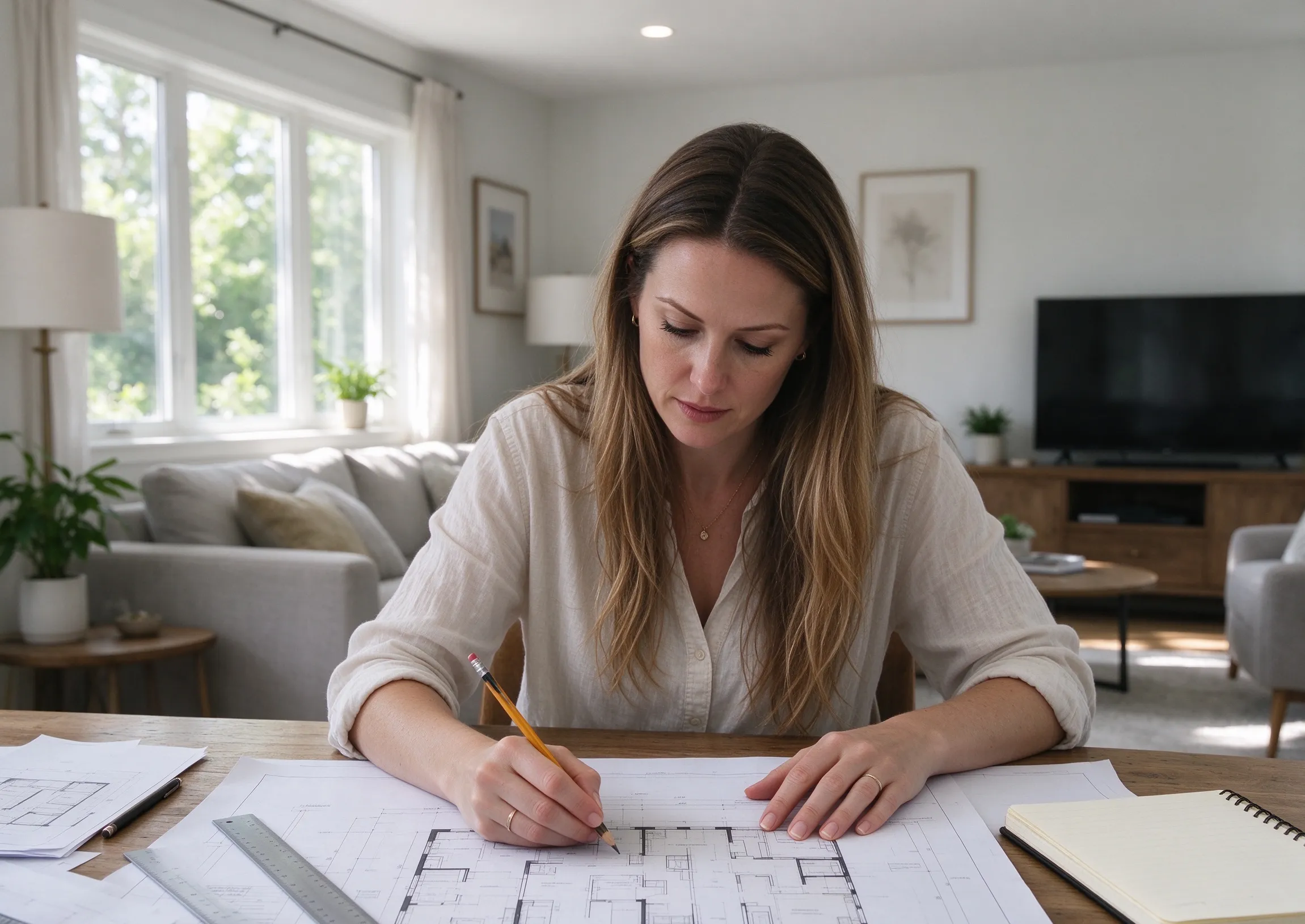
Sketch a renovation before talking to a contractor.
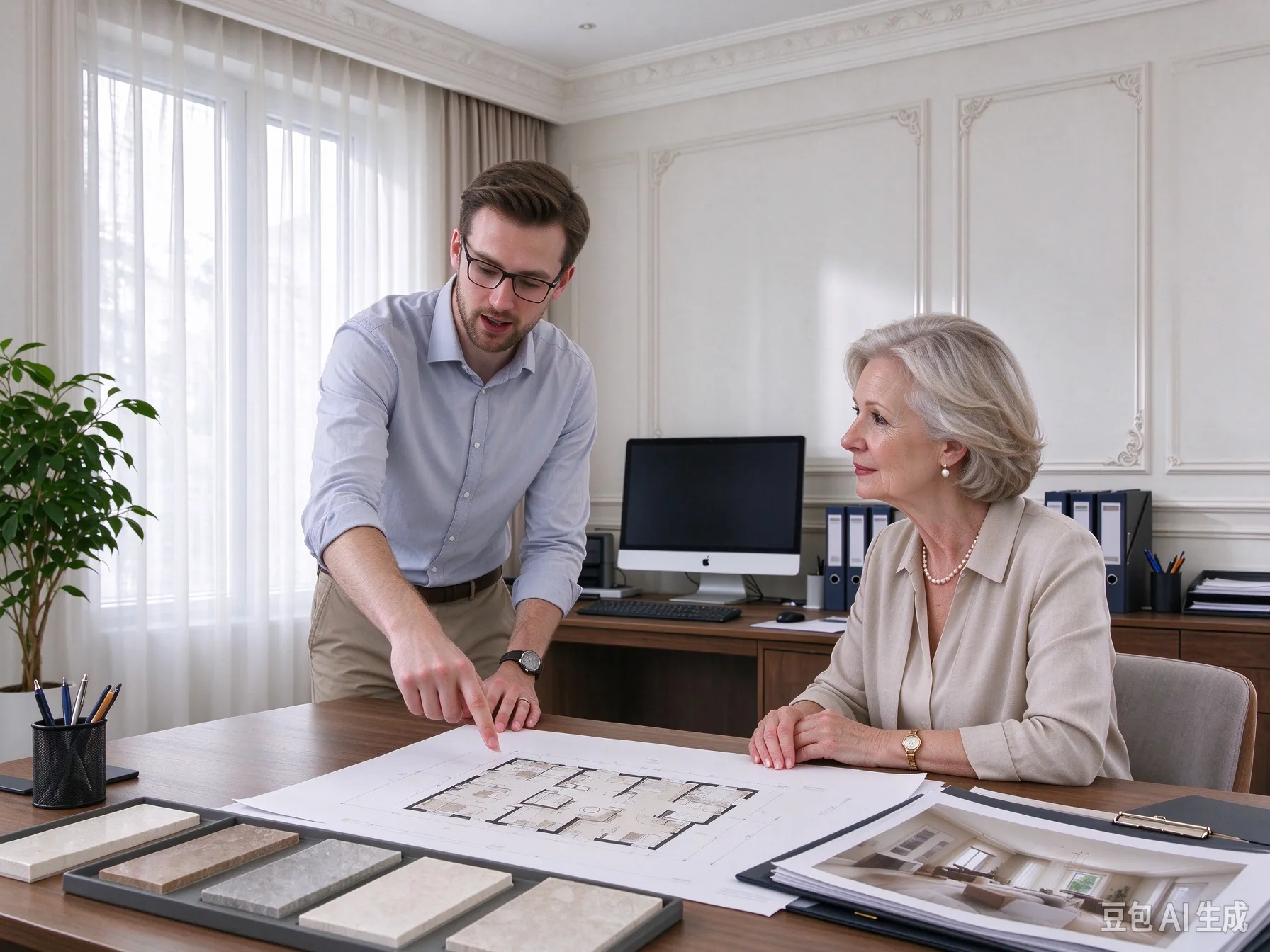
Turn client briefs into first drafts the same day.
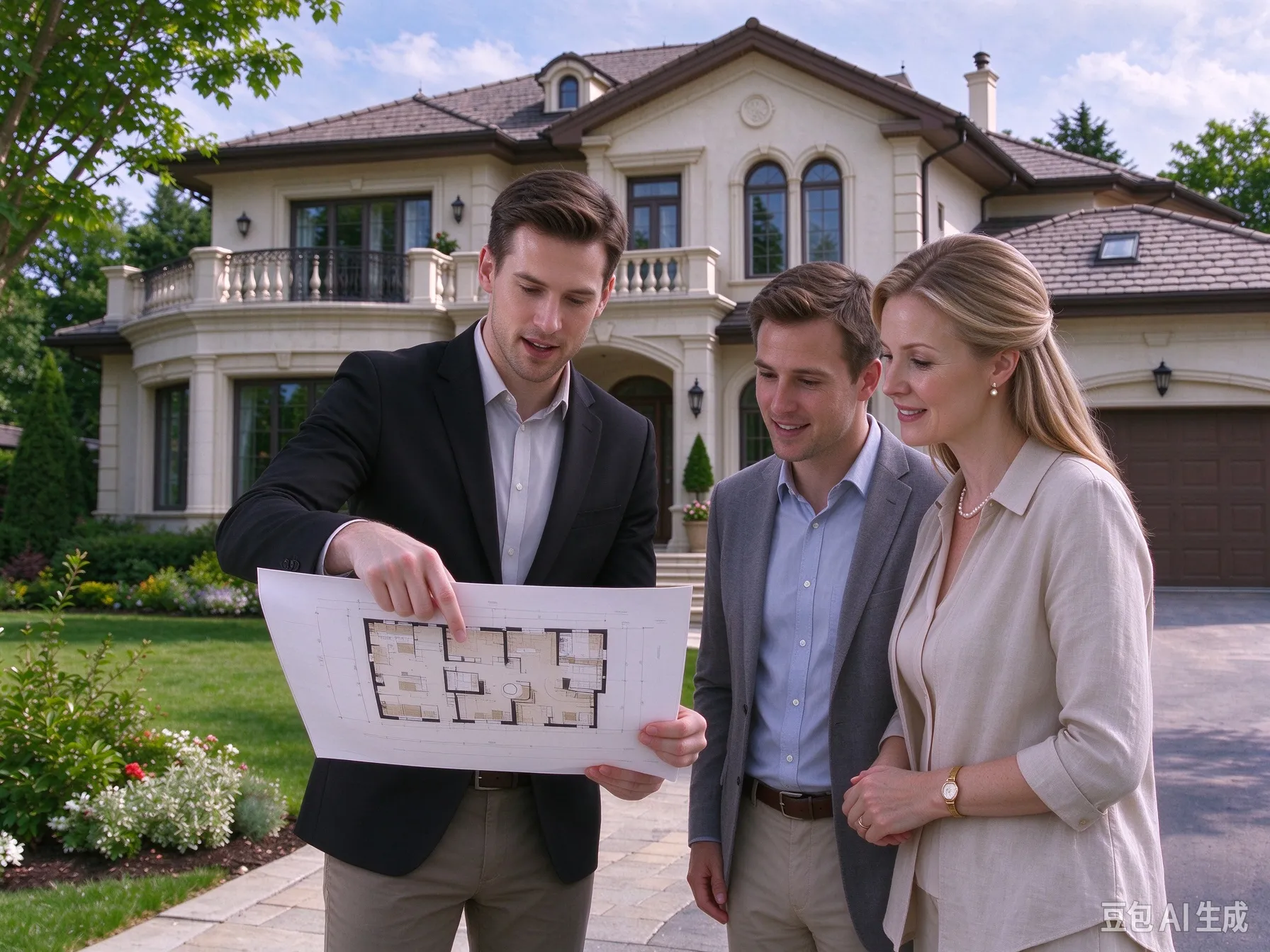
Add a clean plan to listings so buyers see the flow.
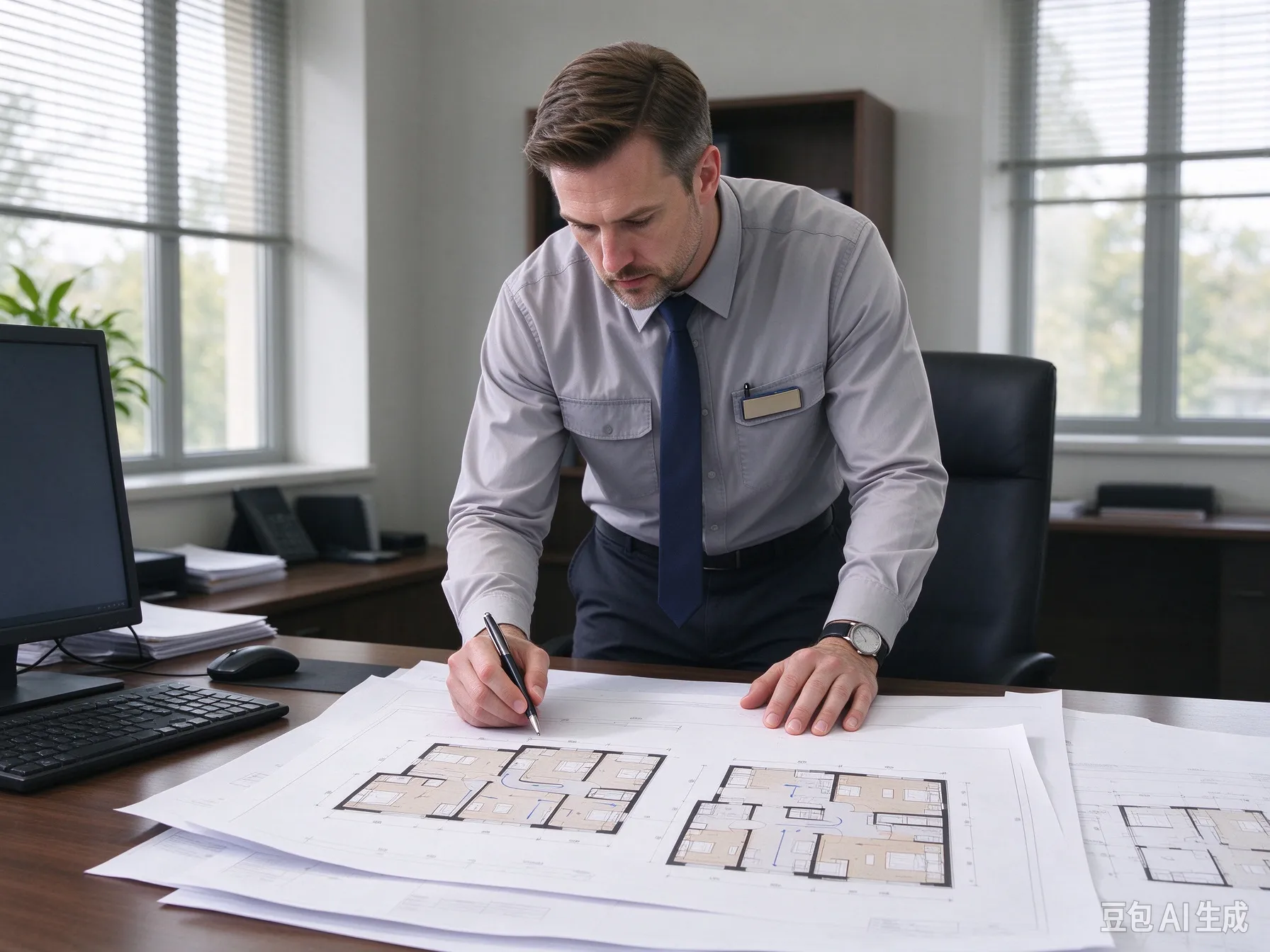
Document unit layouts for tenants and maintenance teams.
The details that turn a written idea into a working plan.
Technical, 3D isometric, Colored 2D, Blueprint, Hand-Drawn, Anime, Watercolor, Marker Pen, Collage, and Realistic.
Work in meters or feet and switch at any time.
One-click starting points for common spaces.
Export a high-resolution PNG of the current plan.
The result is intended for planning and communication. Always verify dimensions before construction or furniture orders.
Answers about making, editing, and downloading a plan.
Write the brief, set the size in meters or feet, and see the plan in seconds. Download the PNG or keep editing in the Floor Plan Editor.