2D resultExample preview
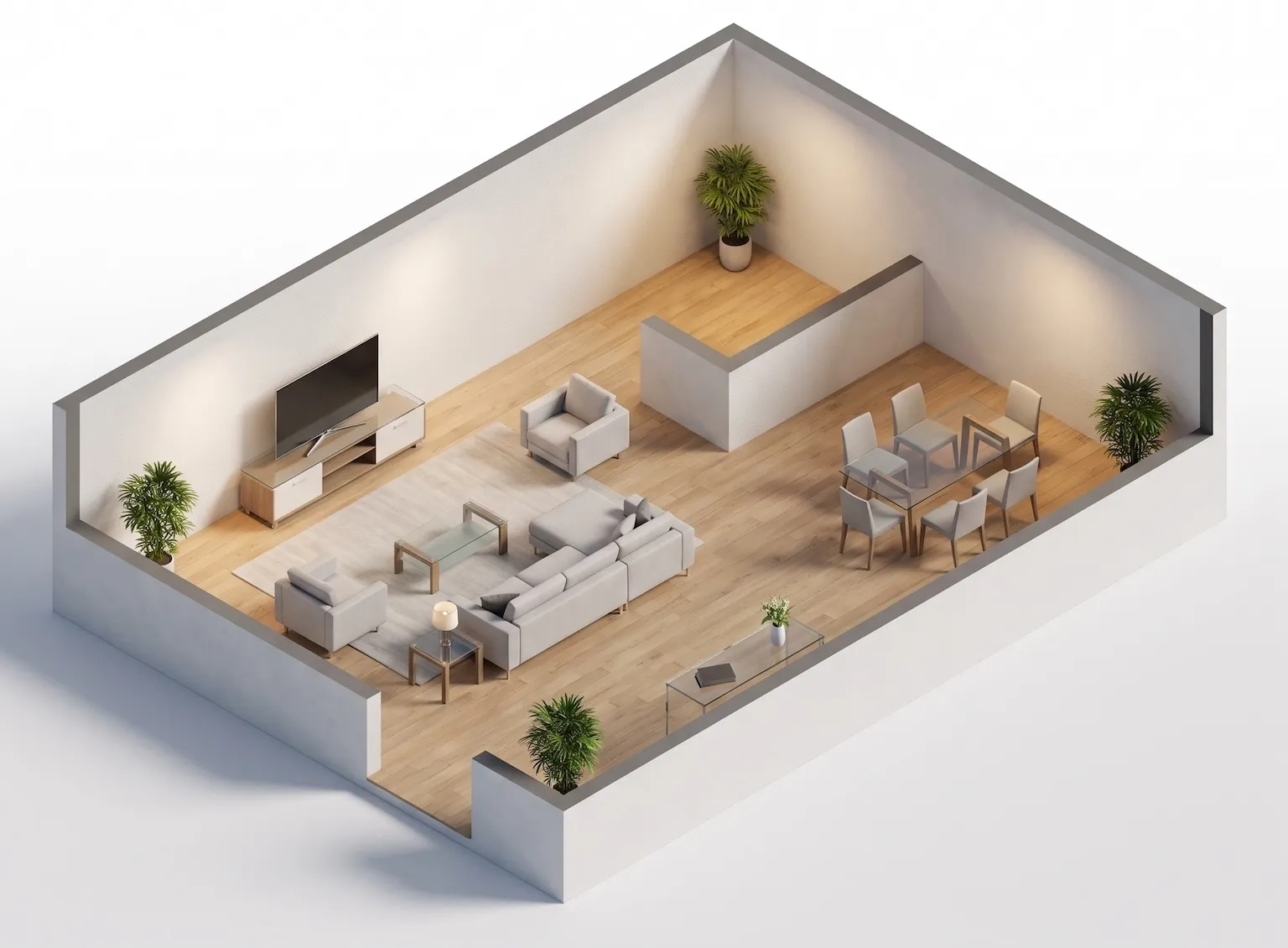
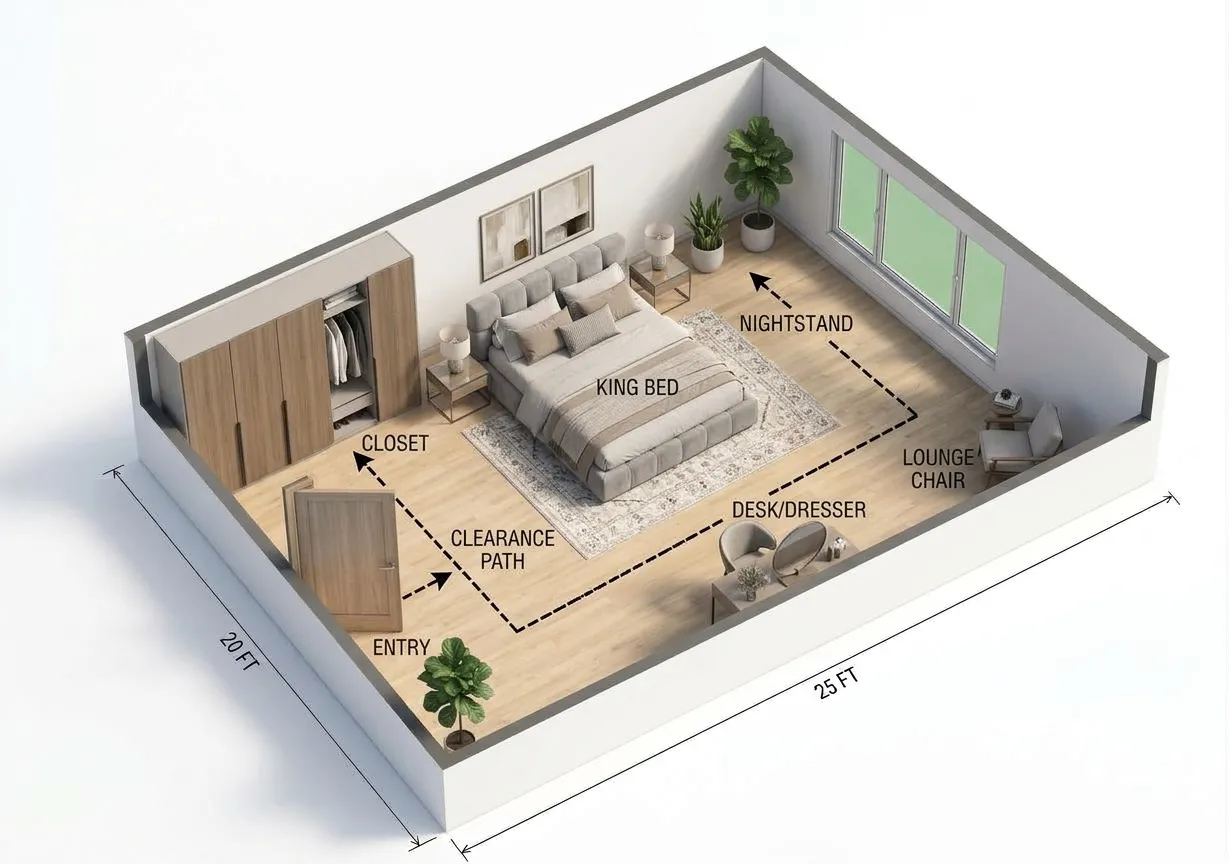
Example bedroom floor plan with furniture, doors and windows

Example only. Generate a room layout from your own requirements to download or continue editing.

  • Bedroom
  • 1,200 ft²
  • Technical
  • Bed
  • Wardrobe
  • Nightstands
ROOM FLOOR PLAN

Room Floor Plans for Every Space You Plan

Pick a room type, choose the furniture that has to fit, and get a room floor plan you can download, share, or keep editing. Bedroom, kitchen, living room, bathroom, home office, or dining room — each type loads its own furniture presets. Set real dimensions in meters or feet and review furniture placement and walking paths before you buy a thing.
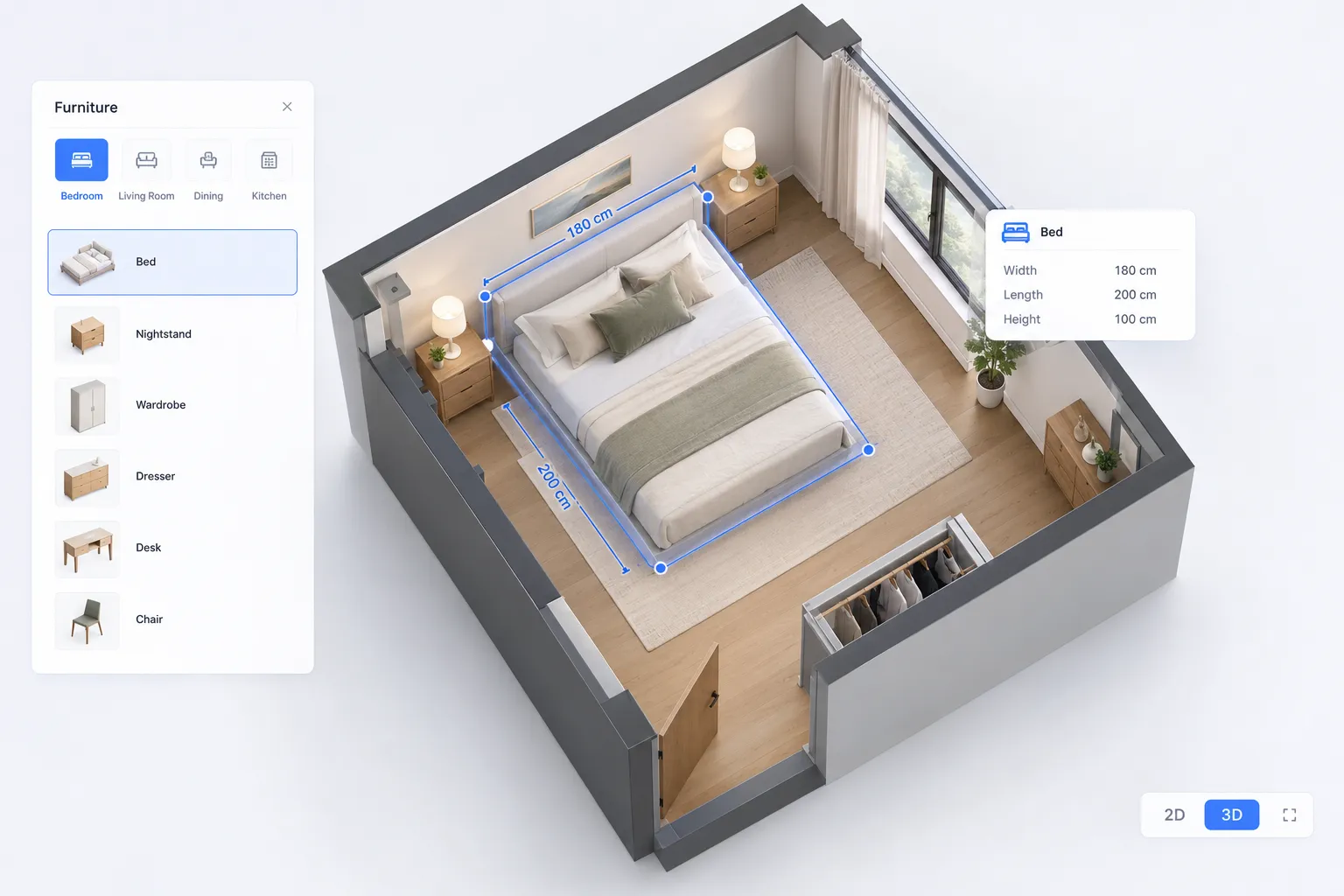
6 room typesFurniture presetsMeters or feetPNG download
ROOM FLOOR PLAN: example floor plan
FEATURES

Room floor plan features for layouts that actually fit

Start from the room type, keep the furniture you need, and check the fit against real dimensions before anything is final.
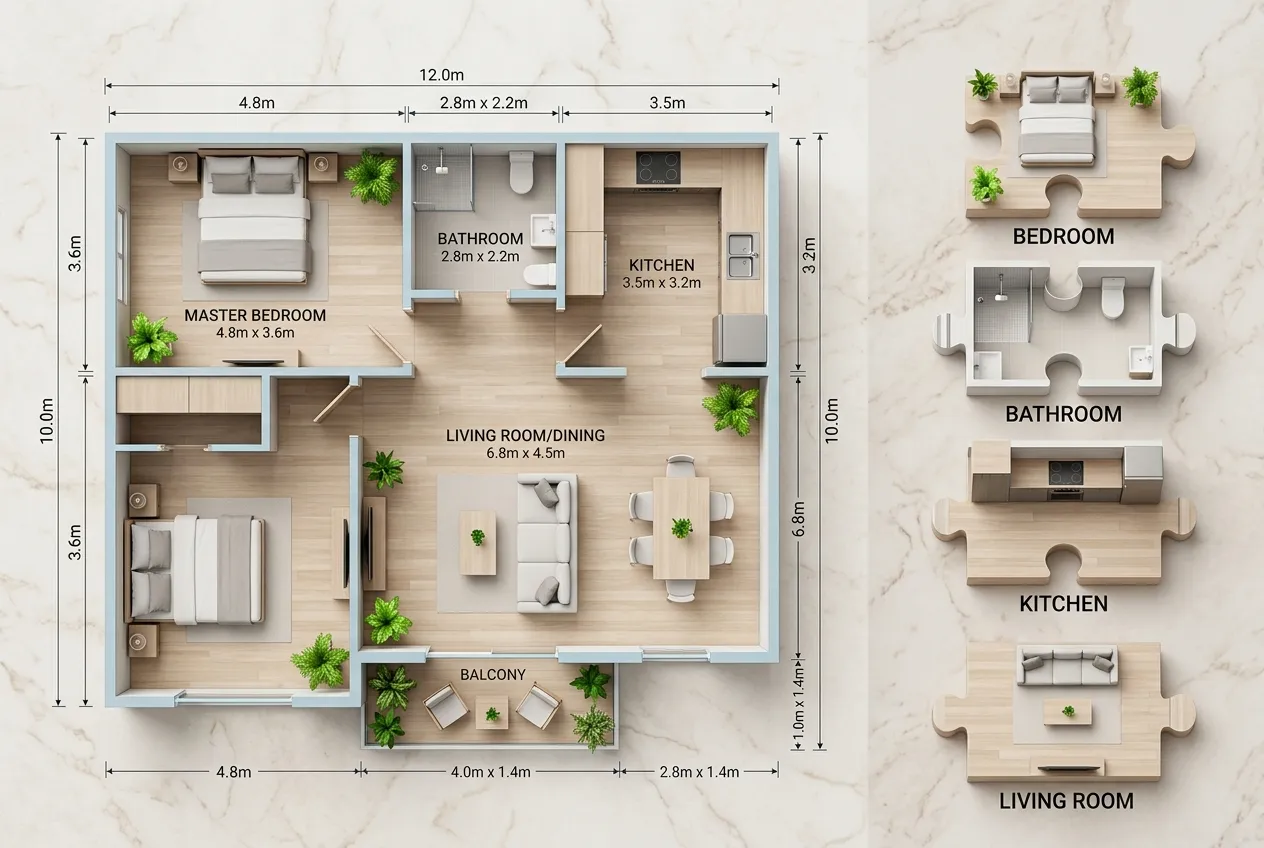
Start from the room you are planning
START FROM A ROOM TYPE

Start from the room you are planning

Choose bedroom, kitchen, living room, and more. Each type loads matched furniture presets so your room floor plan starts from a sensible layout.
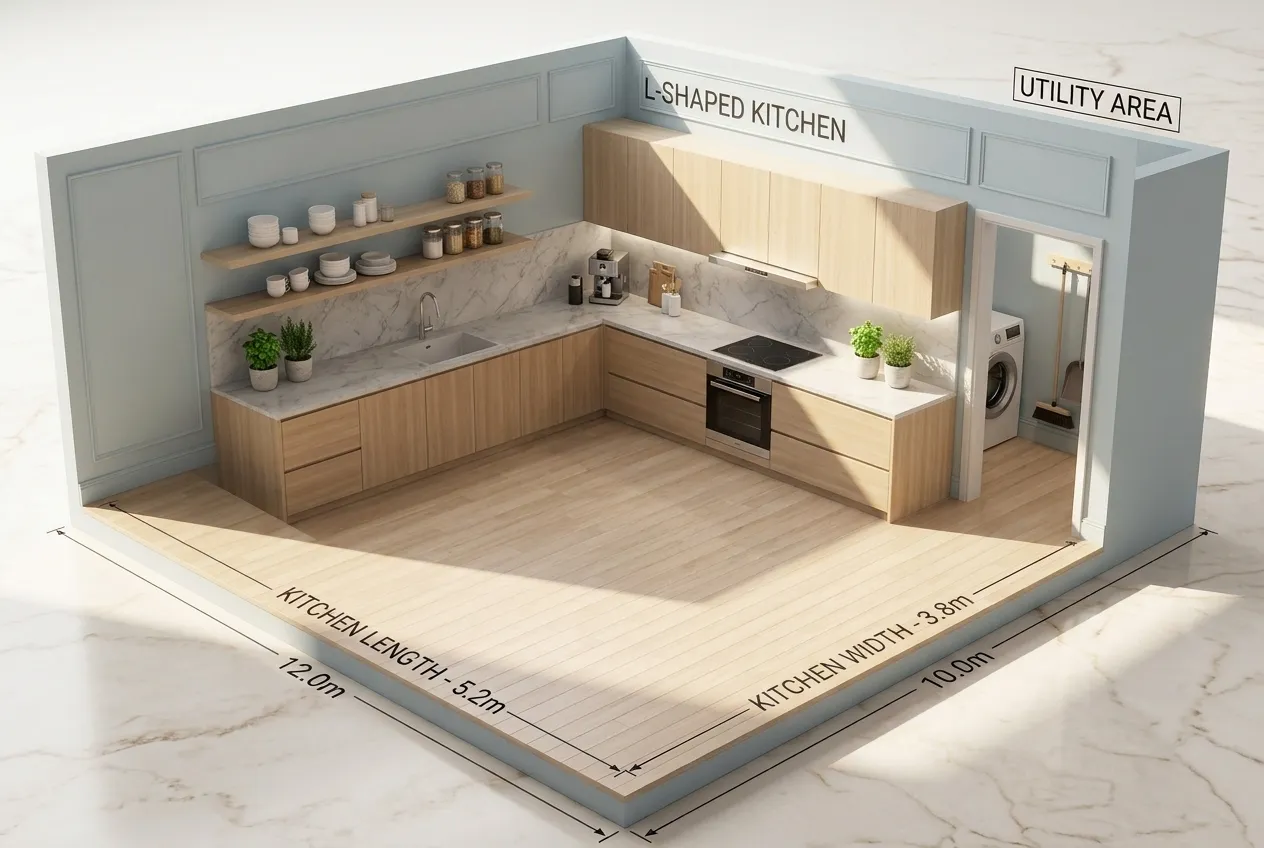
  • 6 room types
  • Type-matched presets
  • Deselect what you don't need
  • Works for any single room
Pick the furniture that has to fit
PICK THE FURNITURE

Pick the furniture that has to fit

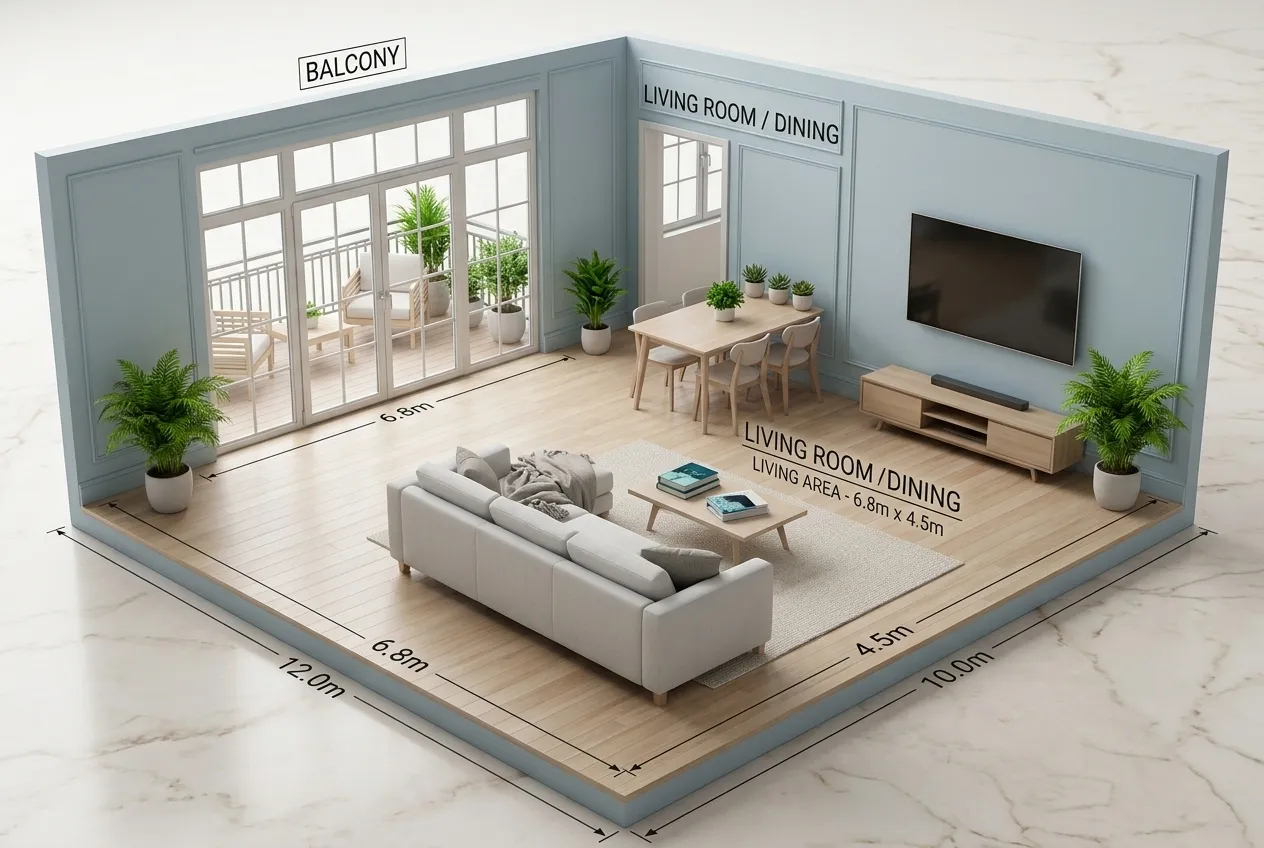
Toggle beds, sofas, tables, and storage. The AI layout keeps clear walking paths between the pieces.
  • Furniture presets
  • Toggle on or off
  • Clear walking paths
  • Scale-aware placement
Set real dimensions, not guesses
CHECK THE FIT

Set real dimensions, not guesses

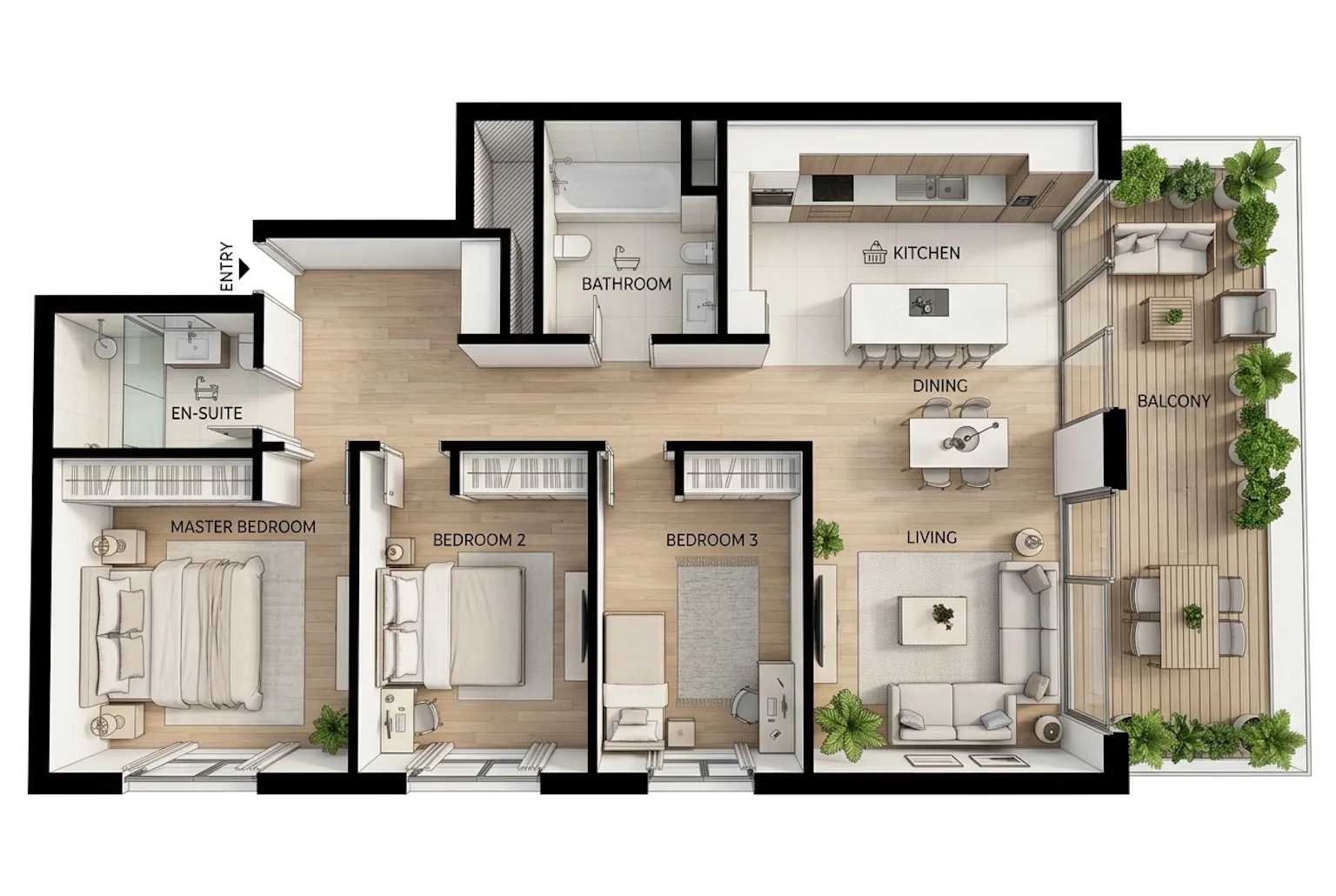
Enter length and width in meters or feet, or switch to gross area. The estimated area keeps the plan honest.
  • Length and width inputs
  • Meter and feet units
  • Gross area mode
  • Estimated area line
Download the plan or keep editing
DOWNLOAD OR KEEP EDITING

Download the plan or keep editing

Export a high-resolution PNG for sharing, or open the result in the Floor Plan Editor to refine walls and doors.

  • High-resolution PNG
  • Examples and history
  • Open in the Floor Plan Editor
  • Share as PNG
HOW TO

How to plan a room layout

Three steps from a room type to a layout that fits.

01

Pick a room type

Choose the room you are planning and get matched presets.

02

Choose furniture and size

Toggle the pieces you need and set real dimensions.

03

Generate and refine

Download the PNG, or open the result in the editor.

EXAMPLES

Room floor plan examples

Common room types, planned from their usual furniture sets.
Bedroom

Bedroom

Bed, wardrobes, and a clear path to the door
Kitchen

Kitchen

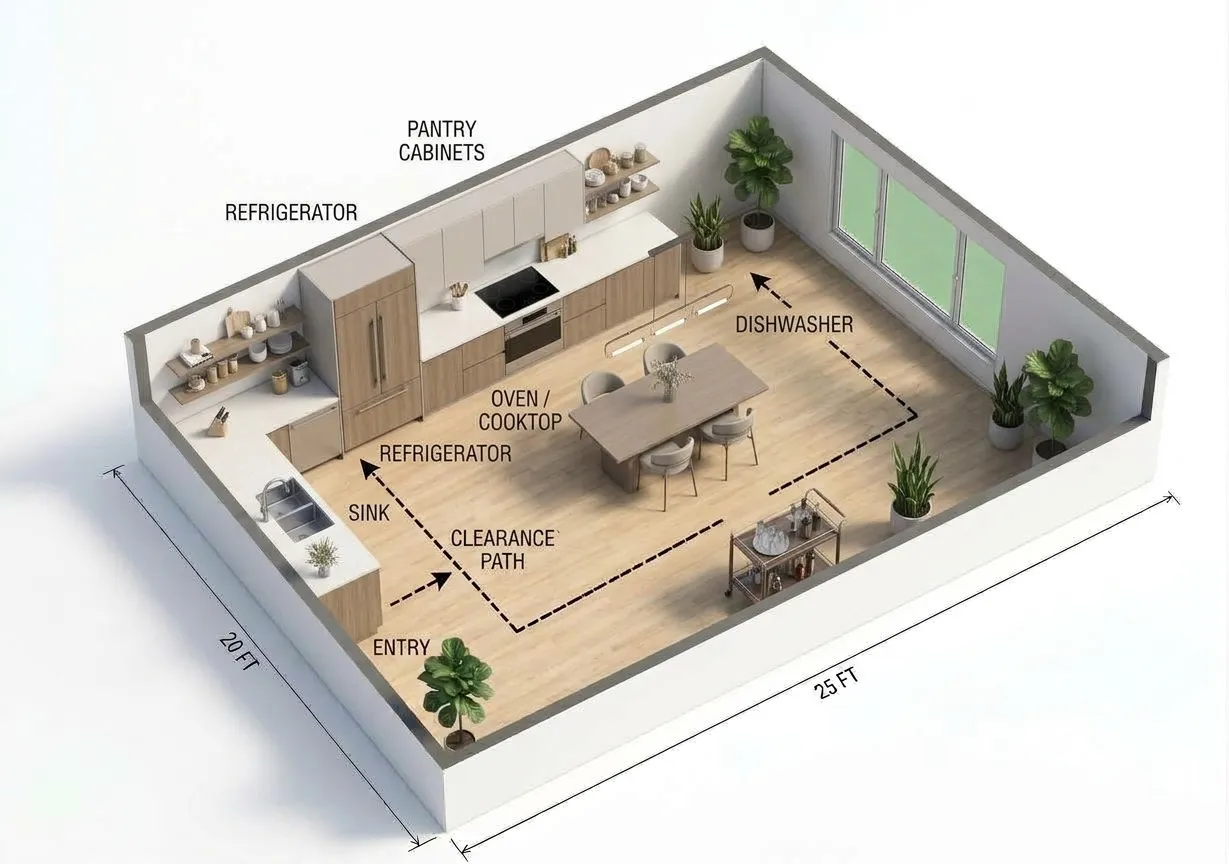
Counter run, island, and appliance zones
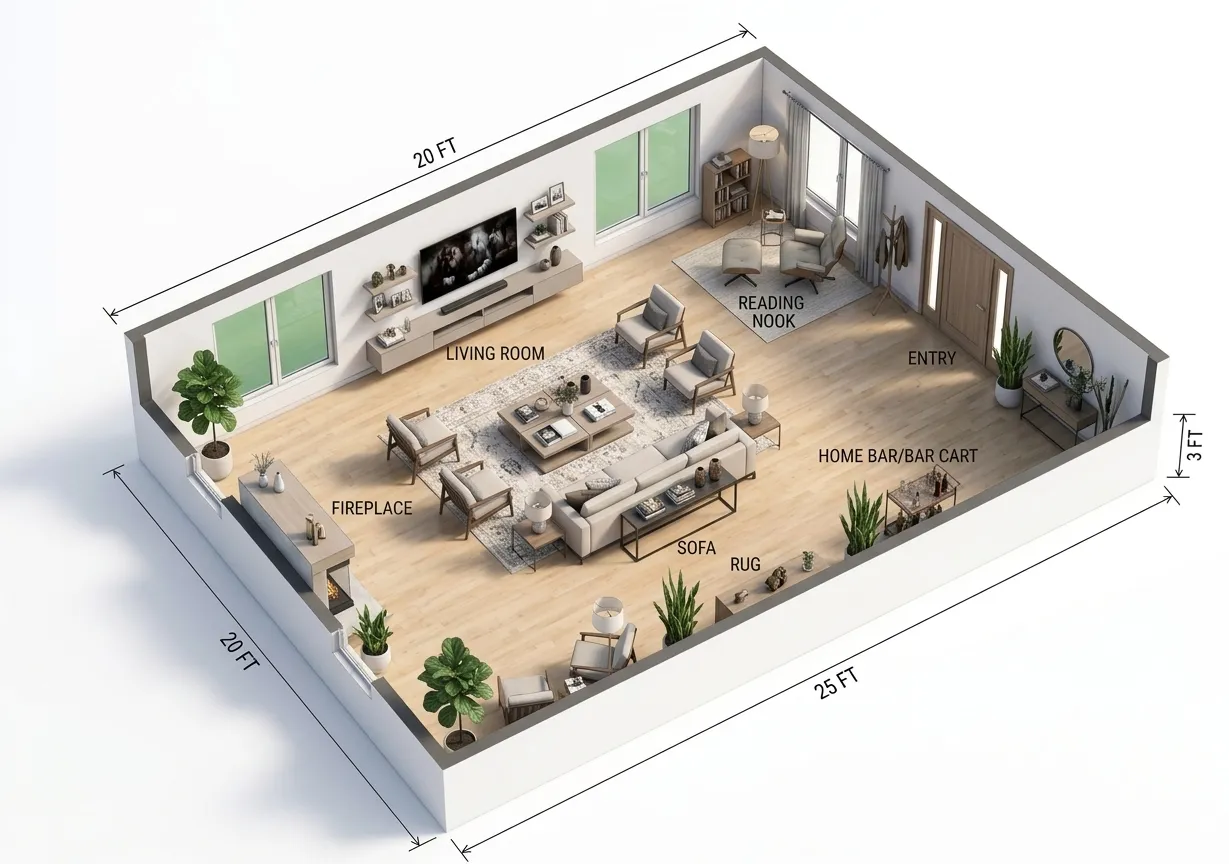
Living room

Living room

Sofa, coffee table, and TV wall arrangement
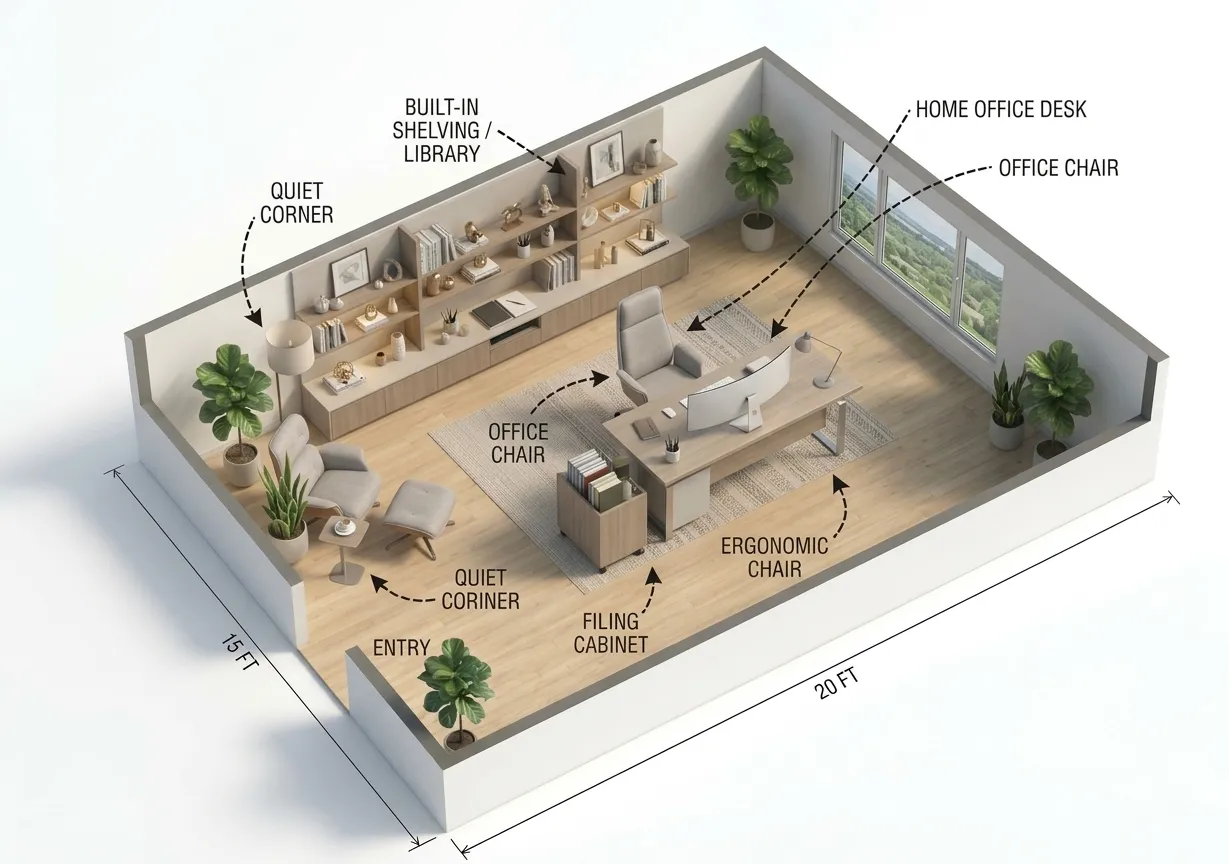
Home office

Home office

Desk, storage, and a quiet corner layout

USE CASES

When a room floor plan helps

Any time one room has to work before the rest of the plan does.

Homeowners

Homeowners

Check that new furniture fits before you buy it.

Interior designers

Interior designers

Present a first layout option the same day.

Real estate agents

Real estate agents

Show how a room works, not just how it looks.
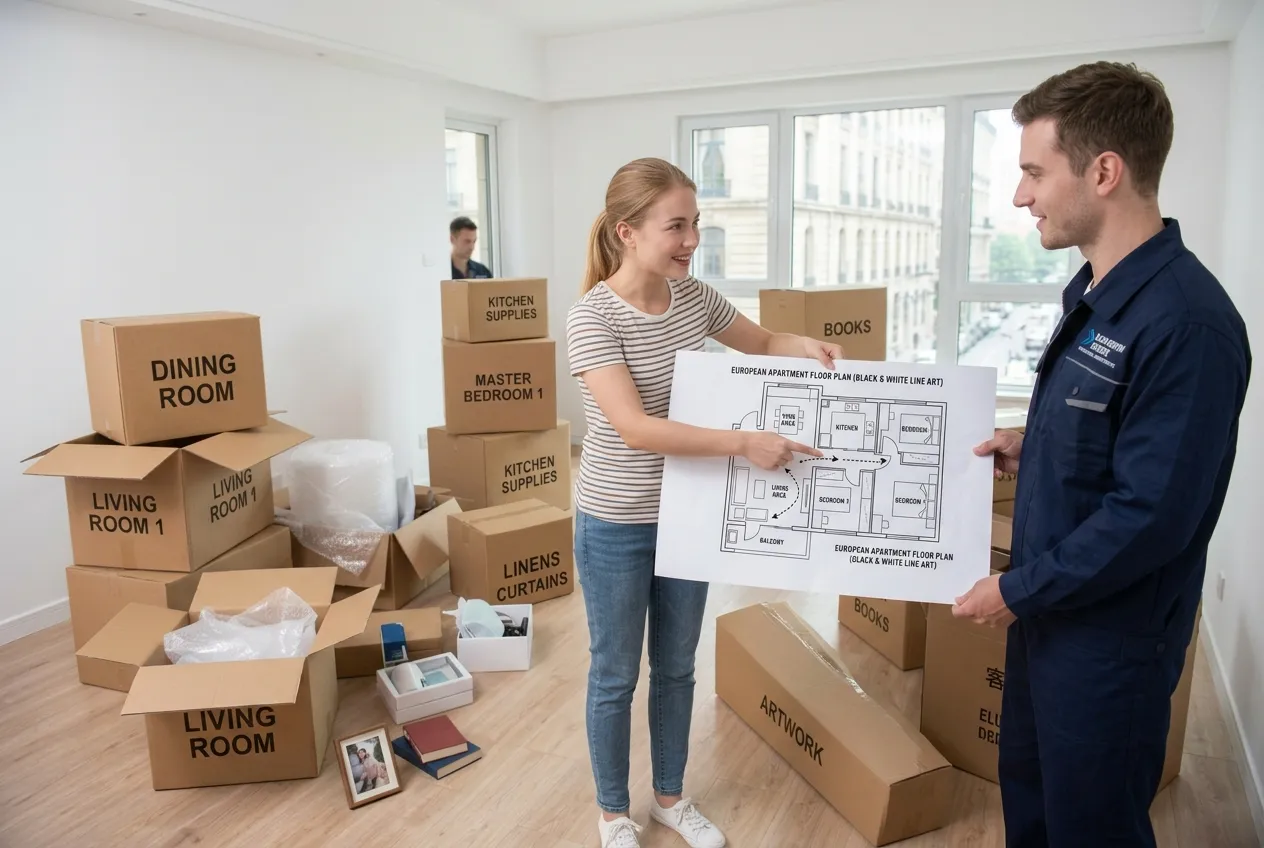
Renters and movers

Renters and movers

Plan an unfamiliar room before moving day.

WHY THIS WORKFLOW

Everything a room floor plan should get right

The details that decide whether a layout actually works.

6

room types

Bedrooms, living rooms, kitchens, bathrooms, home offices, and dining rooms.

2

measurement units

Work in meters or feet and switch at any time.

6

output styles

Pick the look that matches the audience.

1

download action

Export the generated plan as a PNG.

The layout is intended for planning and communication. Always verify dimensions before construction or furniture orders.

NEXT STEP

Keep the room plan moving

Refine the result or switch to a workflow built for a different space.

REFINE THE RESULTFloor Plan Editor →COMMERCIAL SPACE · Coming soonRestaurant Floor Plan →
FAQ

Room floor plan questions

Answers about room types, furniture fit, and sharing.

Bedroom, living room, kitchen, bathroom, home office, and dining room. Each type loads its own furniture presets.
Yes. Every preset piece is a toggle. Deselect anything you don't need before generating the layout.
Yes. Set the real dimensions first, then select the pieces you need. Review the generated walking paths and clearances to check what fits.
It is built for one room at a time. For a full home, start from a written brief with the Floor Plan Maker.
The generated plan includes door and window positions for layout review. Check their placement, clearances, and walking paths against your actual room before use.
Yes. Download the generated PNG and send it to a designer, contractor, or client.

Ready to plan your room?

Pick the room type, choose the furniture, and set real dimensions. Download the PNG when the layout fits.