2D Apartment planExample preview
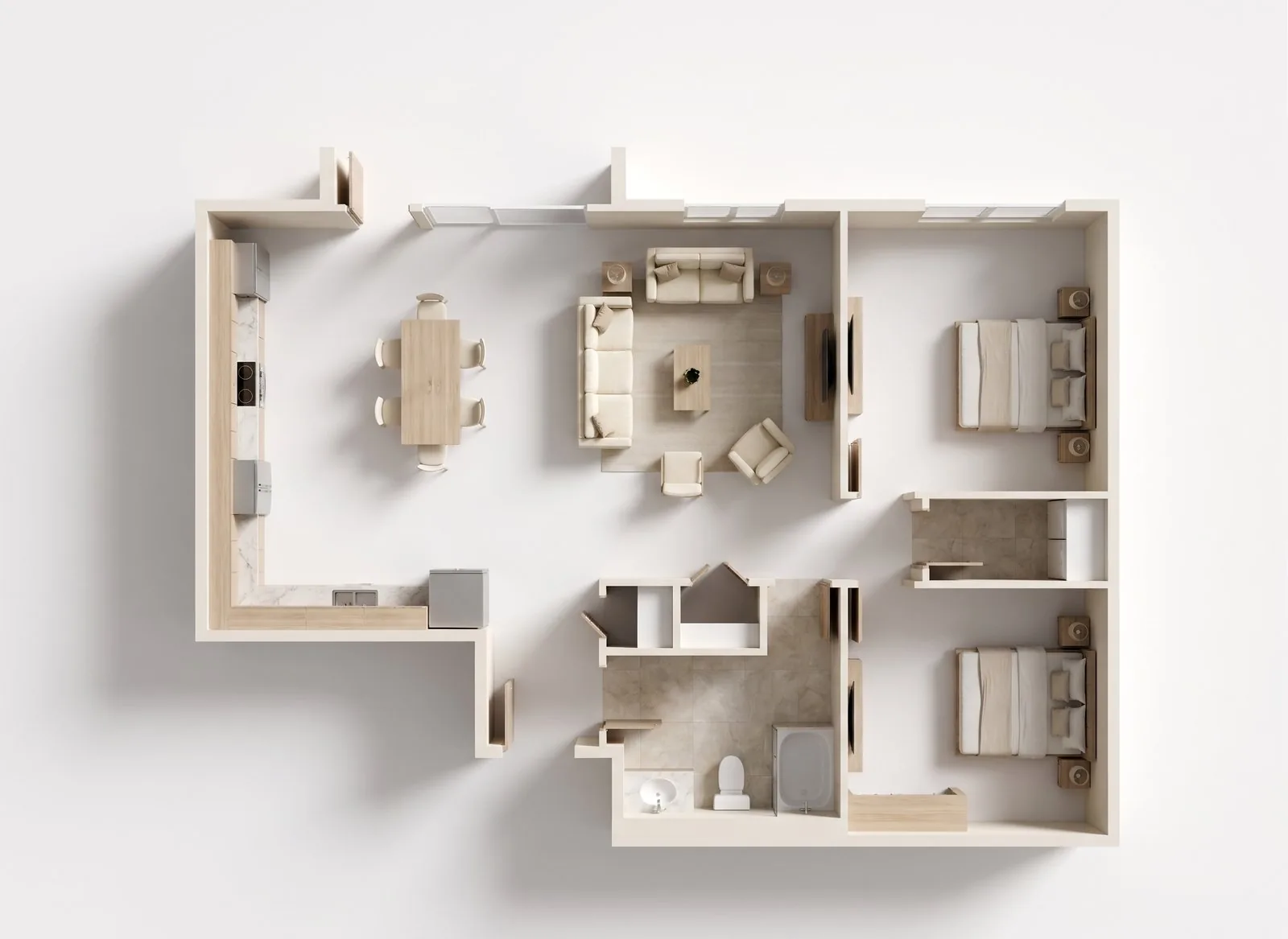
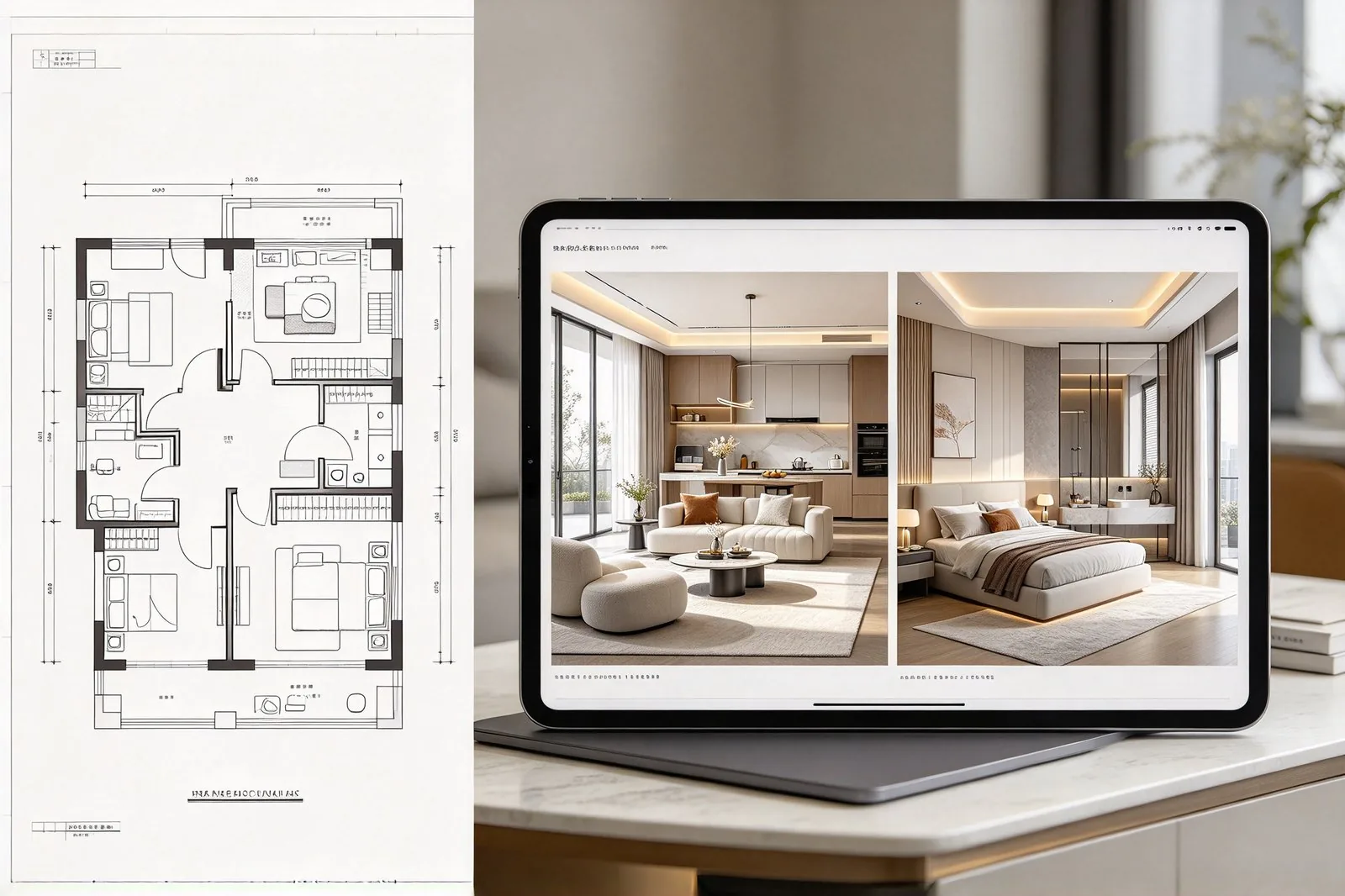
Example 2D apartment floor plan

Example only. Generate your apartment from your own requirements to continue or download.

  • 74 m²
  • Bedrooms: 2
  • Bathrooms: 1
  • Technical
  • Open Floor Plan (Kitchen + Living)
  • Include Balcony/Patio
APARTMENT FLOOR PLAN

Apartment Floor Plan Generator

Set the number of bedrooms and bathrooms, enter the total area in meters or feet, and the apartment floor plan generator places living, kitchen, and bath with optimized traffic flow and natural light, then you download a clear 2D plan as a PNG. Studio, 1-bedroom, 2-bedroom, or larger — the layout follows your space, not a fixed template.
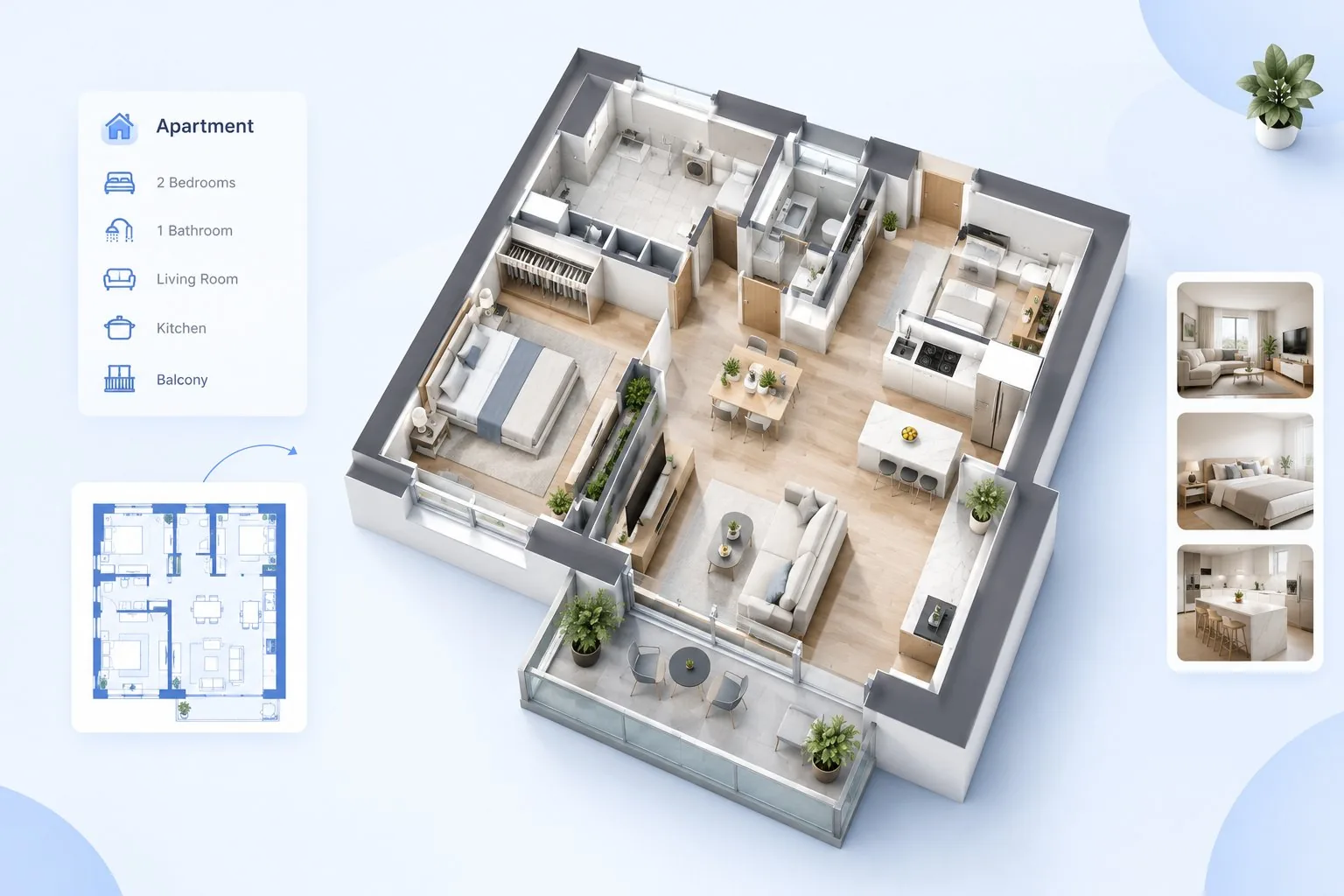
Bedrooms & bathroomsTotal area inputMeters or feetPNG download
APARTMENT FLOOR PLAN: example floor plan
KEY FEATURES

Apartment floor plan features for layouts that use the space well

Set the bedrooms, bathrooms, and real area, then check the room placement before you commit to a lease or a build.
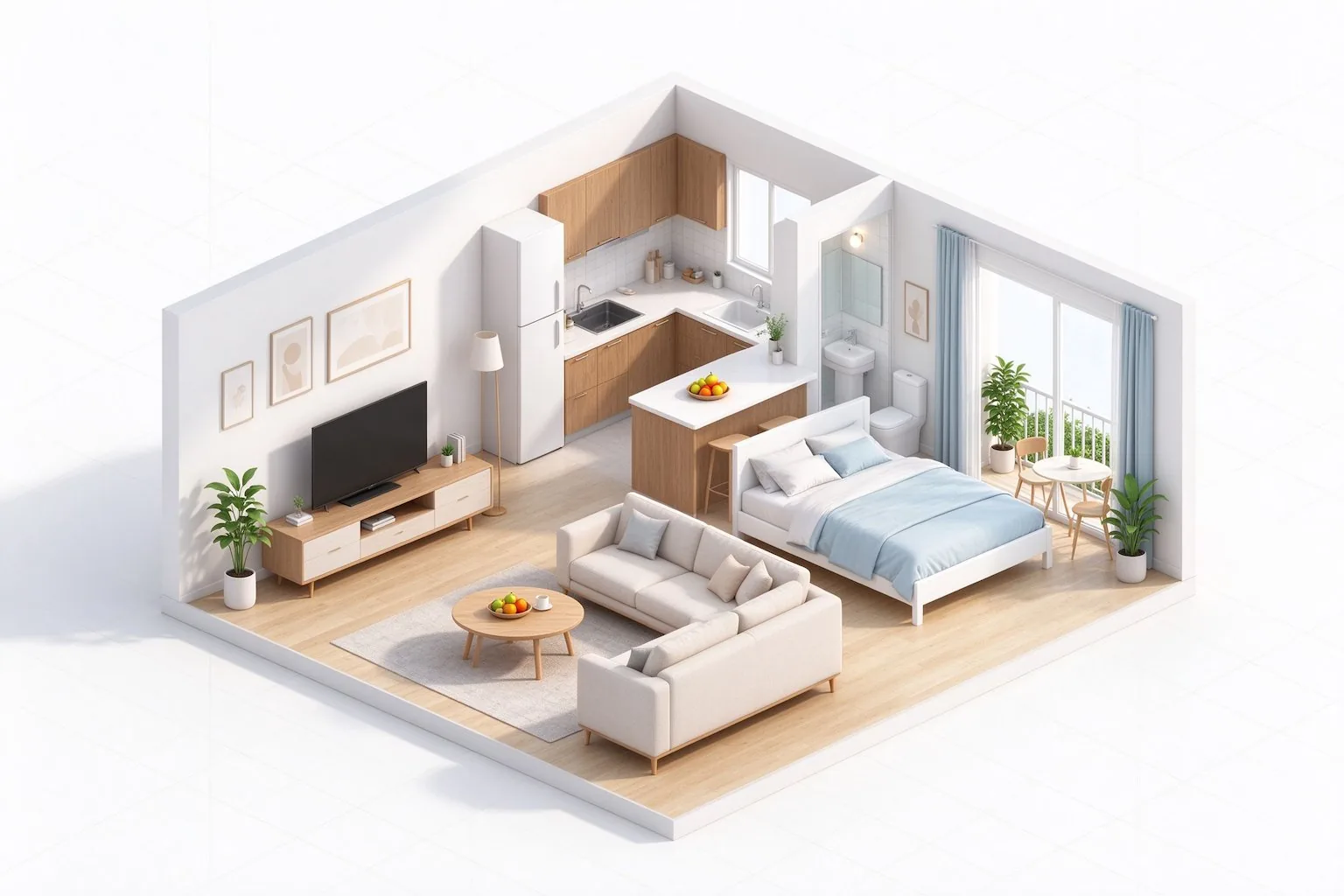
Apartment floor plan settings for bedroom and bathroom counts and total area
SET ROOMS & AREA

Set bedrooms, bathrooms, and the total area

Enter how many bedrooms and bathrooms you need using whole numbers, plus the real apartment size. The layout starts from your numbers, not a fixed template.
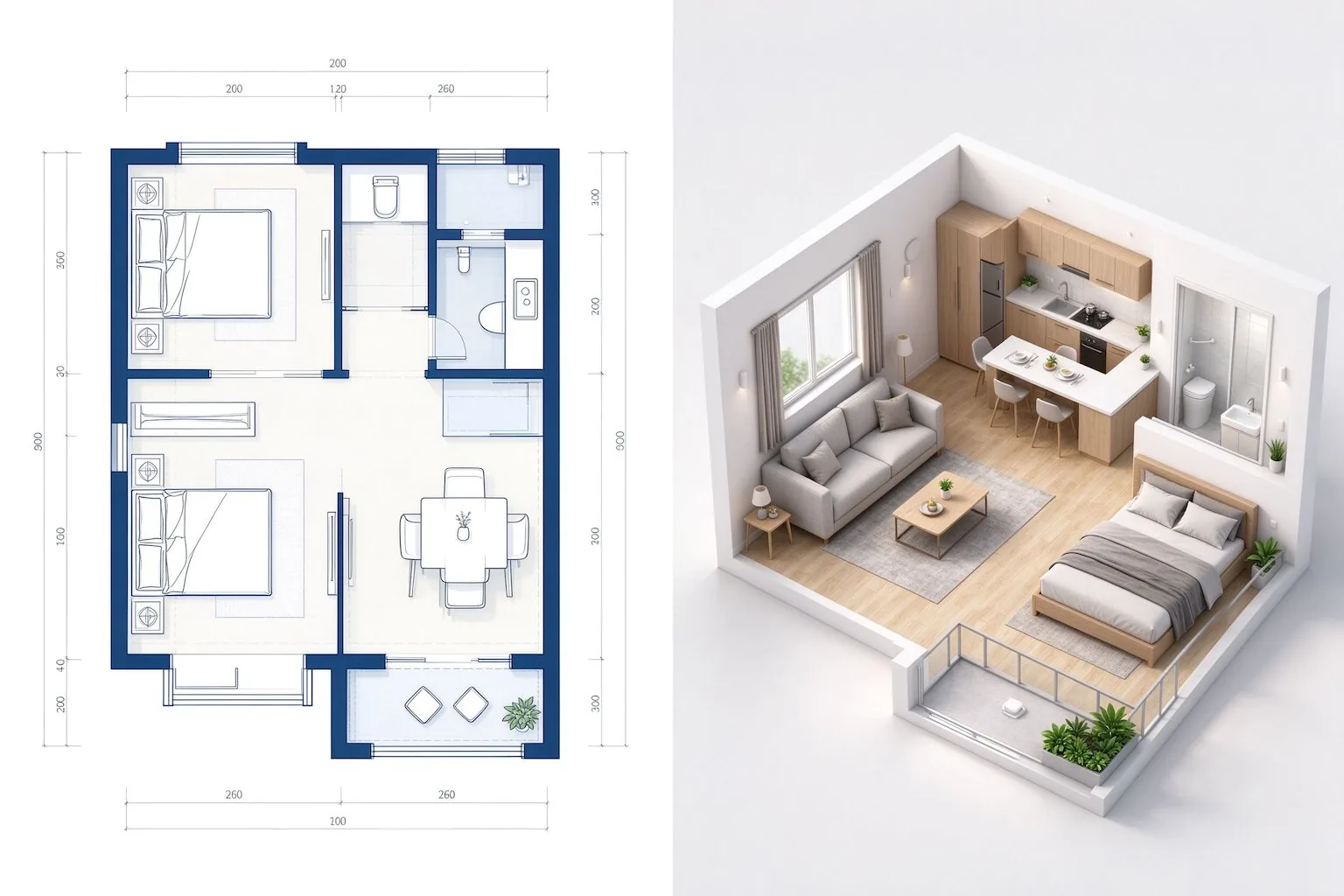
  • Bedroom and bathroom counts
  • Whole-number room counts
  • Typical area range hint
  • Open-plan and balcony options
Apartment total area input with square meters and square feet units
SET THE TOTAL AREA

Enter the real area before you generate

Input the total apartment size in square meters or square feet. The proportions stay honest from the first draft.
  • Meters or feet units
  • Total area input
  • Gross area mode
  • Estimated area preview
Apartment layout with private bedrooms, open living space, and a balcony
OPTIMIZE THE LAYOUT

Place rooms for flow and natural light

Bedrooms get privacy and quiet, living and kitchen connect for an open feel, and balconies sit where the view and ventilation are best.
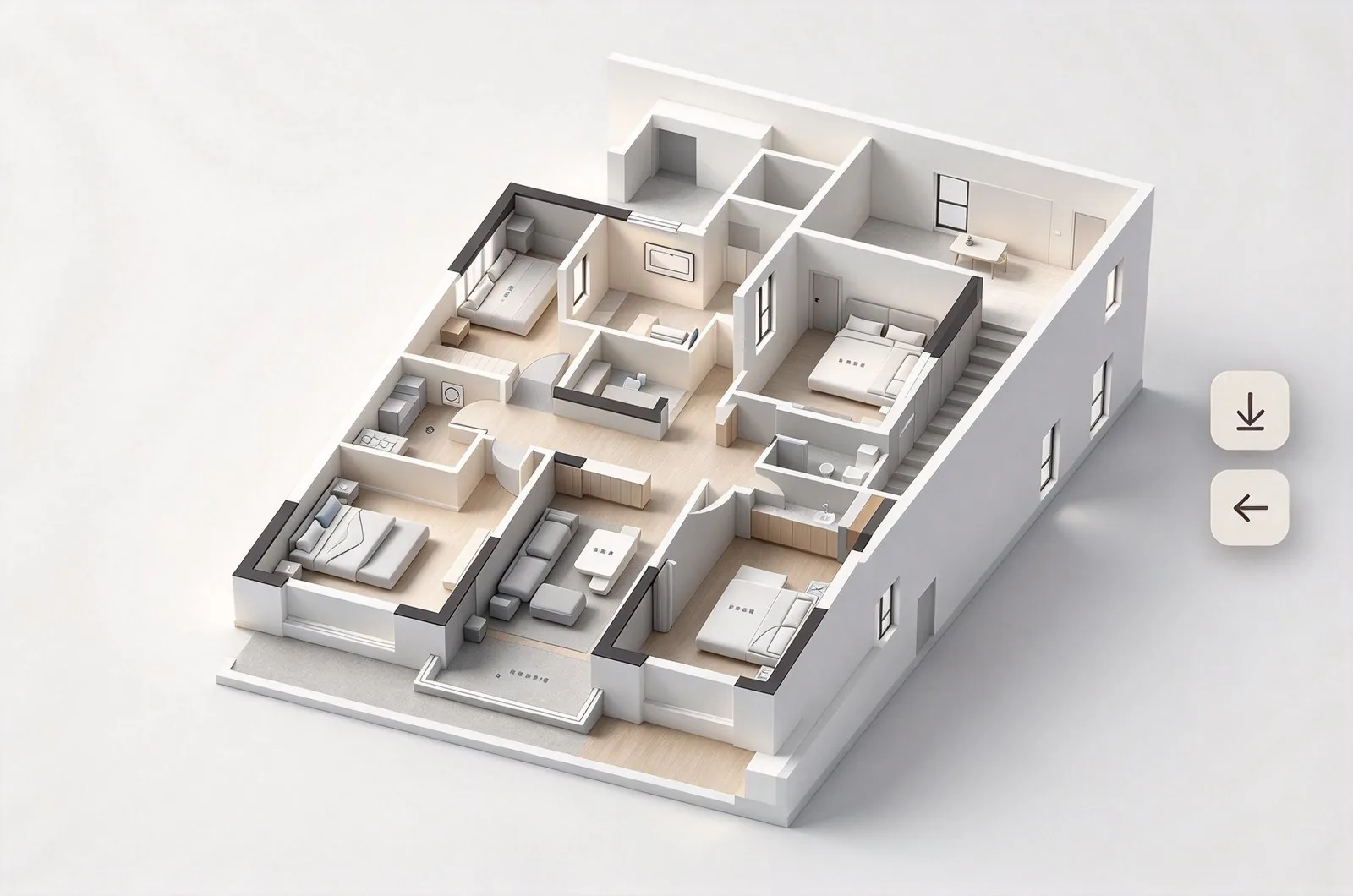
  • Private bedroom placement
  • Open living-kitchen flow
  • Balcony positioning
  • Clear traffic paths
Apartment floor plan ready to download or continue in the Floor Plan Editor
DOWNLOAD OR KEEP EDITING

Download the plan or keep editing

Export a high-resolution PNG for sharing, or open the result in the Floor Plan Editor to refine walls and doors.

  • High-resolution PNG
  • Examples and history
  • Open in the Floor Plan Editor
  • Share as PNG
HOW IT WORKS

How to plan an apartment layout

Three steps from the room counts and area to a layout you can share.

01

Set rooms and area

Enter bedrooms, bathrooms, and the total area in meters or feet.

02

Enter the total area

Set the size in meters or feet so the proportions are honest.

03

Generate and refine

Download the PNG, or open the result in the editor.

EXAMPLES

Apartment floor plan examples

Common layouts, planned from their usual room sets.
Studio

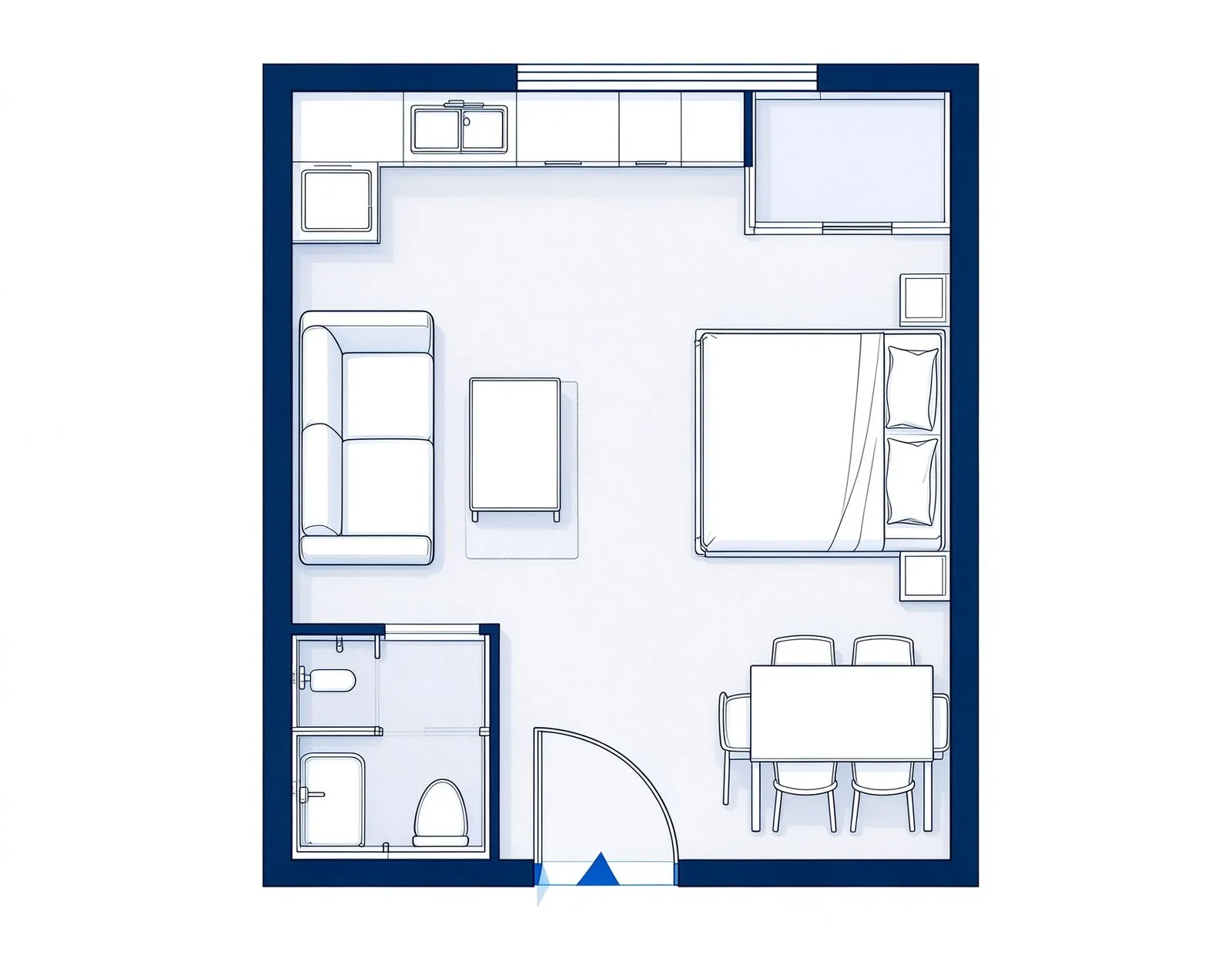
Studio

One living-sleeping zone with a compact kitchen and bath
1-Bedroom

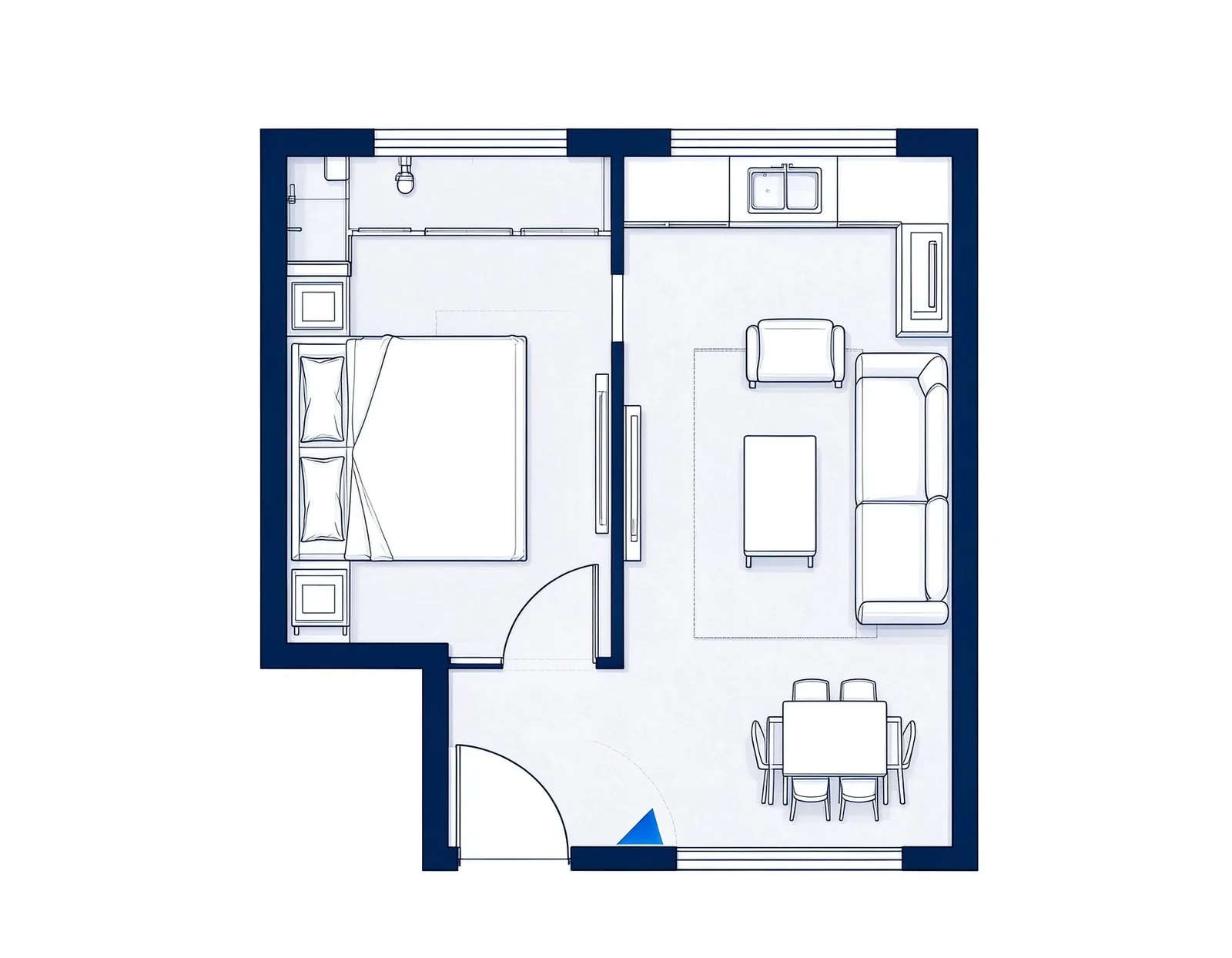
1-Bedroom

Separate bedroom, open living-kitchen, and a balcony
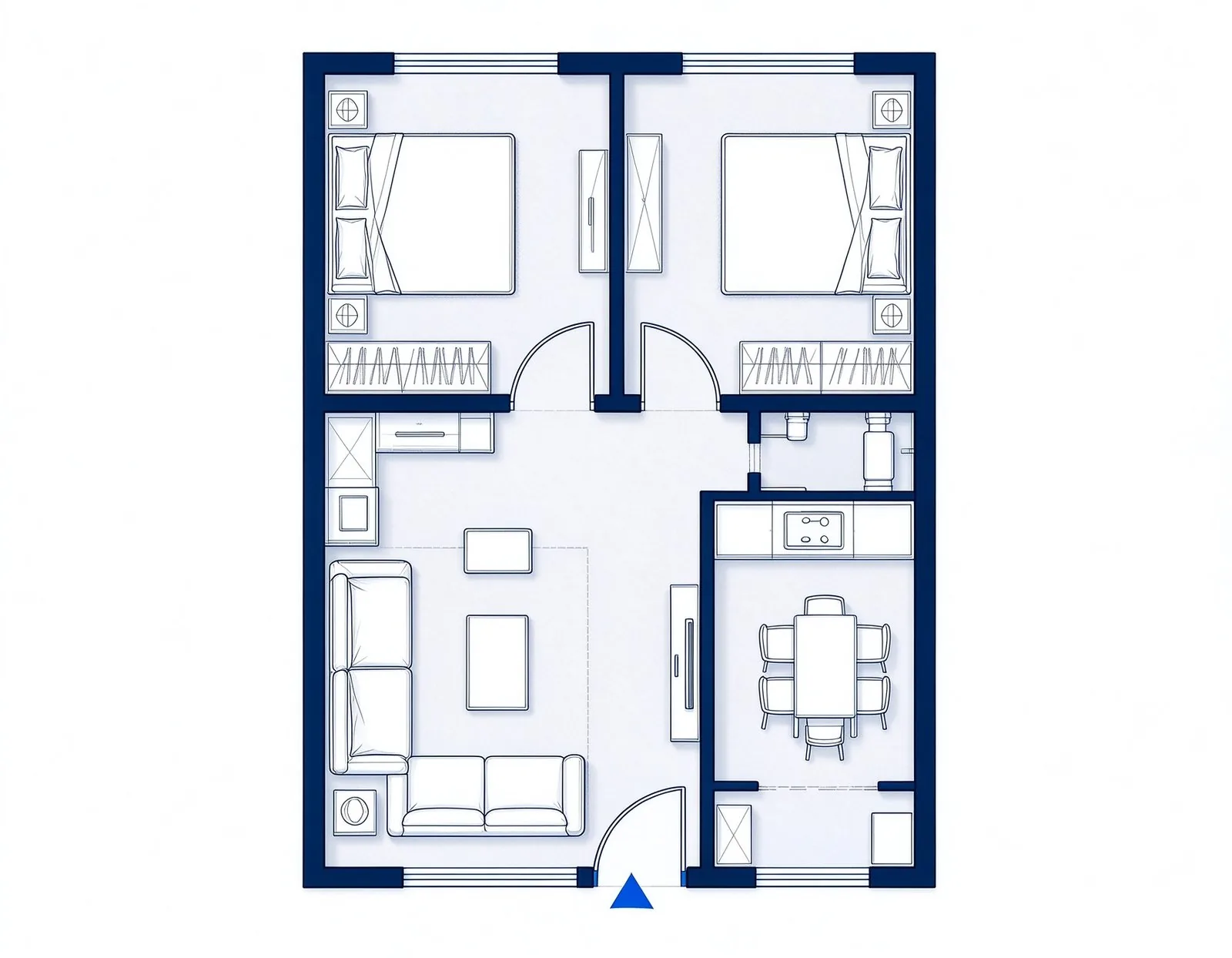
2-Bedroom

2-Bedroom

Two bedrooms, shared bath, and an L-shaped living area
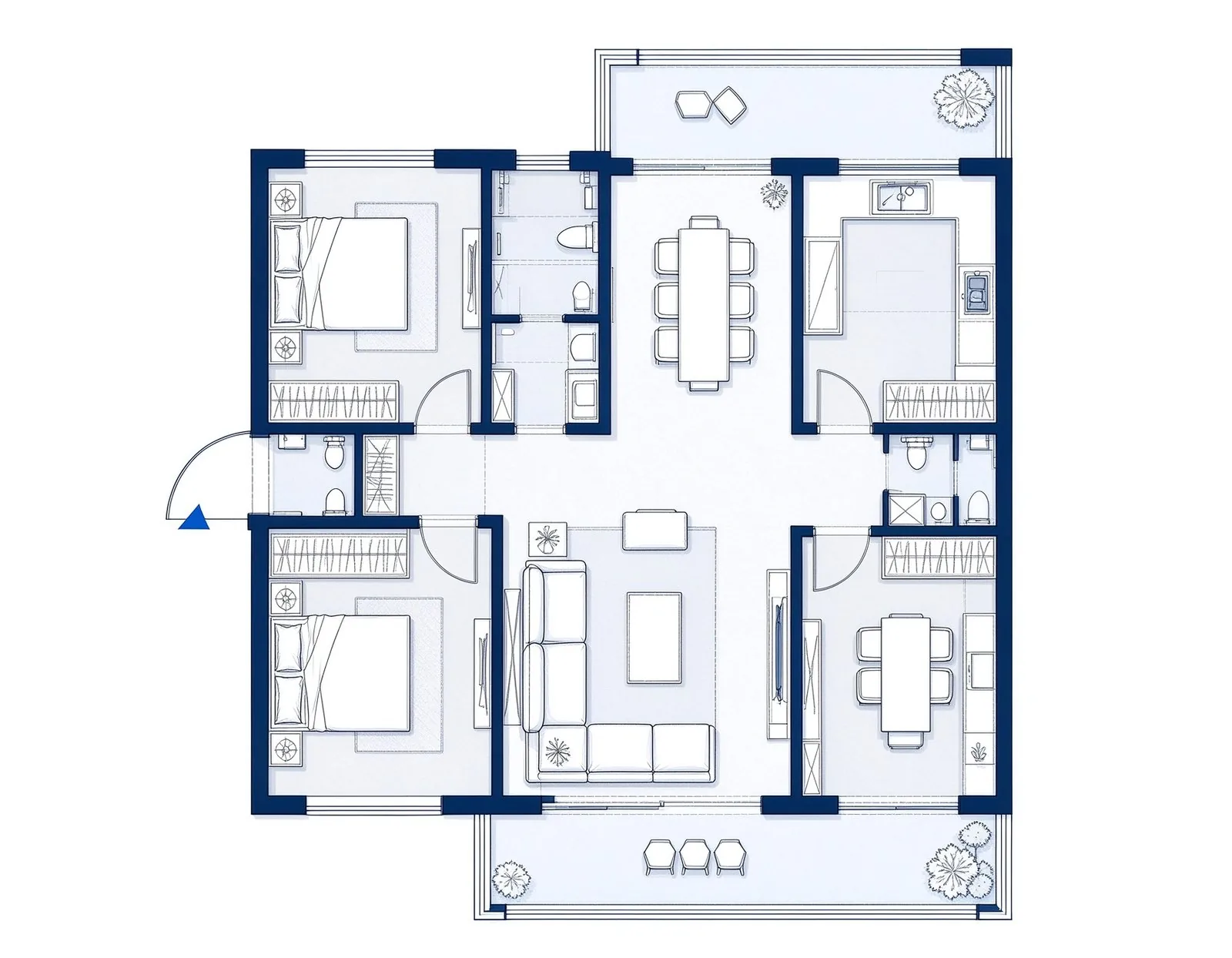
3-Bedroom

3-Bedroom

Three bedrooms, two baths, and a family living zone
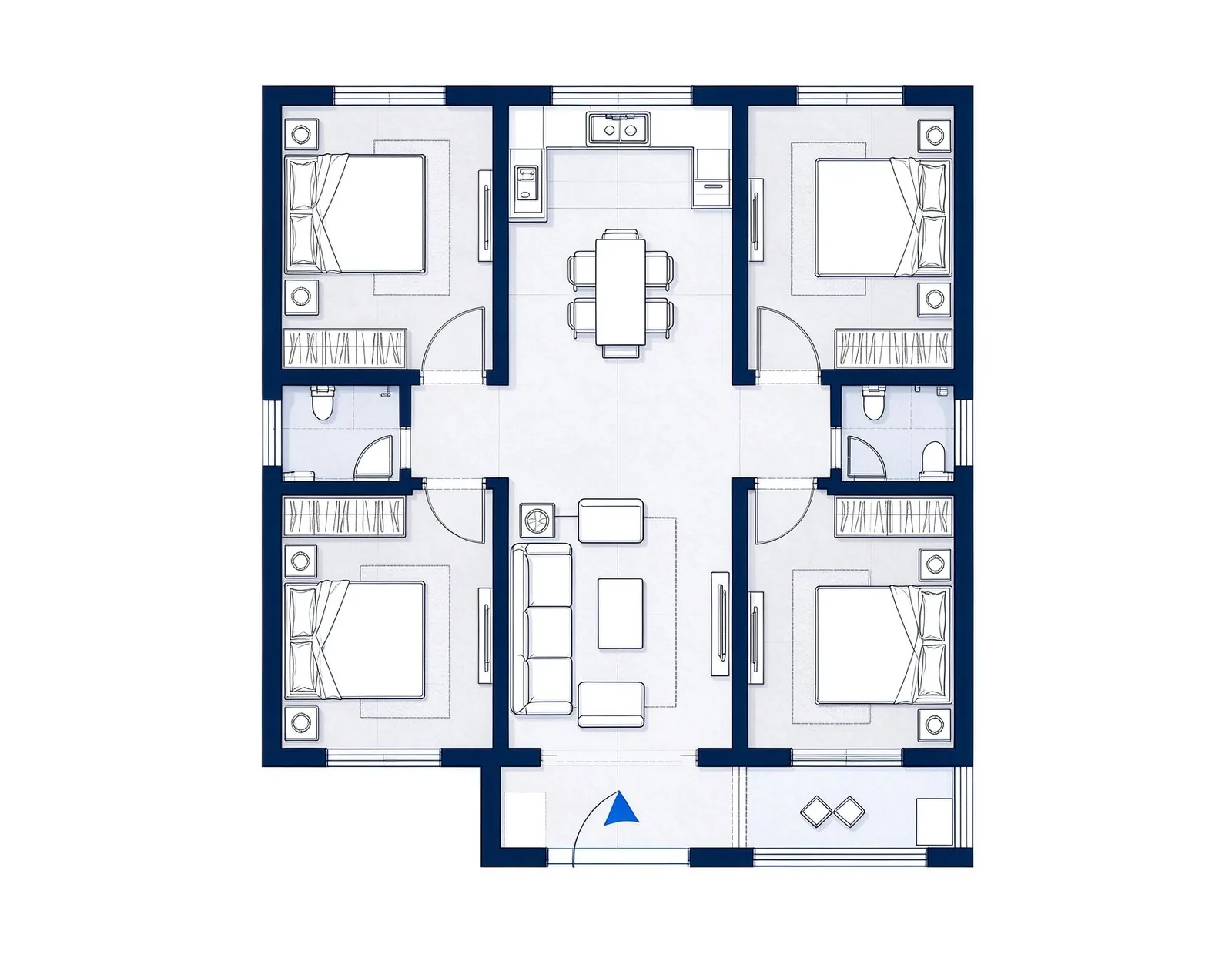
Penthouse

Penthouse

Large open living, multiple bedrooms, and terrace space
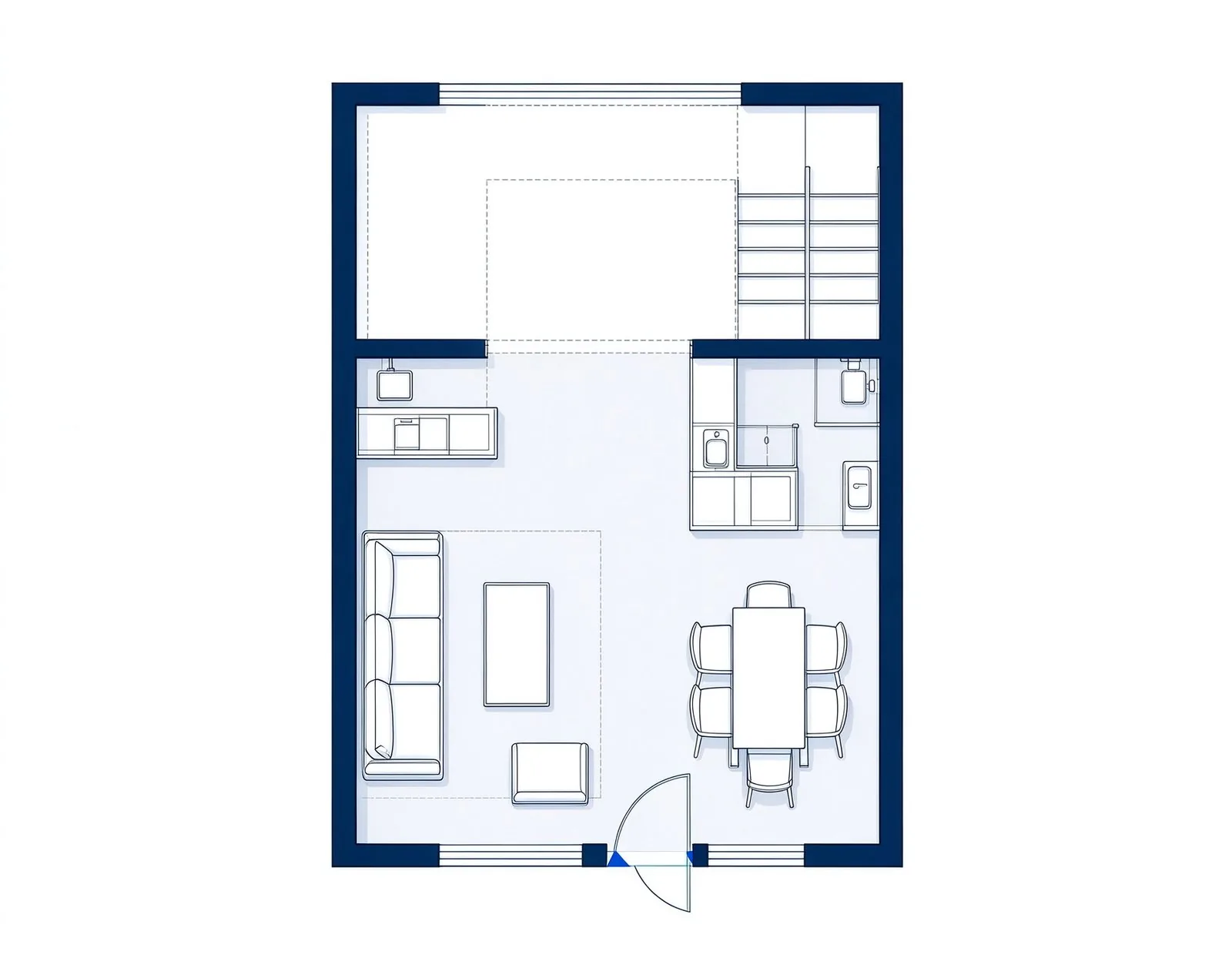
Loft

Loft

Open double-height space with a mezzanine sleeping area

USE CASES

When an apartment floor plan generator is useful

Use an early apartment layout to check furniture, flow, and room sizes before you commit.
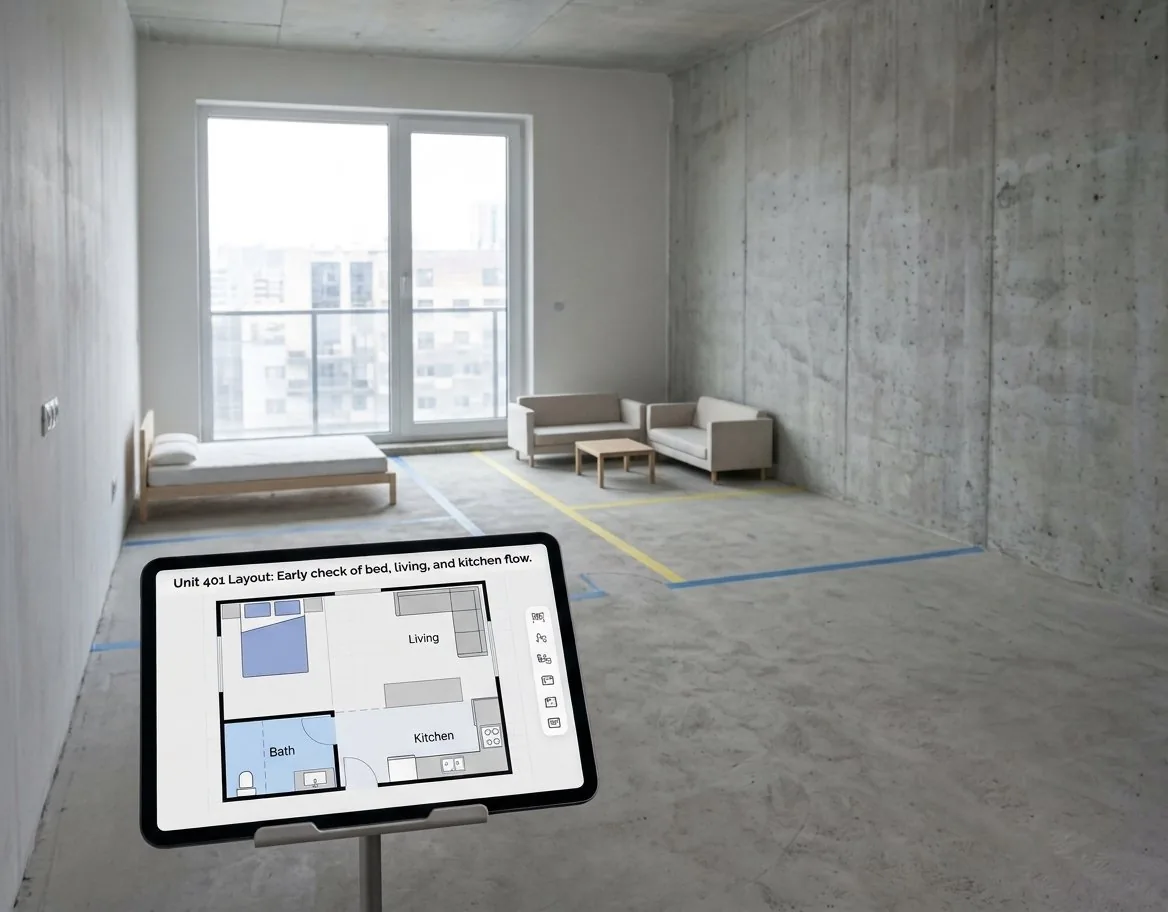
Apartment Hunting

Apartment Hunting

Compare units you are touring and see what actually fits.
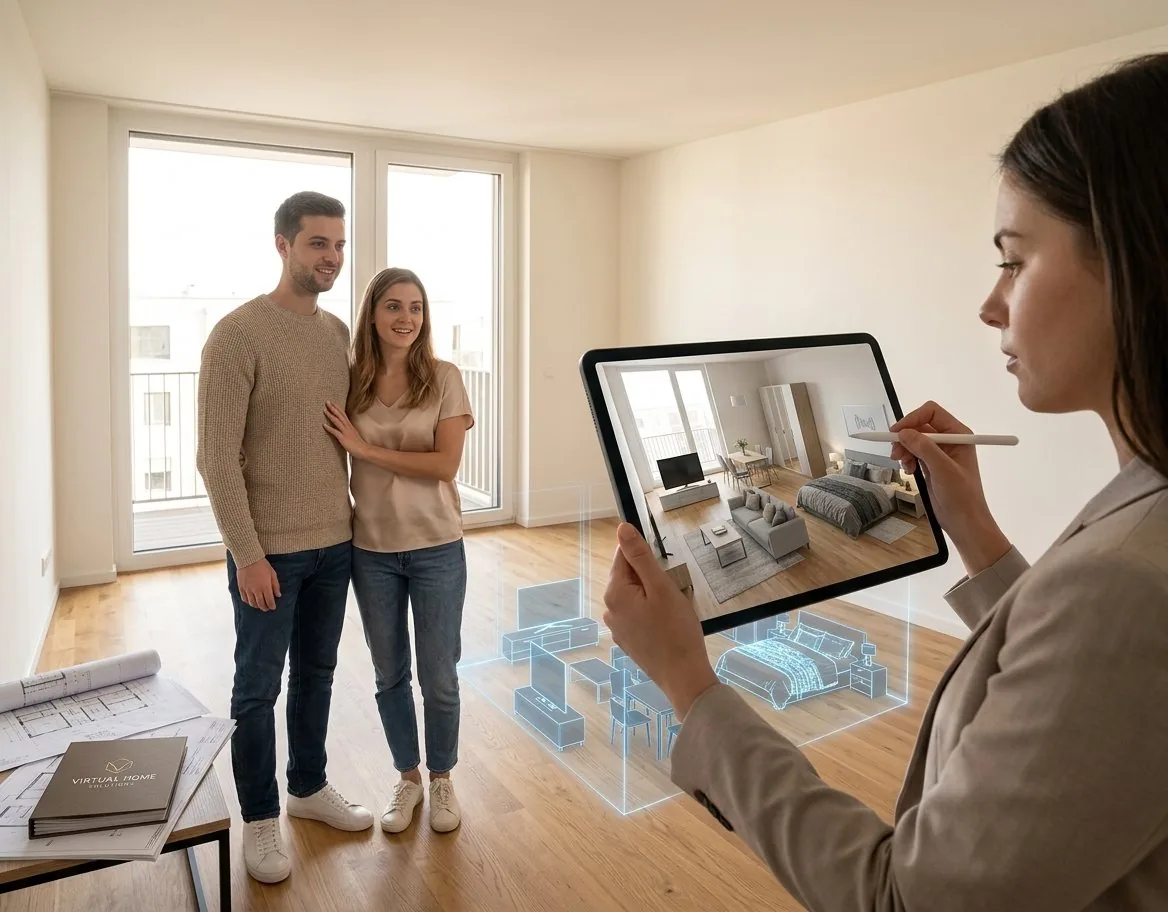
Moving Into a New Unit

Moving Into a New Unit

Test how your furniture fits a space you have not moved into yet.
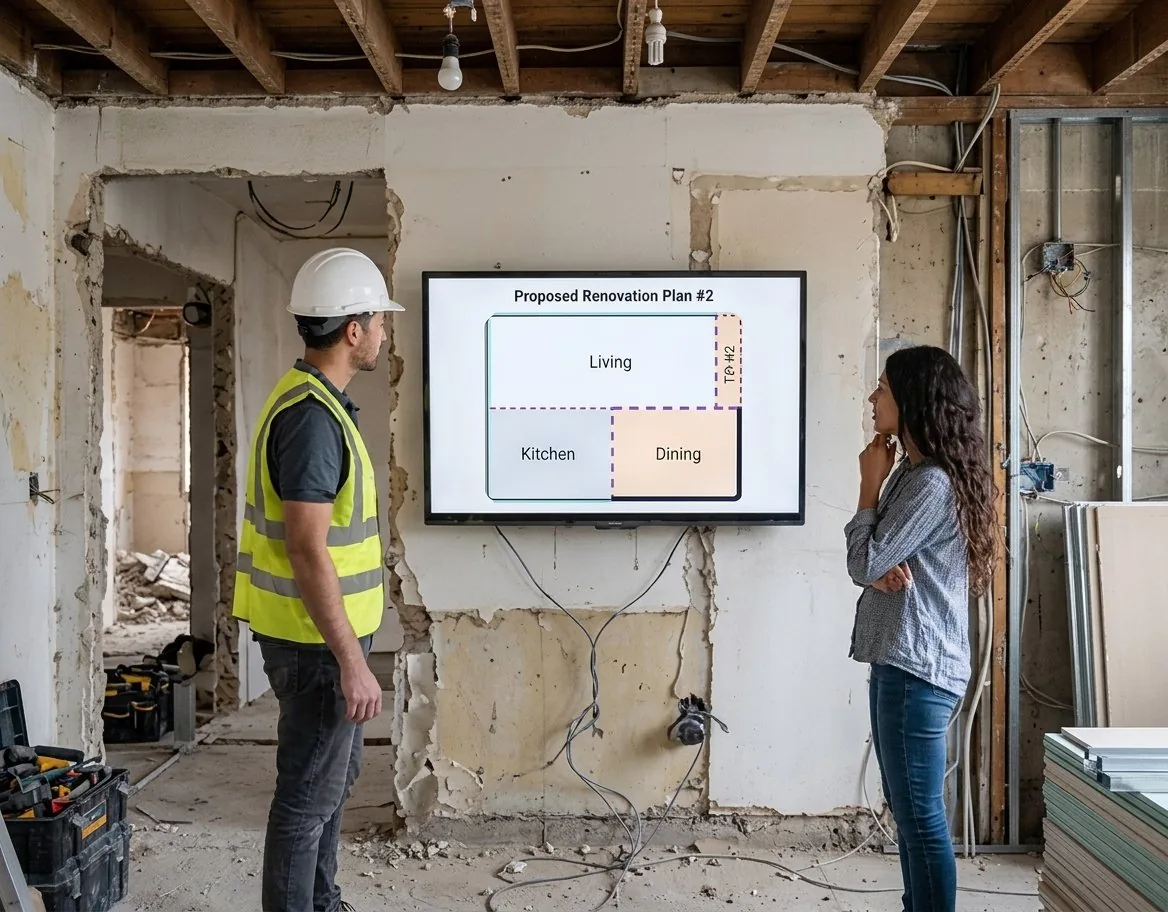
Renovation Planning

Renovation Planning

Try wall and layout changes before talking to a contractor.
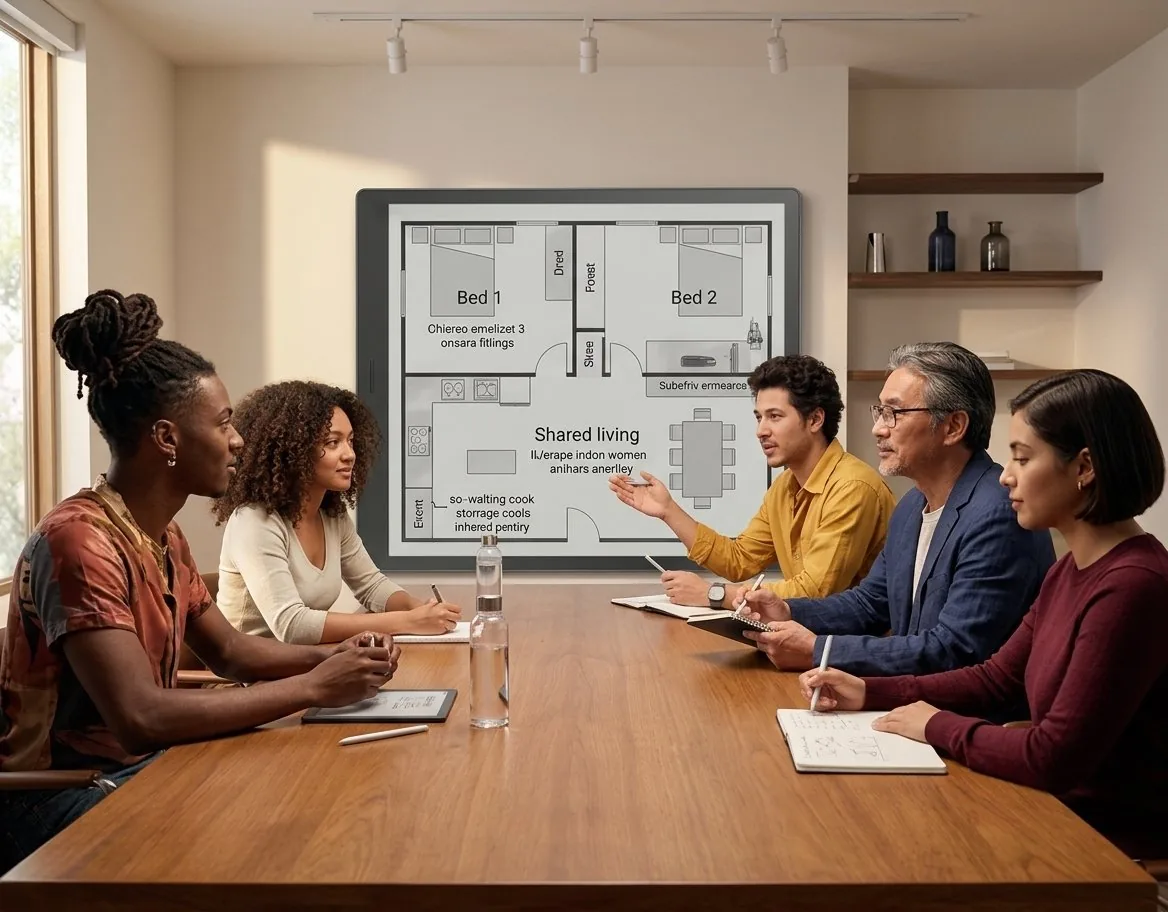
Shared Living Setup

Shared Living Setup

Plan bedroom zones and shared areas so everyone gets space.

WHY THIS WORKFLOW

Everything an apartment floor plan should get right

The details that decide whether a unit lives well.

10+

room combinations

Bedroom and bathroom counts from studio to 3-bed and beyond.

2

measurement units

Work in meters or feet and switch at any time.

10

output styles

Pick the look that matches the audience.

1

download action

Export a high-resolution PNG of the current plan.

The layout is intended for planning and communication. Always verify dimensions, area, and local codes before signing a lease or building.

NEXT STEP

Keep the apartment plan moving

Refine the result or switch to a workflow built for a different space.

FAQ

Apartment floor plan questions

Any combination, from a studio-style single room up to 3 bedrooms and multiple baths. Use whole numbers for bedroom and bathroom counts, and the generator places the rooms to match your counts.
A typical 1-bedroom apartment ranges from about 500 to 800 square feet. Enter your real area and the generator keeps the room proportions honest for that size.
An open layout connects the living, dining, and kitchen into one flowing space. The generator can place bedrooms for privacy while keeping the shared areas open.
If the unit has outdoor space, yes. The layout positions the balcony where views and ventilation are best, and you can remove it if the space does not allow it.
Set the real area first, then review the placement. The draft keeps closets and storage near the rooms that use them so circulation stays clear.
Yes. Open the result in the Floor Plan Editor to move walls, resize rooms, and adjust doors and windows.

Ready to test your apartment layout?

Set the bedrooms and bathrooms, enter the total area in meters or feet, and see the plan in seconds. Download the PNG or keep editing in the Floor Plan Editor.