2D Classroom planExample preview
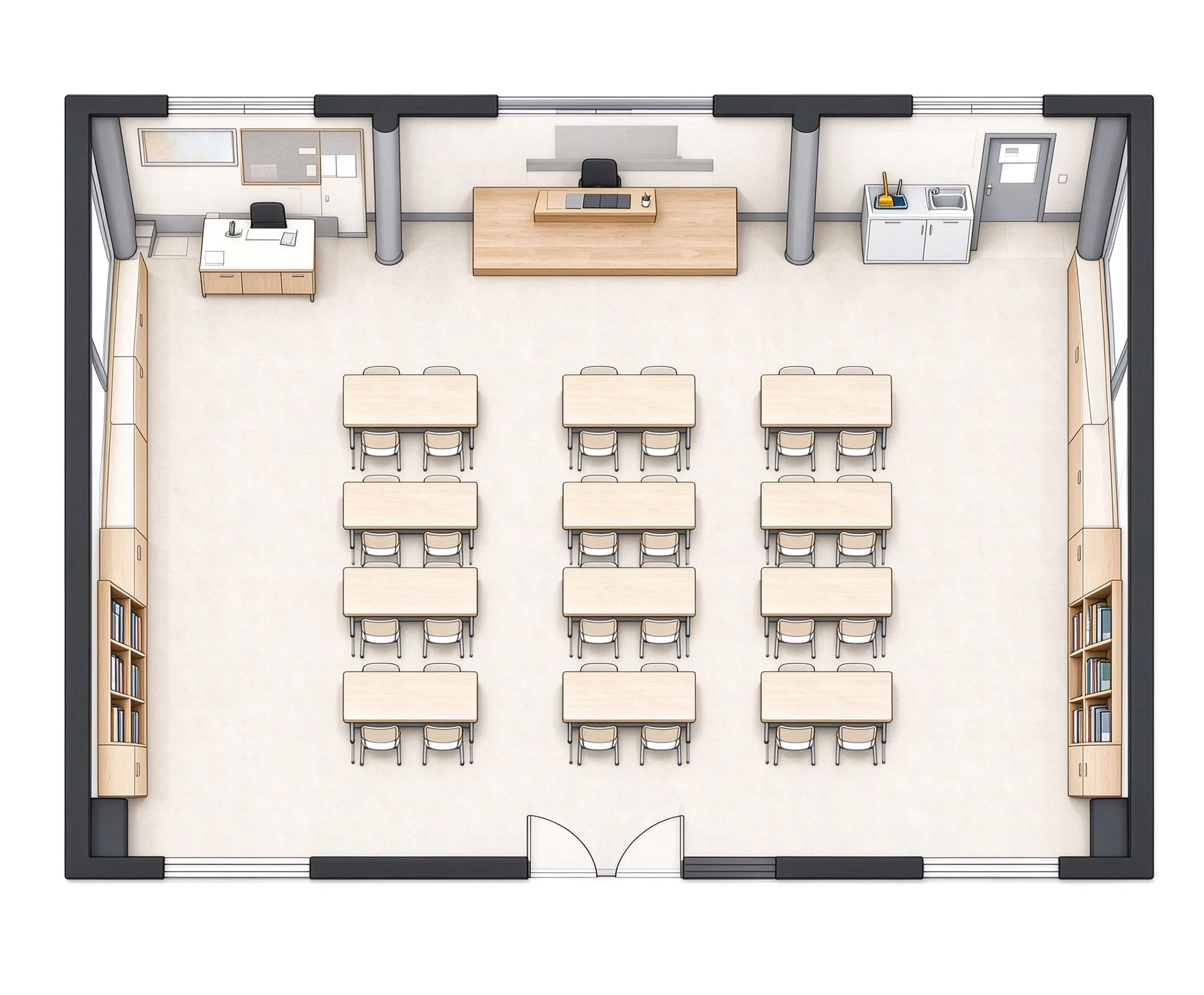
Example only. Generate your classroom from your own requirements to continue or download.
- Classroom
- 63 m²
- 9.0 × 7.0 m
- 4 × 5 · 20 seating places
- Technical
- Whiteboard
- Student Seating
- Teacher Desk
Example only. Generate your classroom from your own requirements to continue or download.
Choose one of 6 classroom types, enter the room dimensions and seating layout, and the generator arranges seating, equipment, and aisle paths in seconds. Layouts check aisle widths and door clearance, then export a PNG for sharing — from a tutoring room to a full lecture hall.
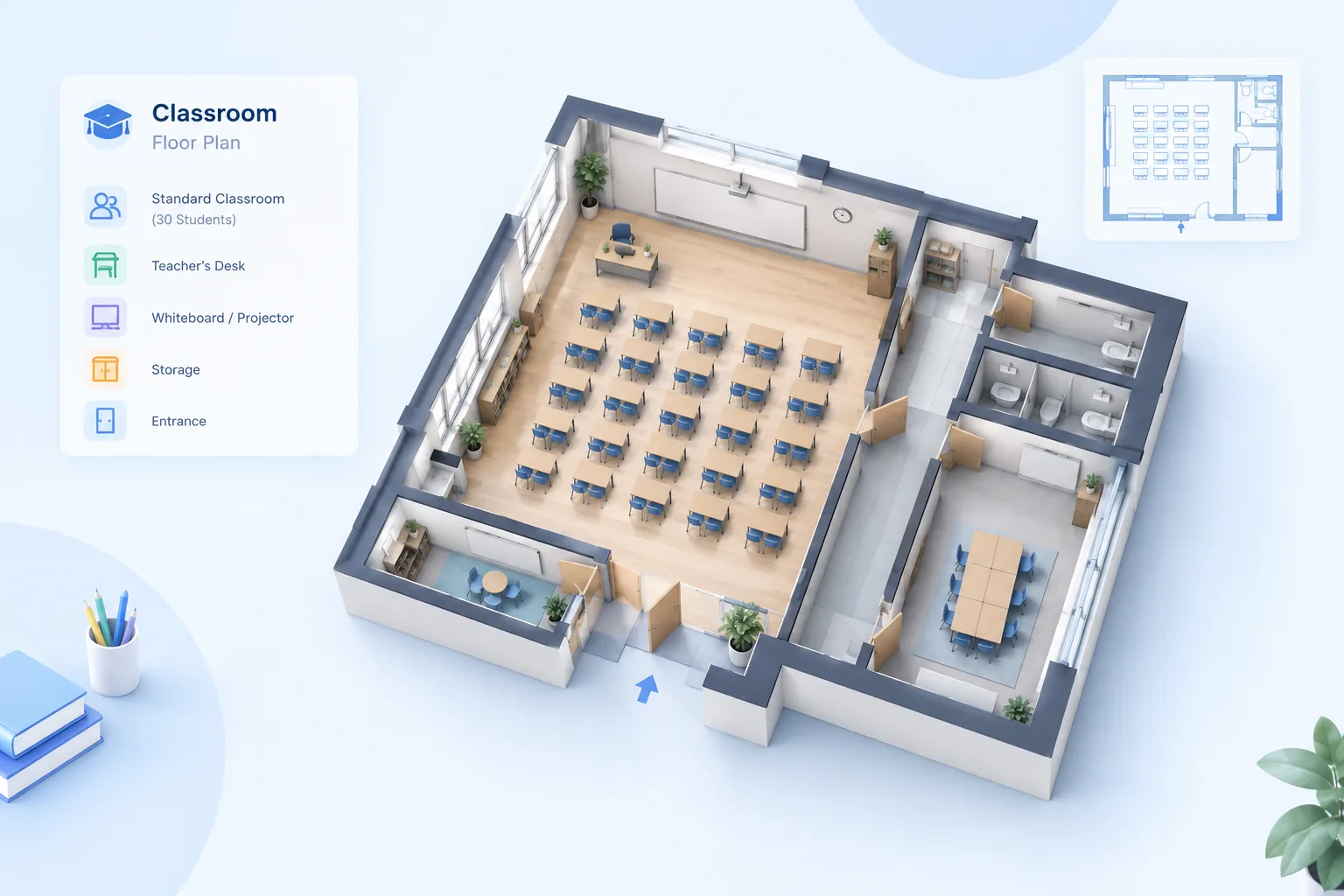
Start from the classroom type, set the size and seat count, and check the layout against real clearance rules before you share it.
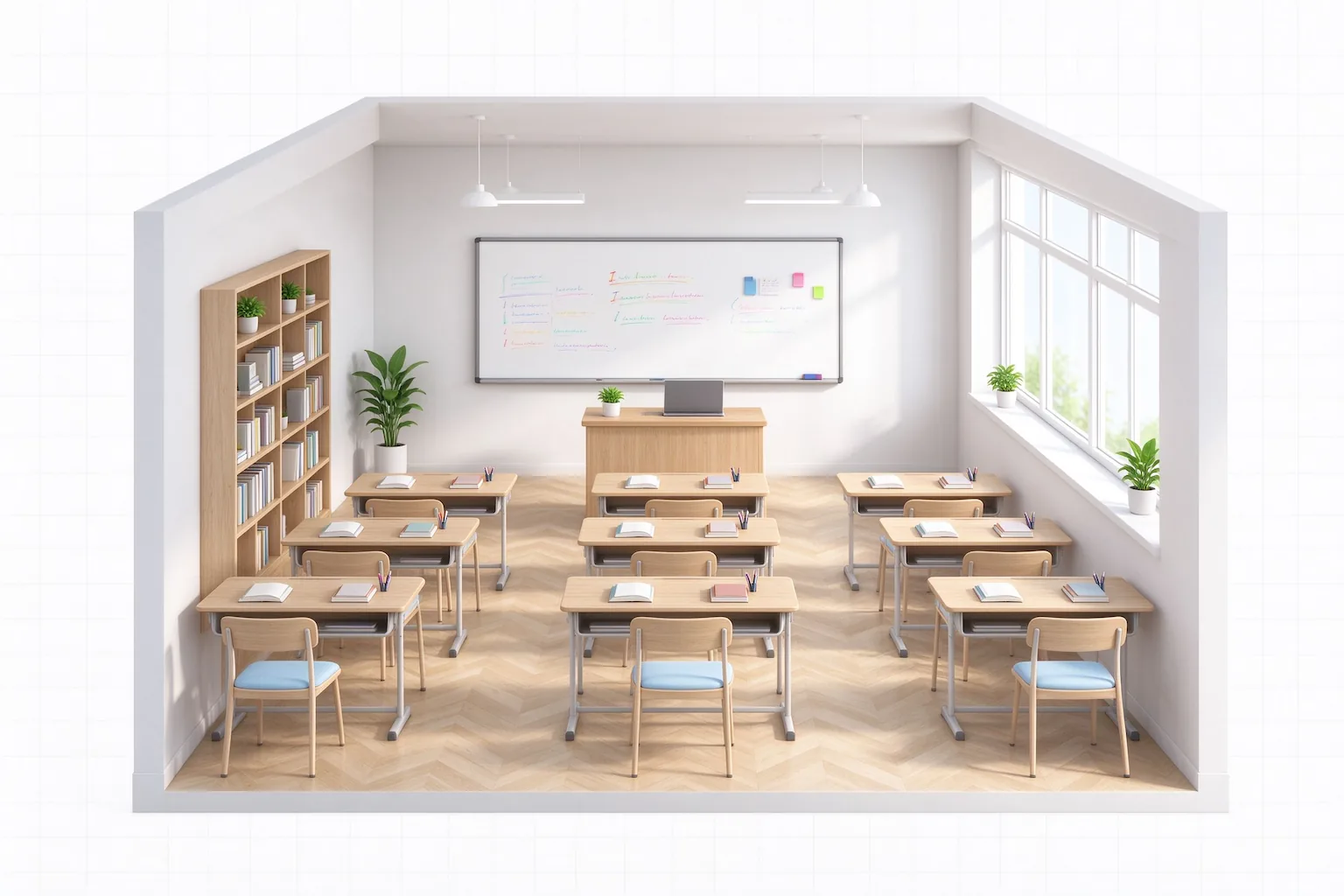
Lecture hall, computer lab, science lab, art studio, music classroom, or standard classroom — each type loads the right default layout for its space.
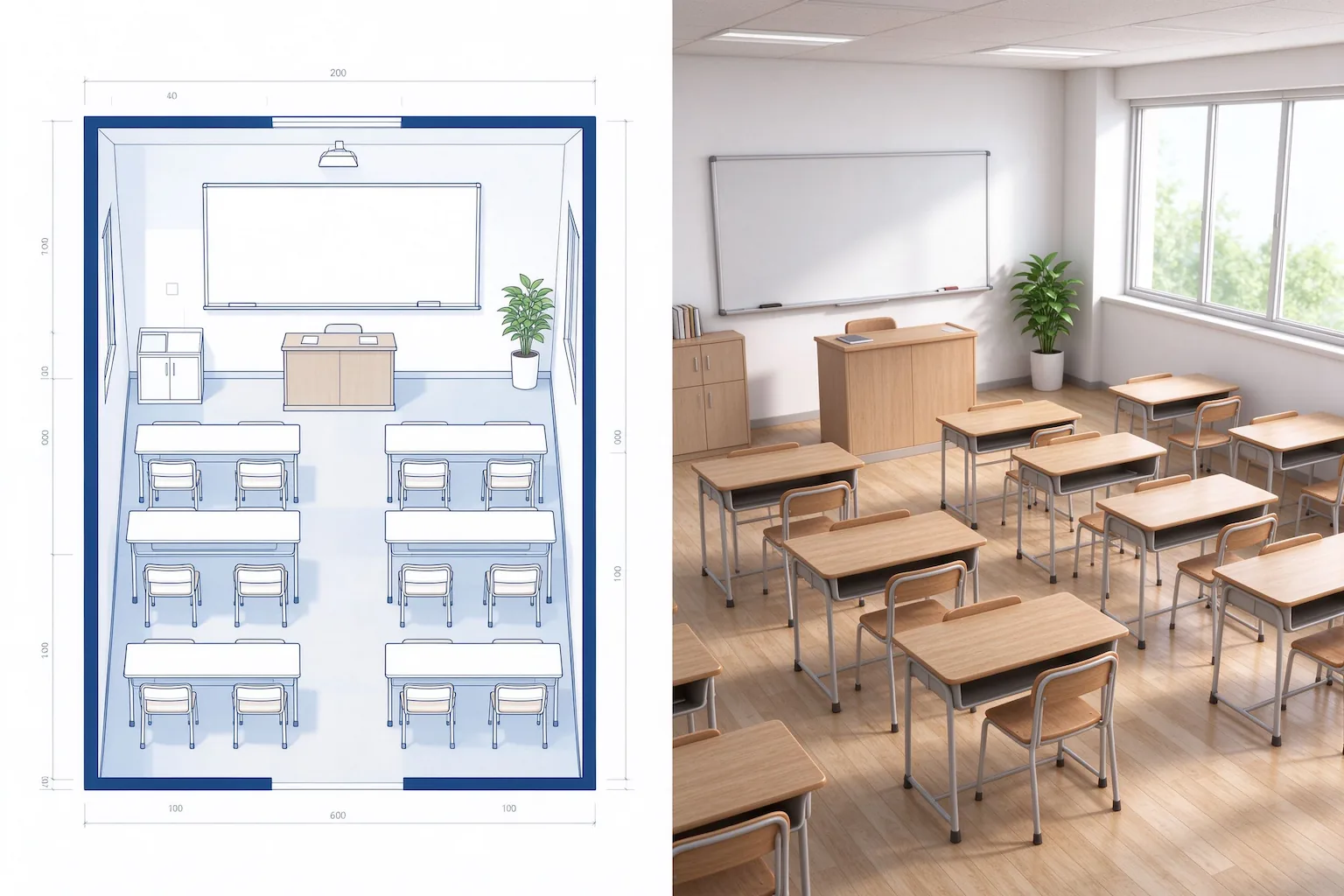
Input the dimensions in meters or feet and set the seating layout as rows and columns. The seating places recalculate for the space you give it.
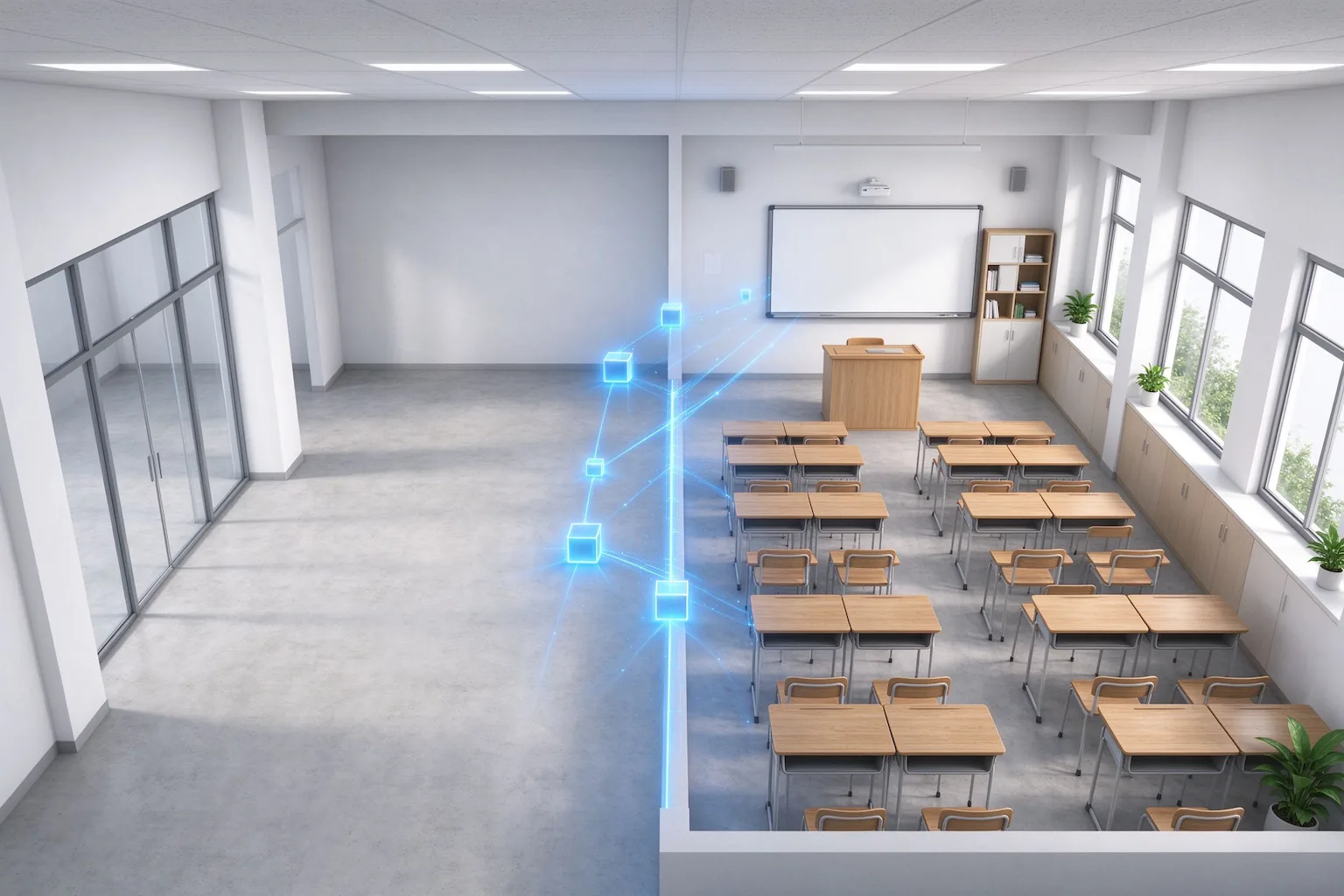
Seating takes rows, clusters, or U-shape patterns with aisle paths kept clear. Whiteboards, projectors, and lab benches land where sight lines and utilities work.
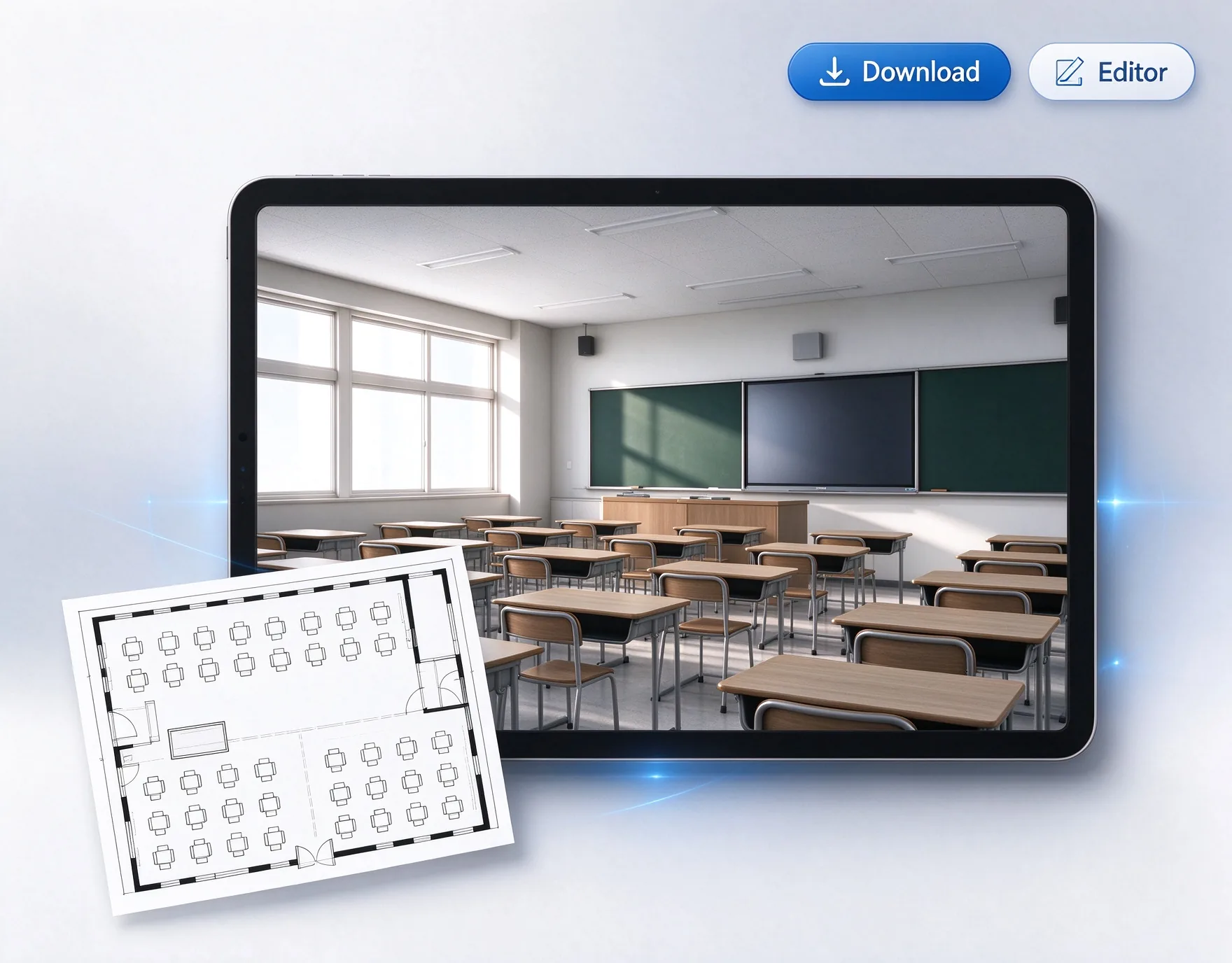
Layouts validate aisle widths, door clearance, and egress paths. Export a PNG for sharing or contractor review.
Three steps from a room size to a compliant layout.
Set dimensions, pick a classroom type, and add your seating layout.
Get seating, equipment, and aisle paths in seconds, then fine-tune.
Export a PNG for sharing or documentation.
Common classroom types, planned from their usual setup.
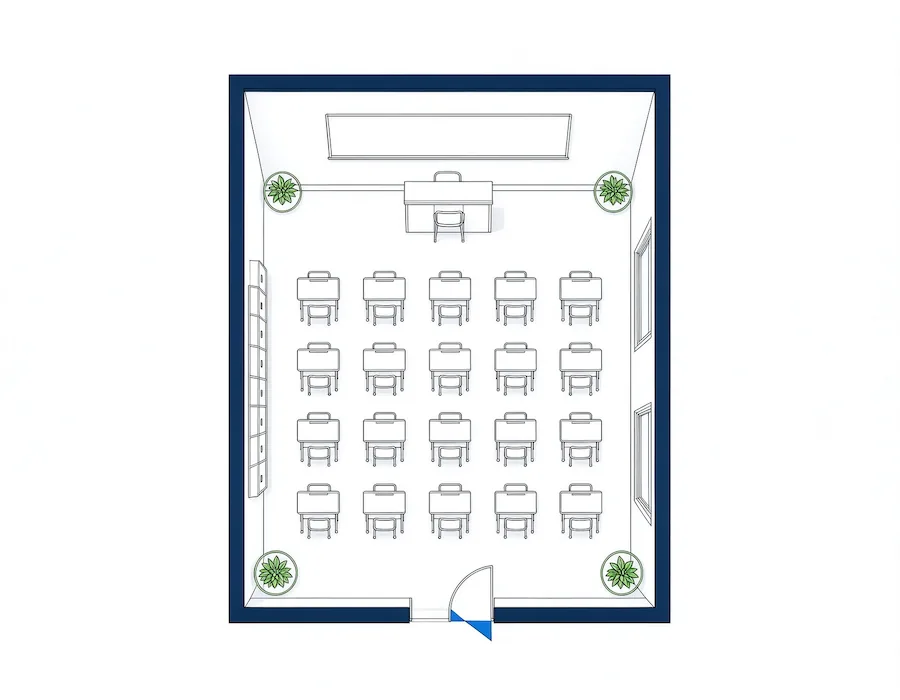
Rows of desks with a front whiteboard and projector
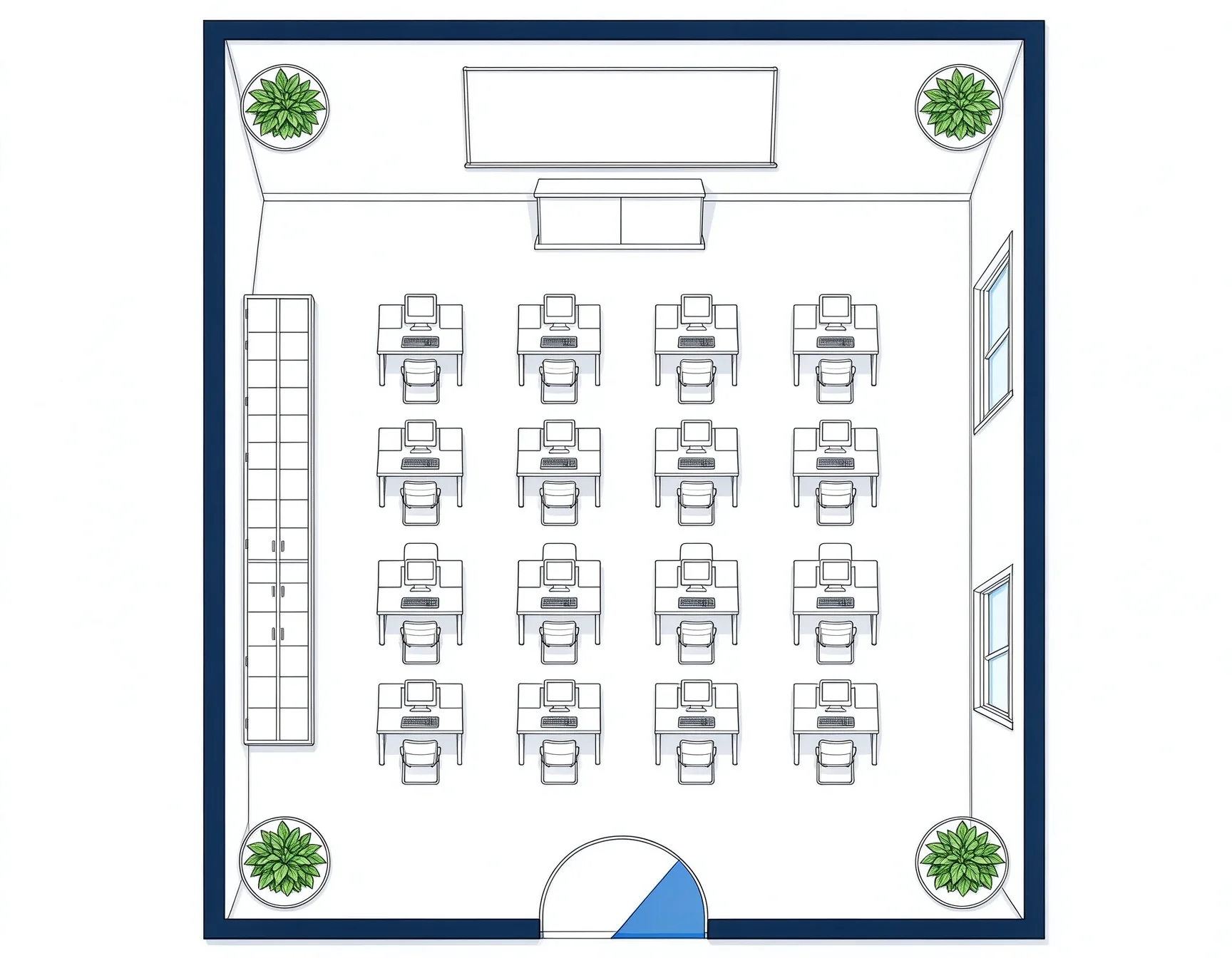
Workstation rows with cable and power routing
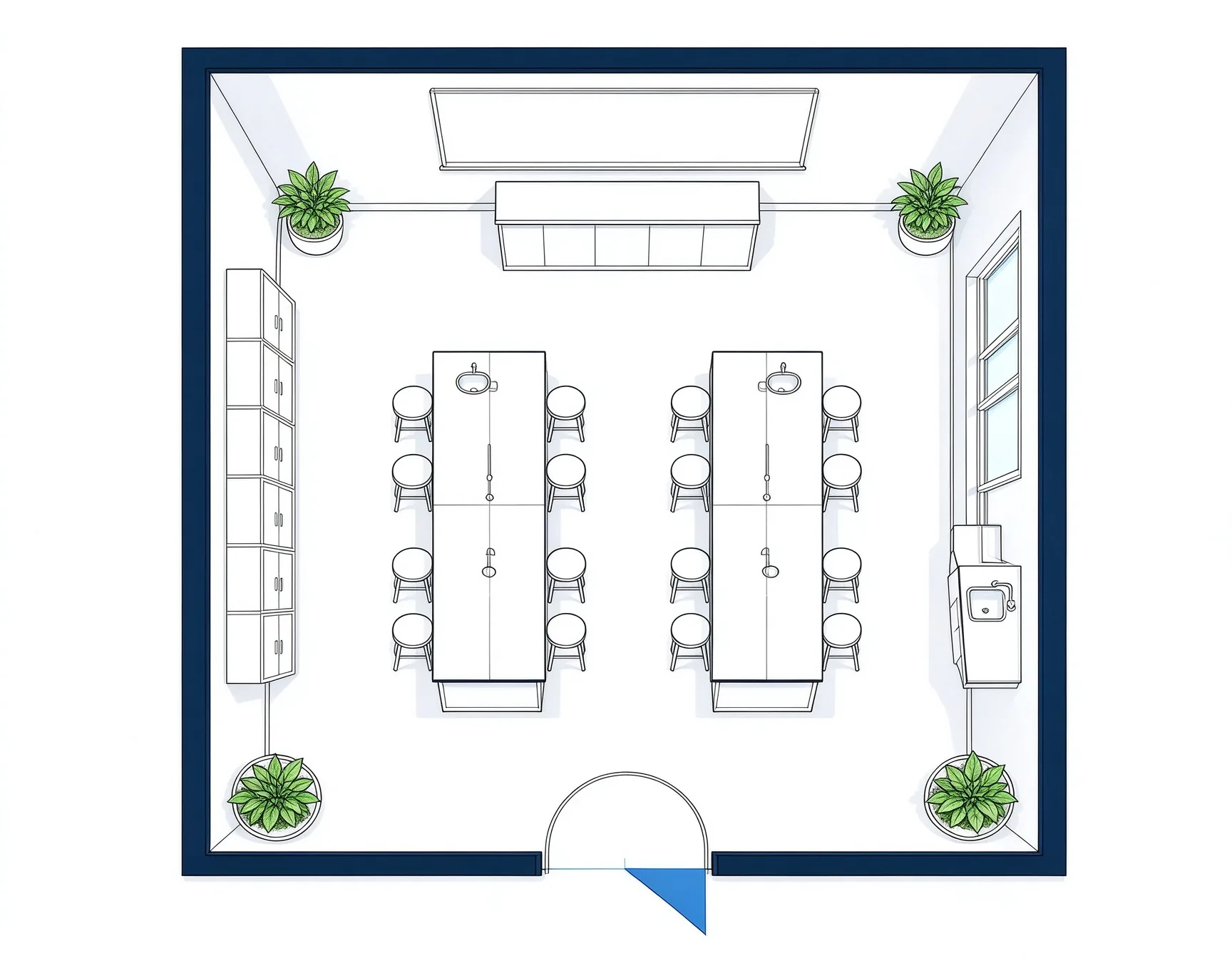
Lab benches with safety zones and sink access
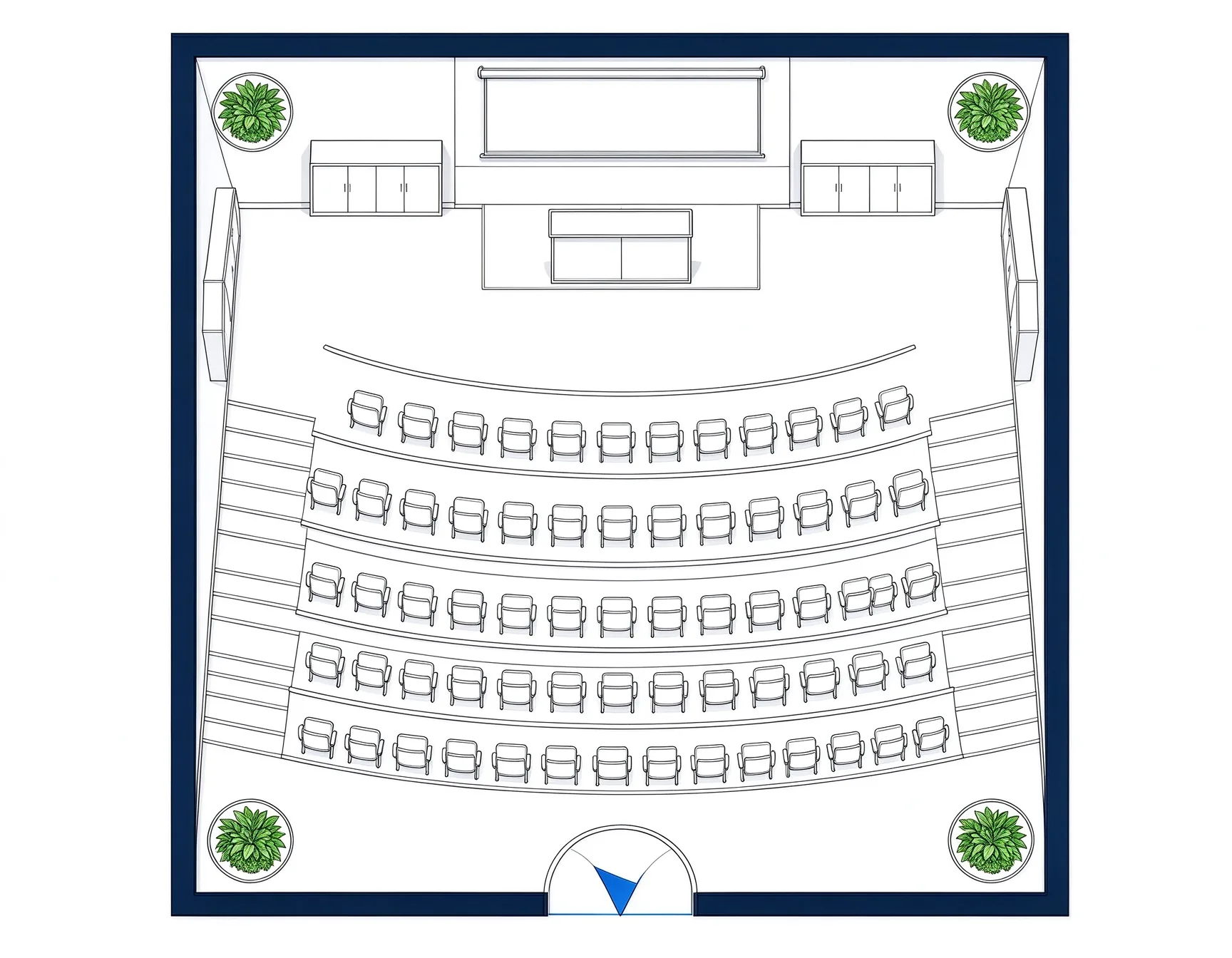
Tiered seating with wide aisles and sight lines
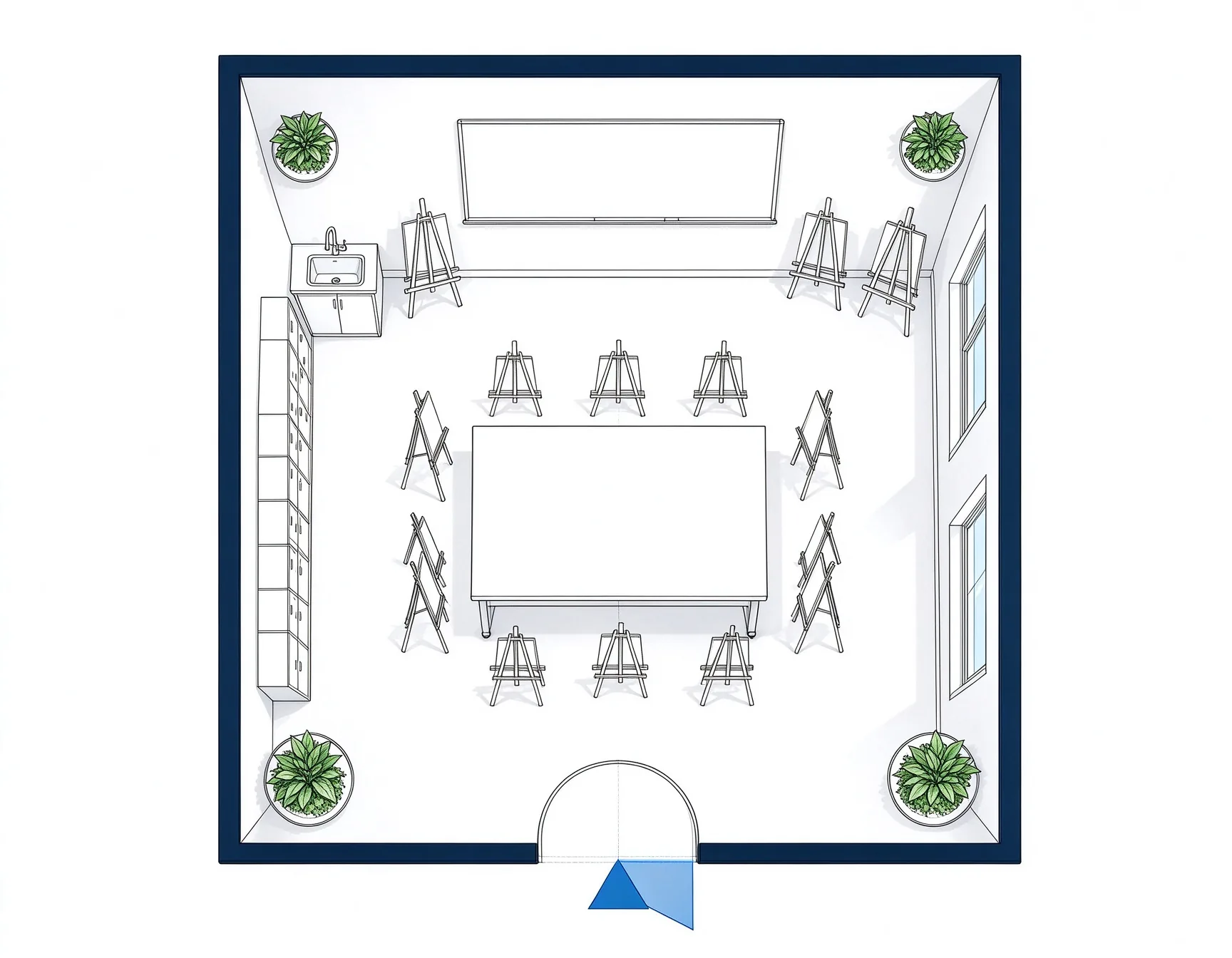
Easel and work zones with sinks and drying space
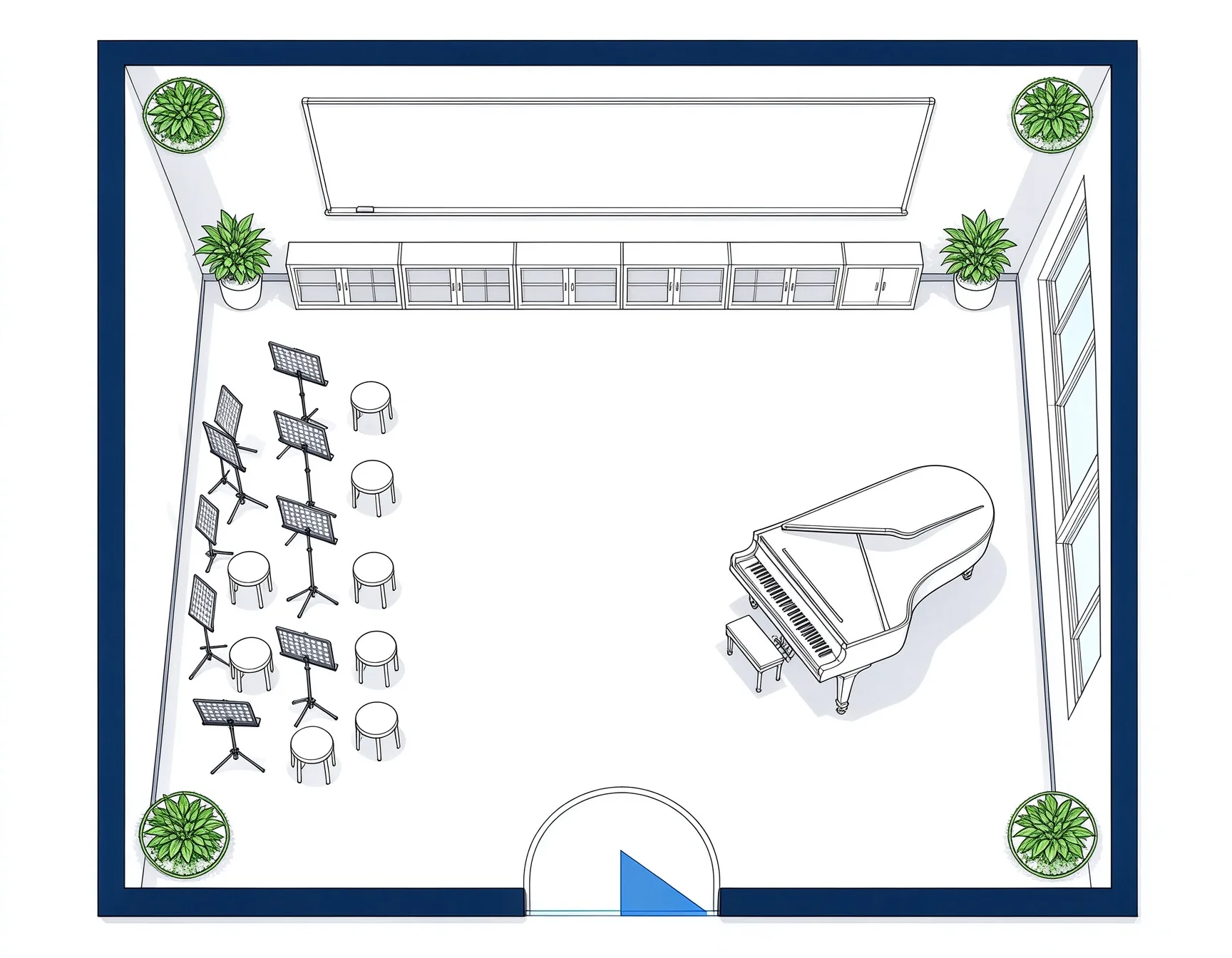
Rehearsal space with a piano and instrument storage
Use an early classroom layout to plan seating, equipment, and how students move through the room.
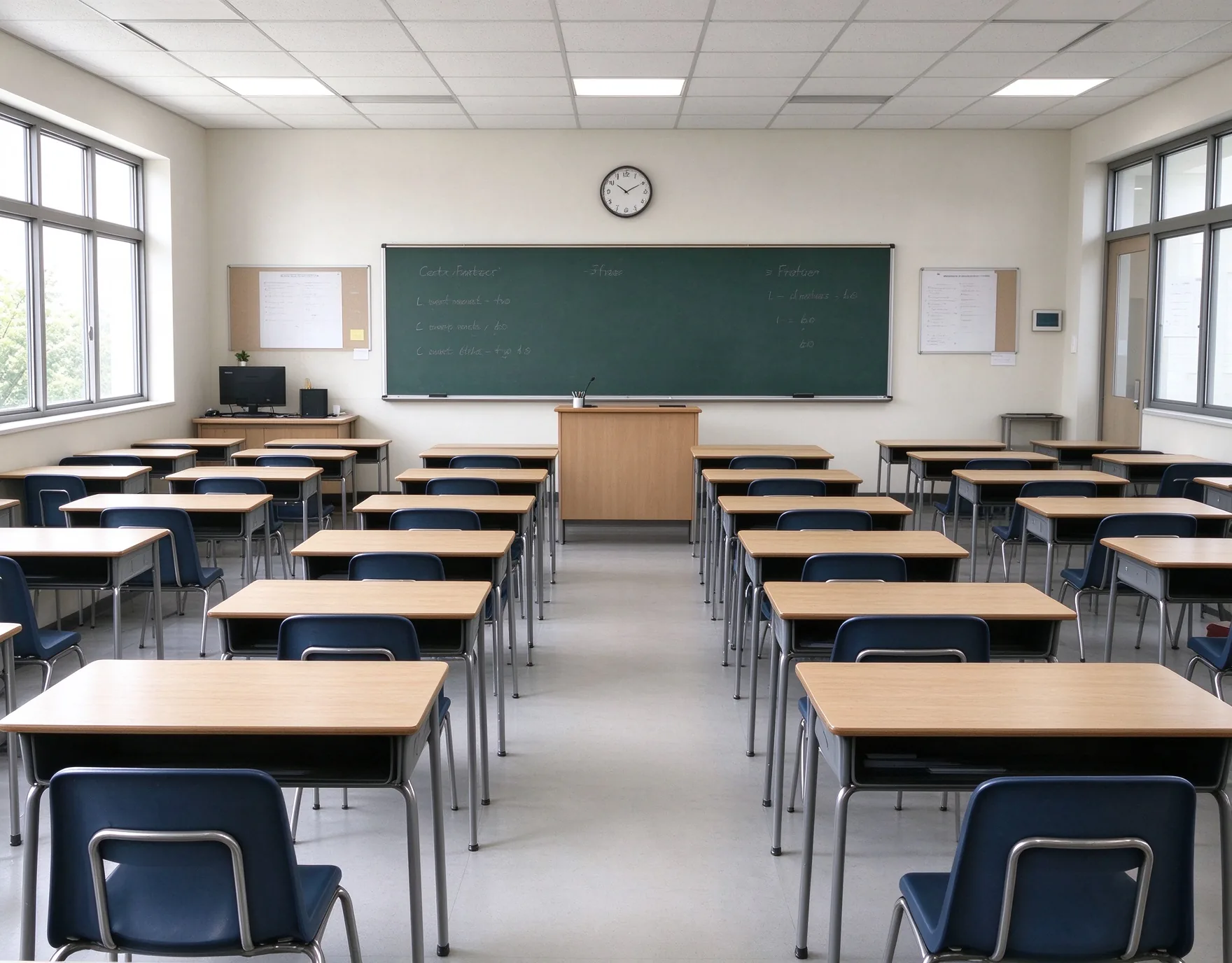
Reset rows, groups, and aisles before students return.
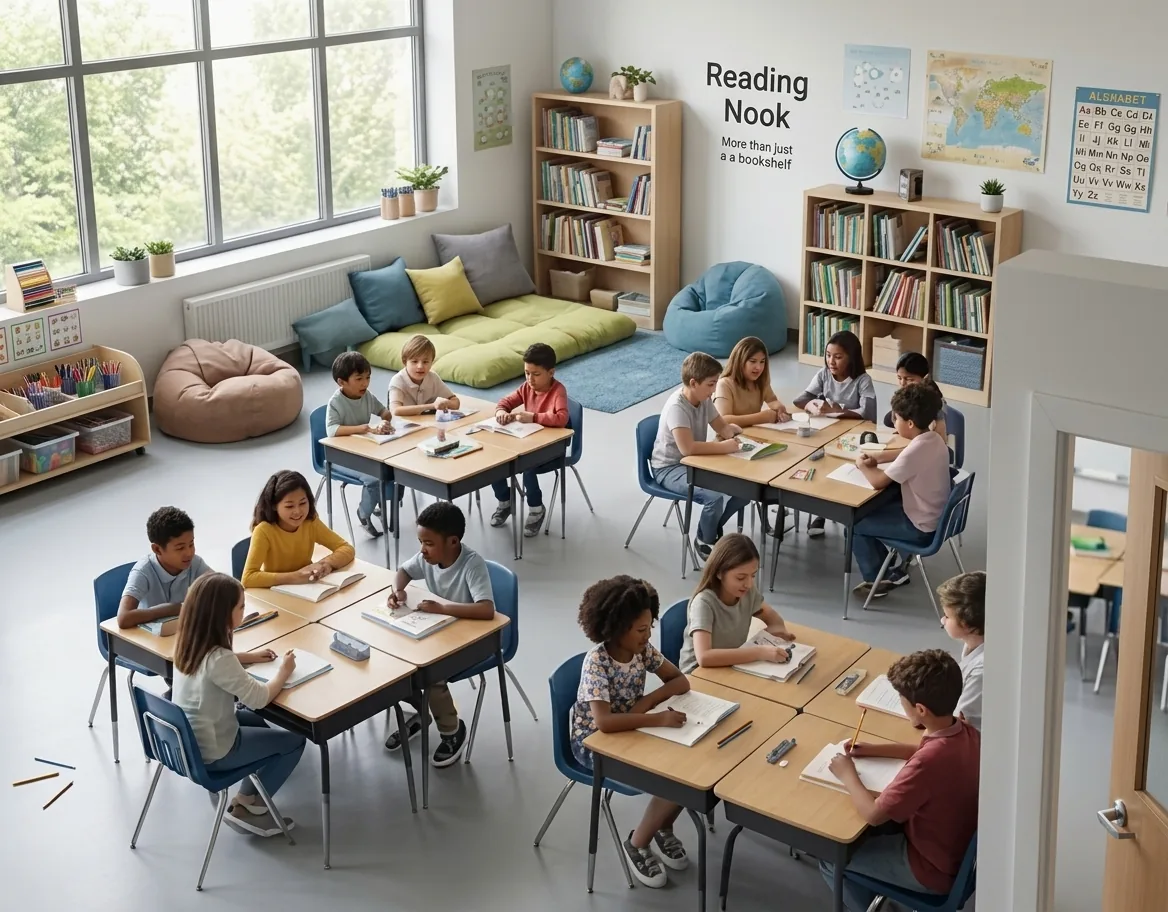
Try group pods or a reading corner without moving a single desk.
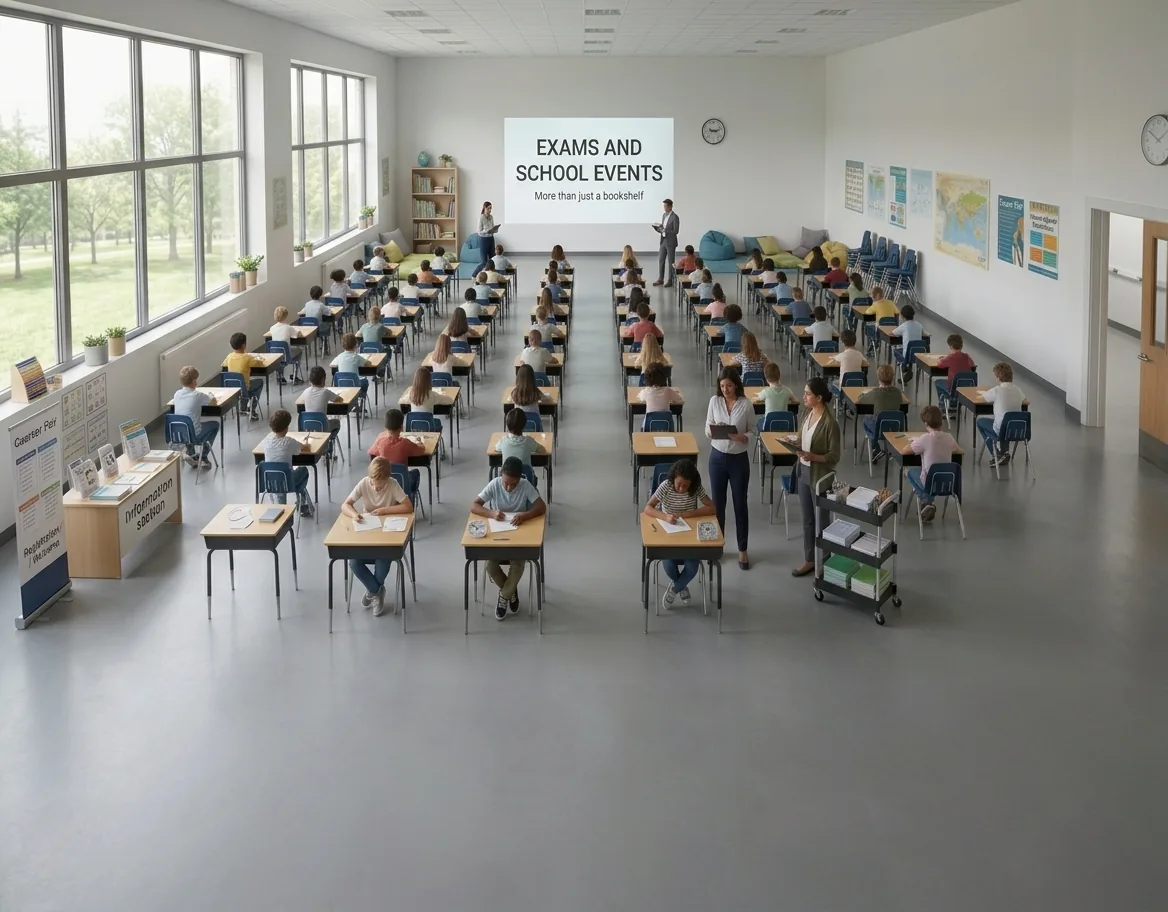
Reconfigure the room for tests, presentations, or open house.
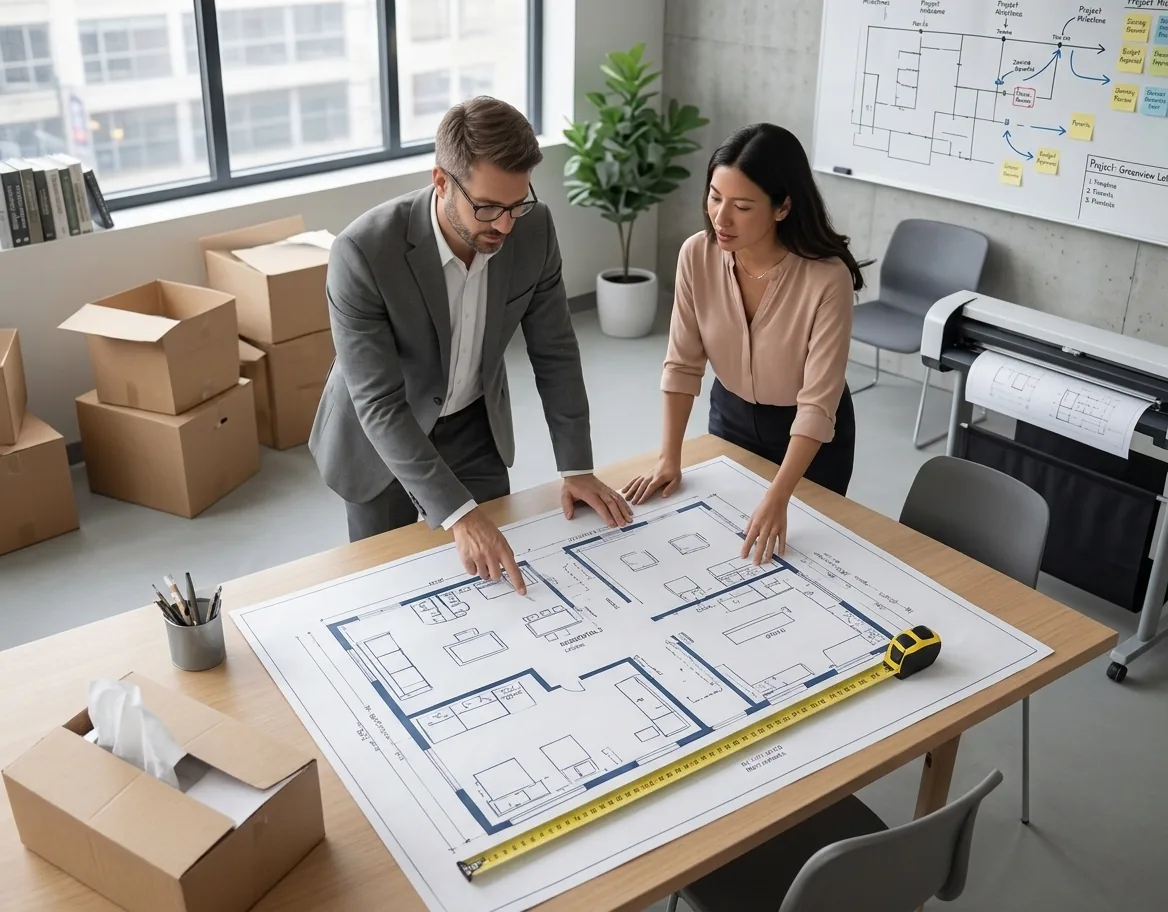
Plan the layout before furniture and equipment arrive.
Built for learning spaces, not a generic room planner.
Lecture hall, labs, art, music, and standard rooms.
From room size to a full layout in under a minute.
PNG for sharing and documentation.
Aisle paths keep the minimum clearance between rows.
Layouts are intended for planning and review. Confirm dimensions, capacity, and local accessibility and safety codes before construction or board approval.
Answers about classroom types, seating, equipment, exports, and clearance checks.
Pick a classroom type, set the size and seat count, and see the layout in seconds. Export a PNG for sharing or your facility team.