Electrical floor plan preview
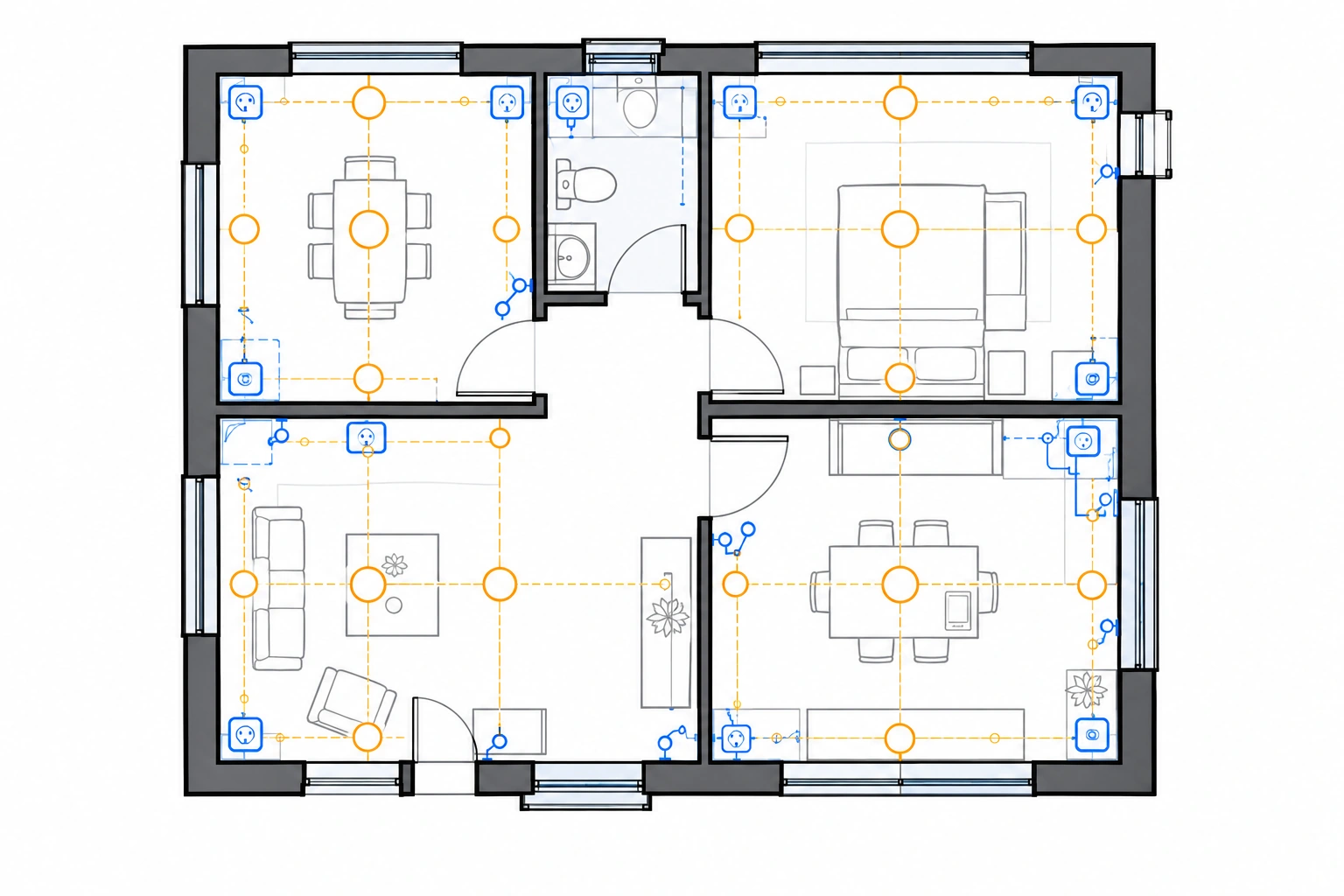
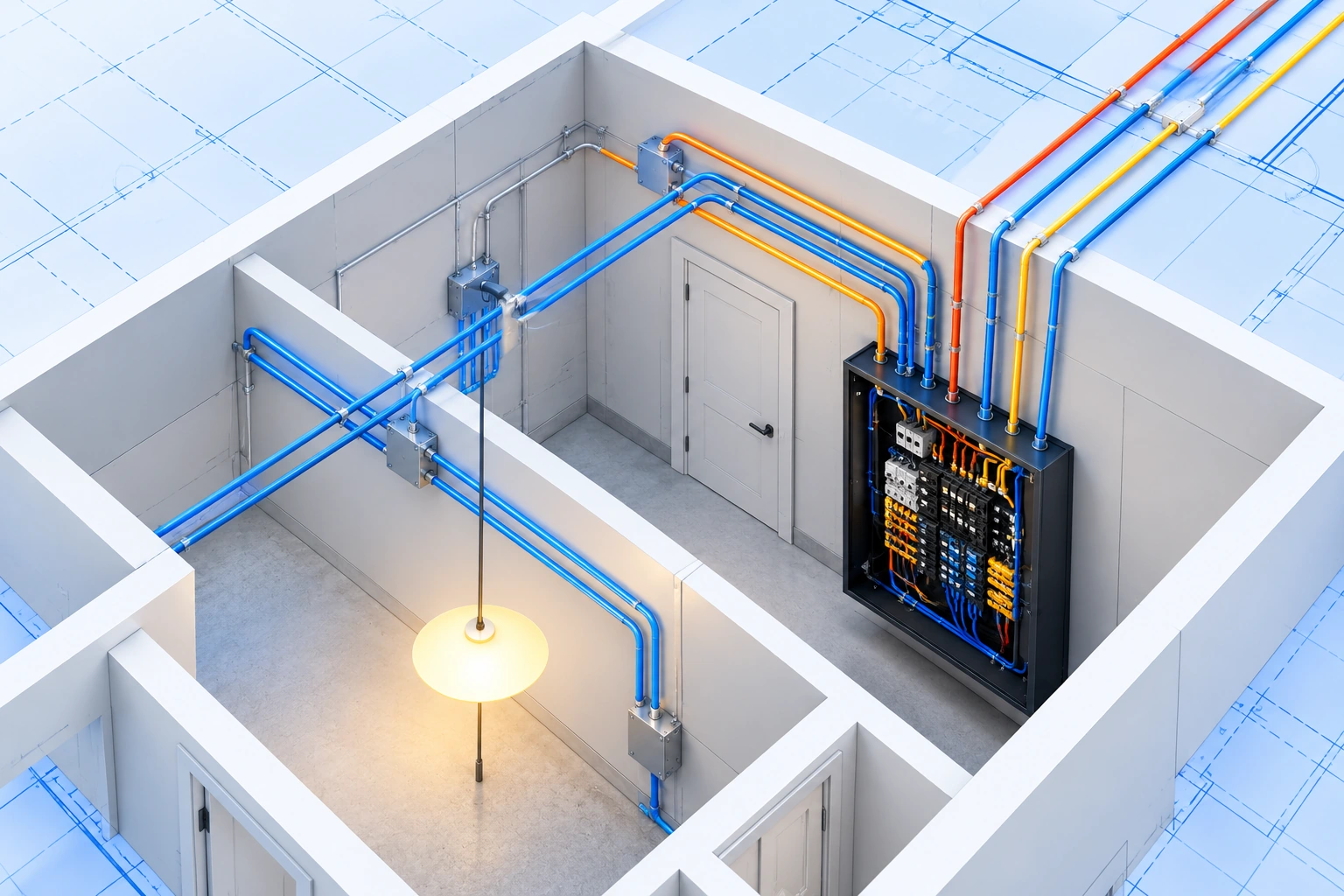
AI-generated electrical layout with outlets, switches, lighting, panel and annotations.
- Residential
- 120 m²
- 200 A
- Include Low-Voltage
- Generate Panel Schedule
AI-generated electrical layout with outlets, switches, lighting, panel and annotations.
Turn an existing building plan into a clear electrical floor plan. Plan outlets, switches, lighting, and electrical panel placement, then add the details your project needs — from EV chargers and floor boxes to low-voltage systems. It's a faster way to produce a residential or commercial electrical layout you can review, share, and coordinate before engineering or installation.
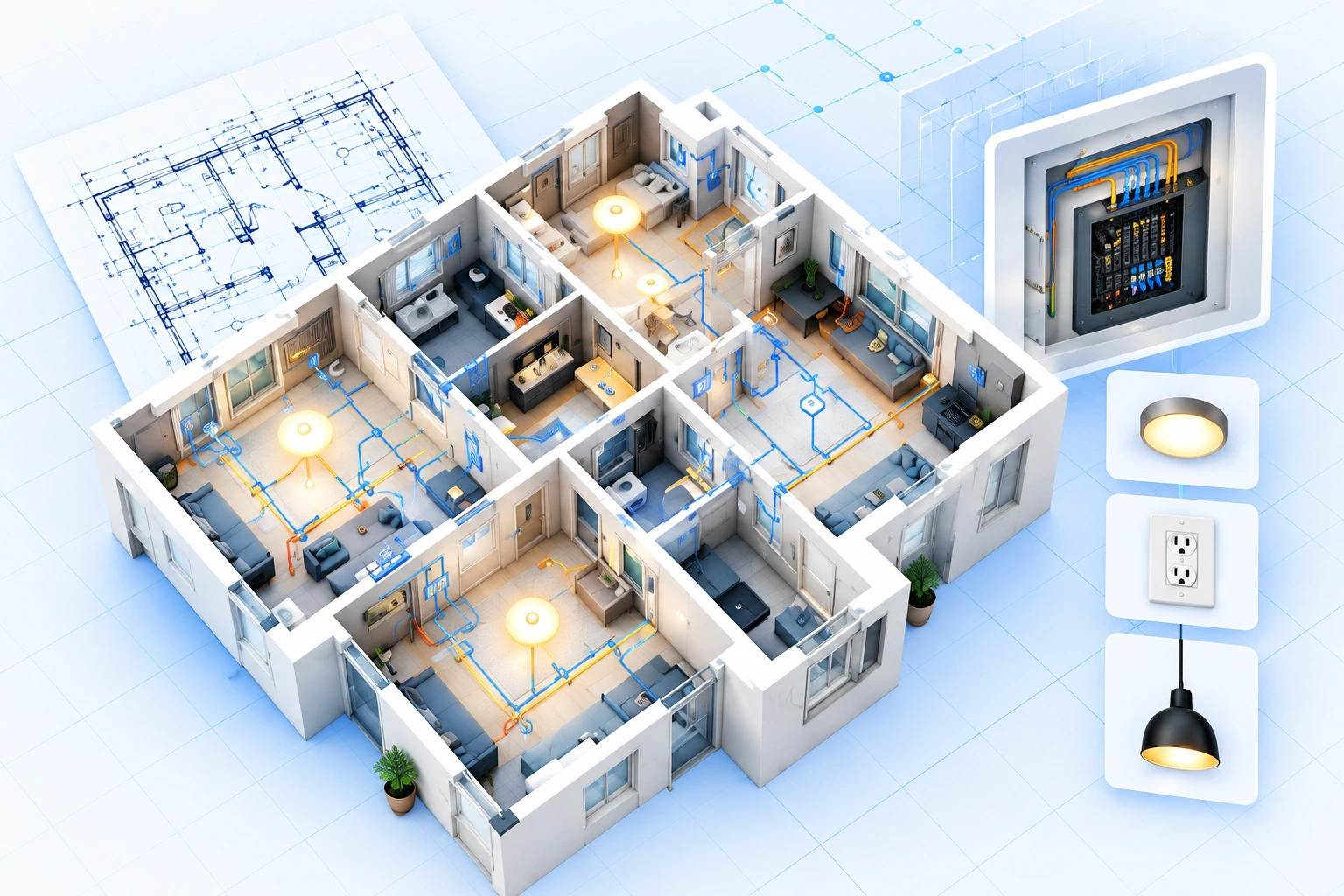
Upload a building plan, add electrical requirements, and review the key systems before detailed coordination.
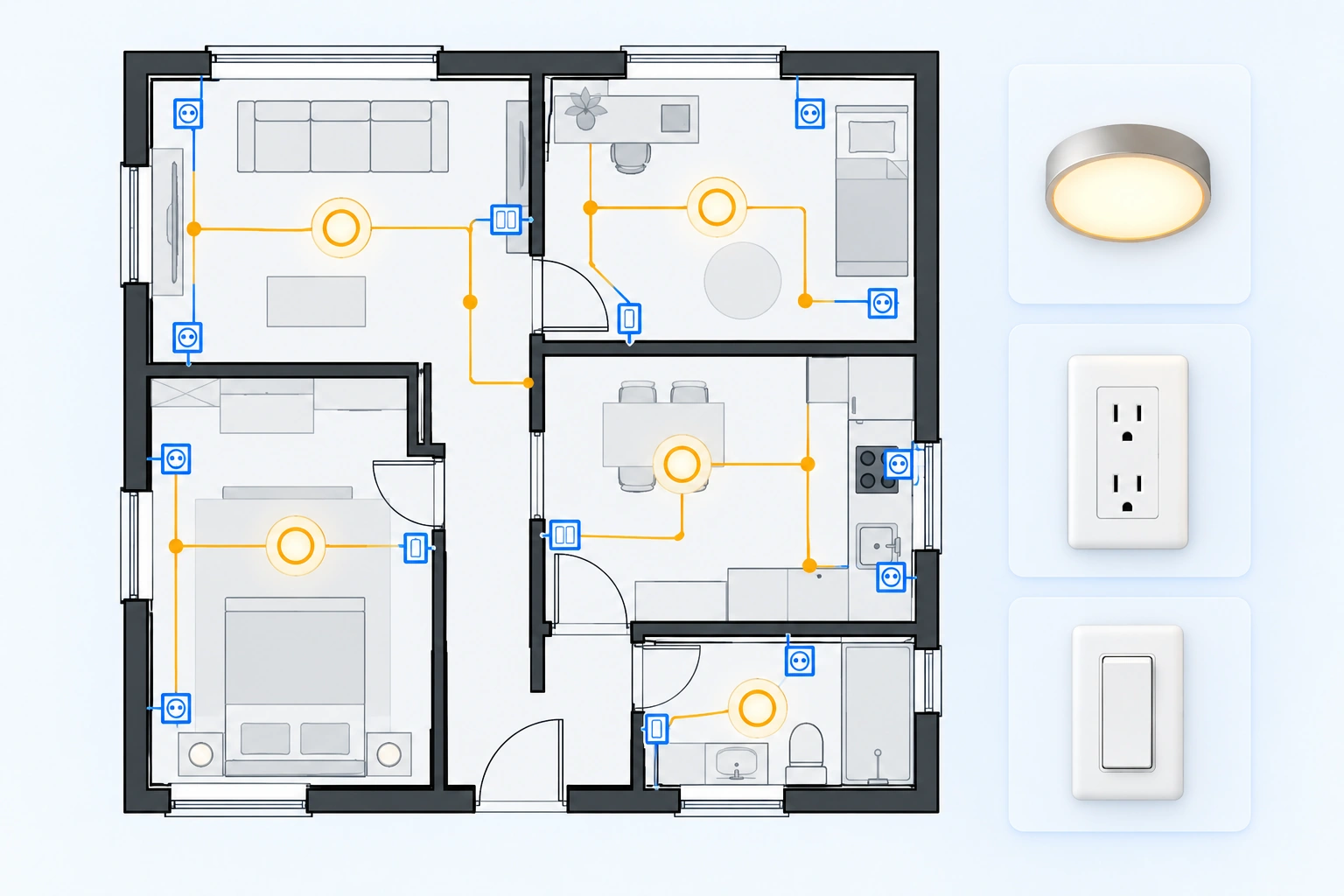
Upload a floor plan image and choose Residential, Commercial, Industrial, Institutional, or Mixed-Use. Enter the total area in sq ft or m², then set the panel amperage to give the electrical layout generator a clearer project brief.
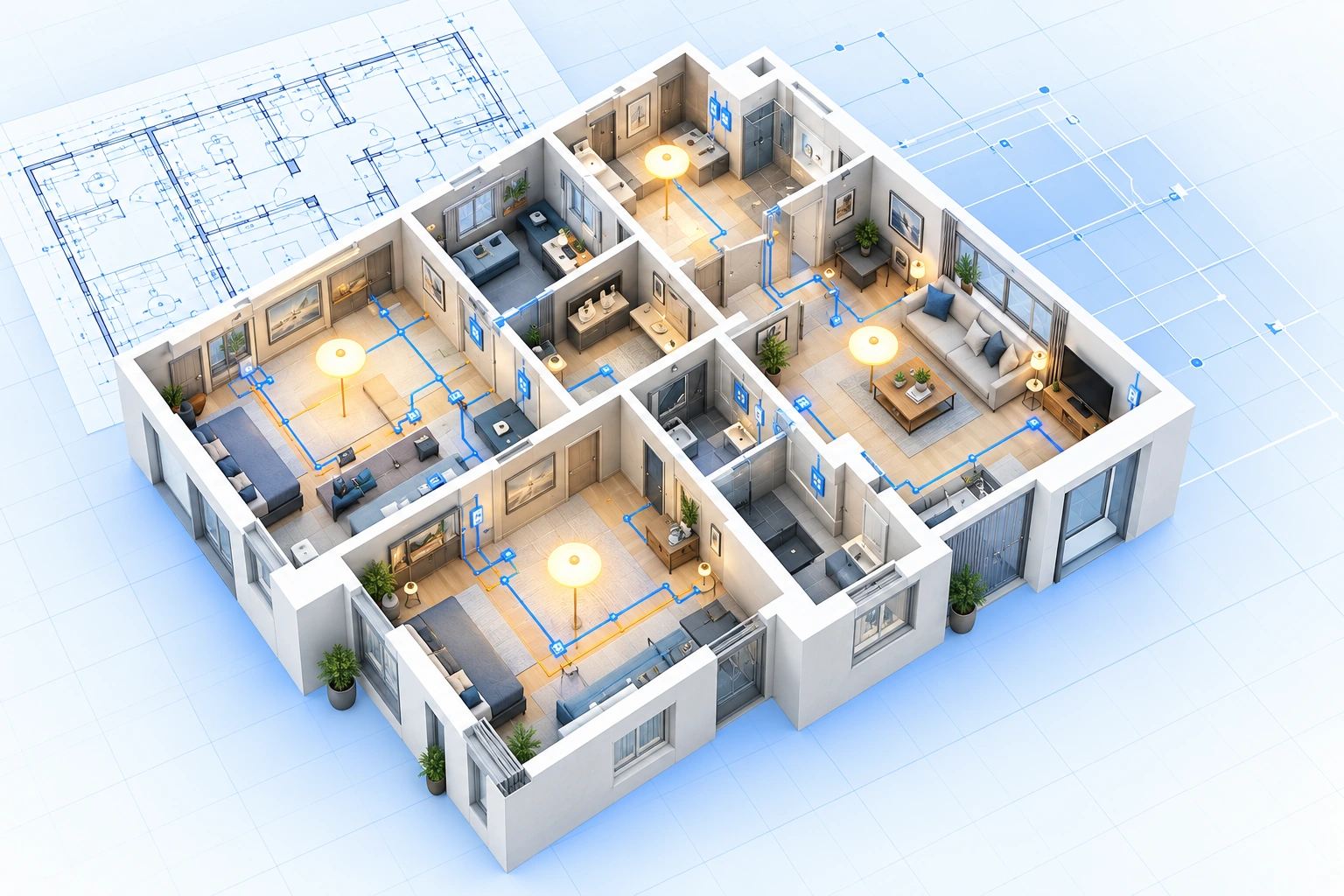
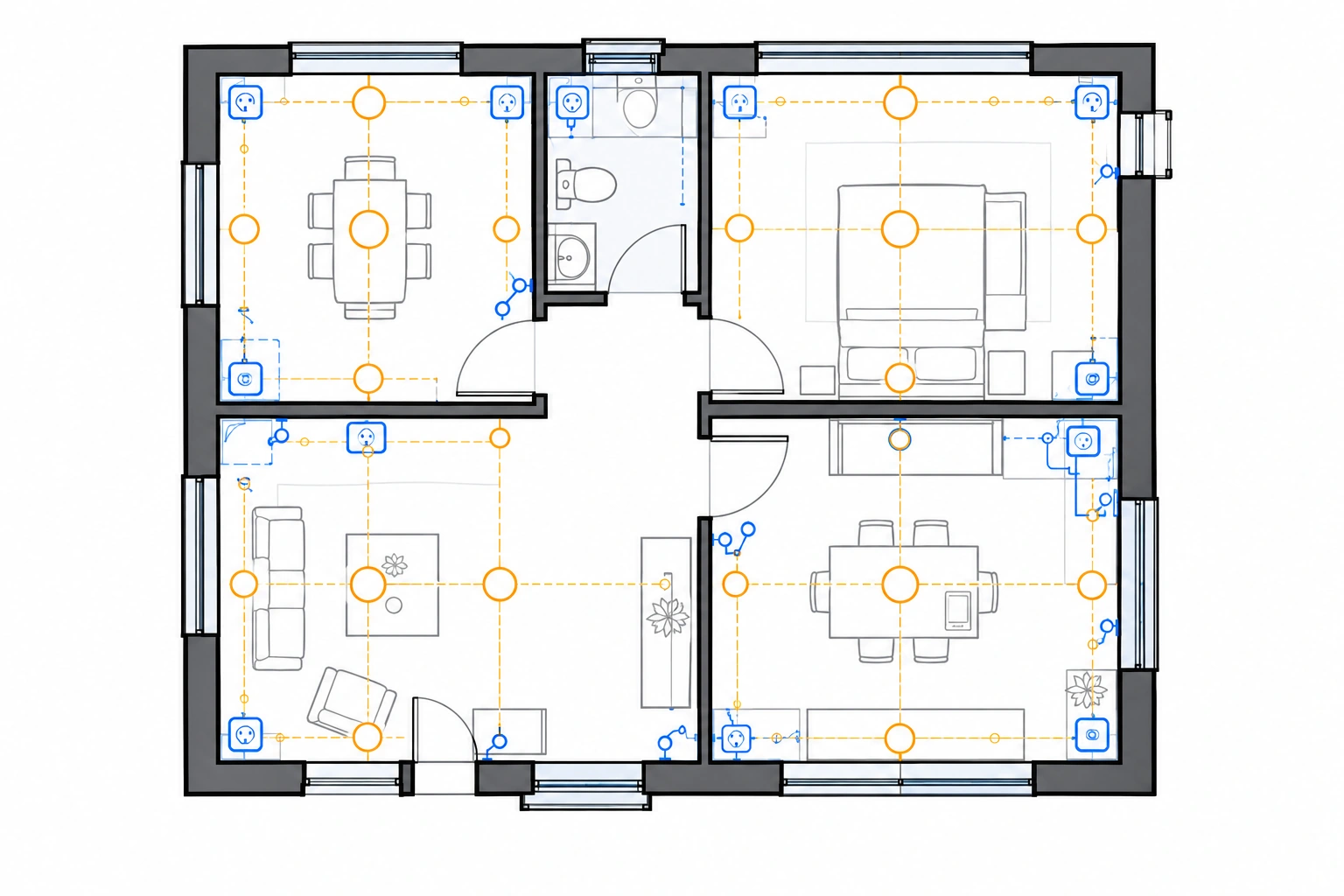
See outlets, switches, and lighting points laid out around rooms, doorways, and work areas. The draft keeps electrical points close to where appliances, fixtures, and daily activity actually happen, so the result reads like a coordinated electrical outlet and lighting plan rather than a generic diagram.
Start with the basic requirements, or turn on the Additional requirements switch to enter project-specific details. Mention EV chargers, floor boxes, three-phase power, data points, or security devices. Use the separate electrical options to include low-voltage systems or a panel schedule when needed.
Use the generated electrical floor plan as a working draft for planning and coordination. Review the layout, share it with a designer or contractor, and hand it to a qualified electrician or engineer for load, code, and installation verification.
Three steps from an existing building plan to an electrical layout you can review.
Add an existing JPG, JPEG, PNG, or WEBP building floor plan.
Choose a building type, enter the total area in sq ft or m², and set panel amperage. Keep the basic requirements or turn the Additional requirements switch on to add your own.
Review the outlets, switches, lighting, and panel layout before export.
Common electrical layouts built around different planning needs.
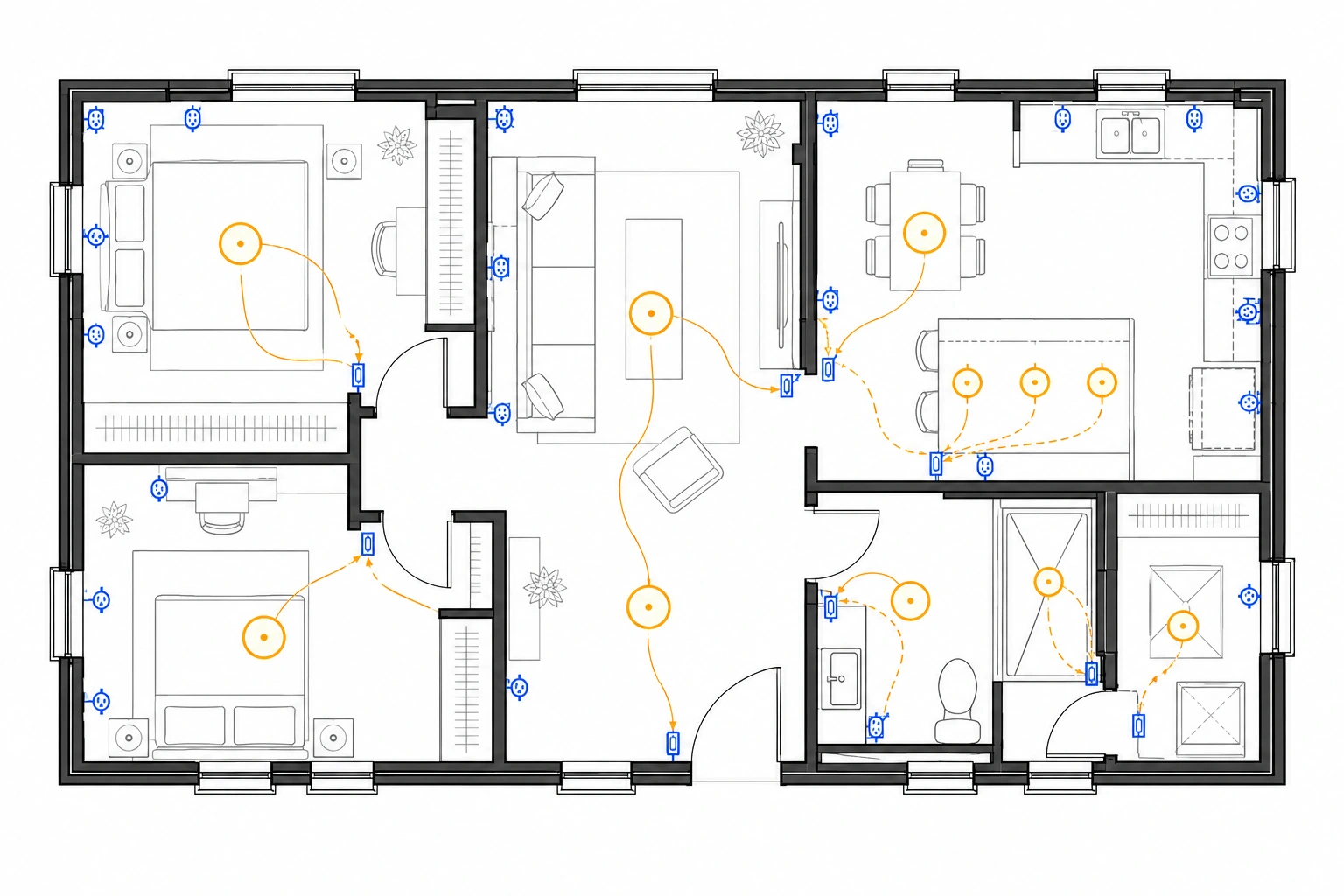
Outlets, switches, lighting, and panel planning for a home.
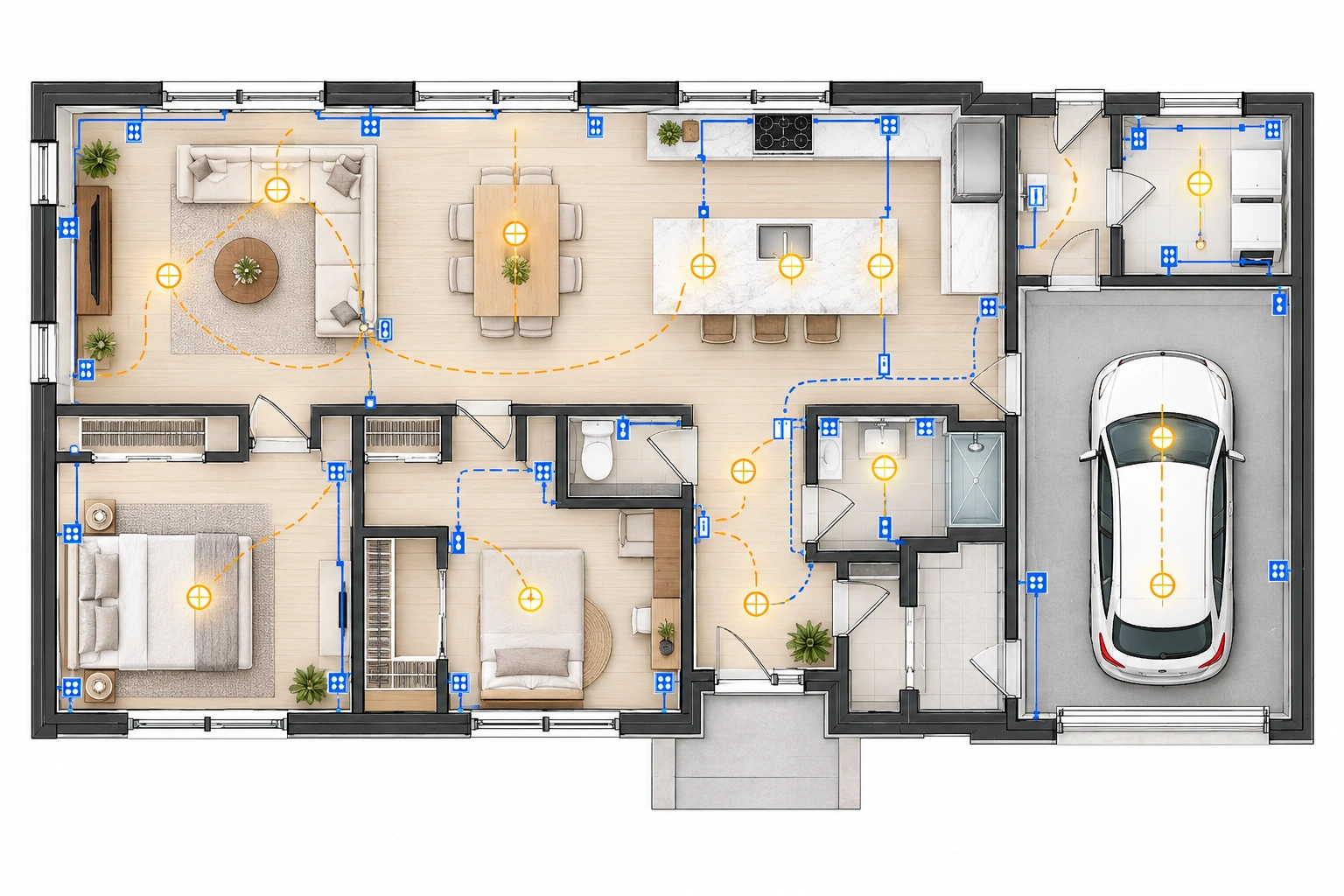
Coordinate new electrical requirements with an existing floor plan.
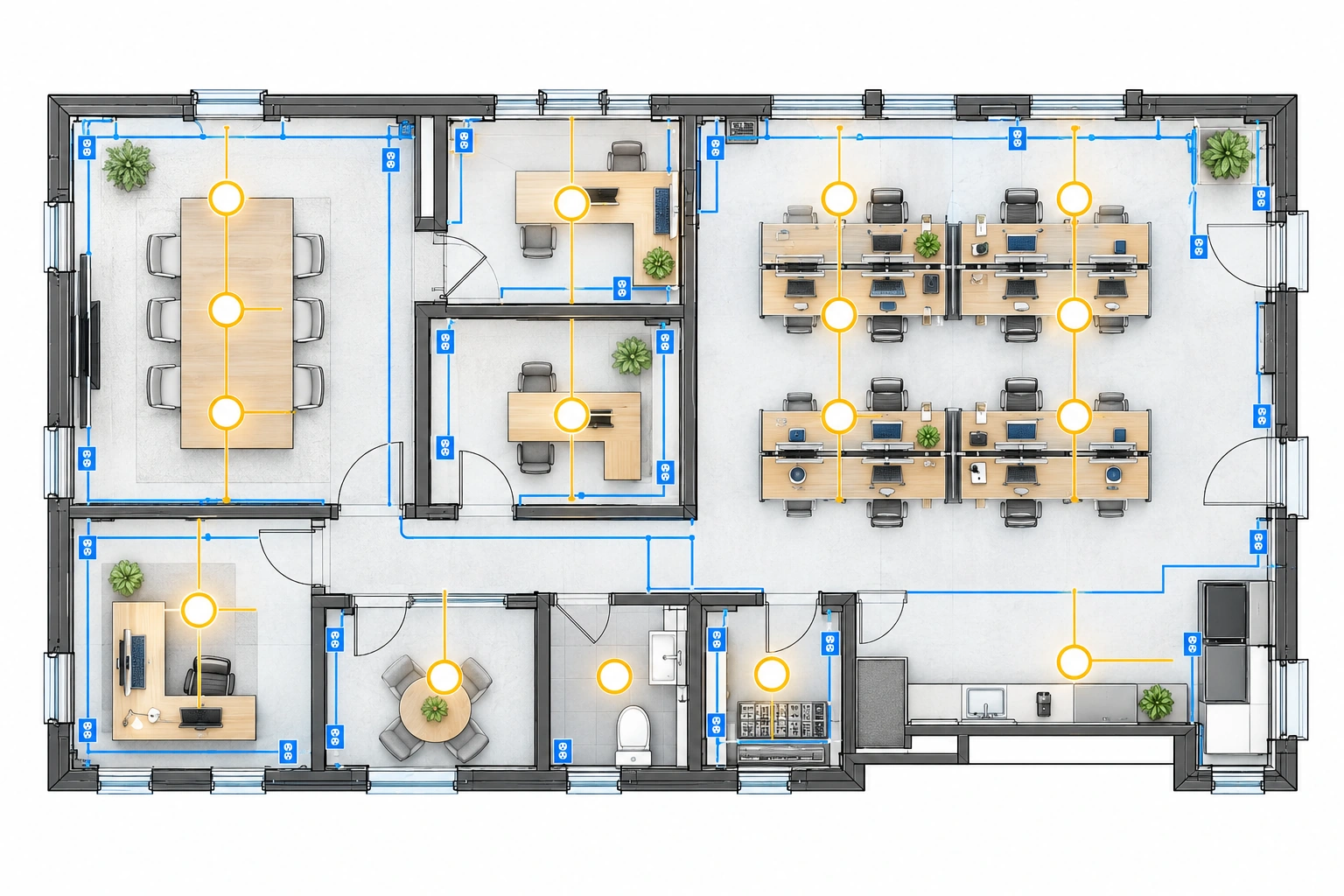
Map electrical points and low-voltage needs for a tenant space.
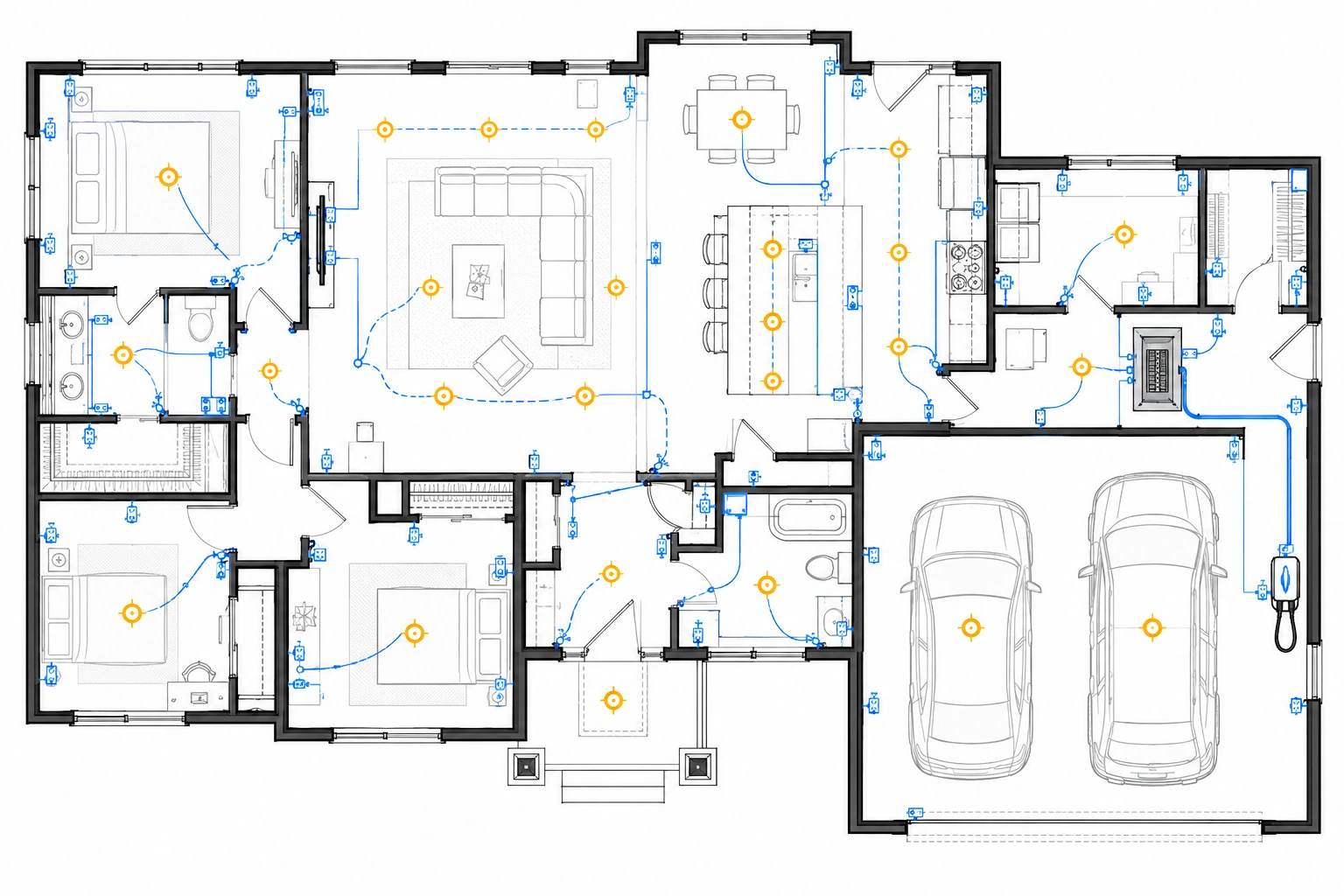
Include an EV charger, floor boxes, and related requirements.
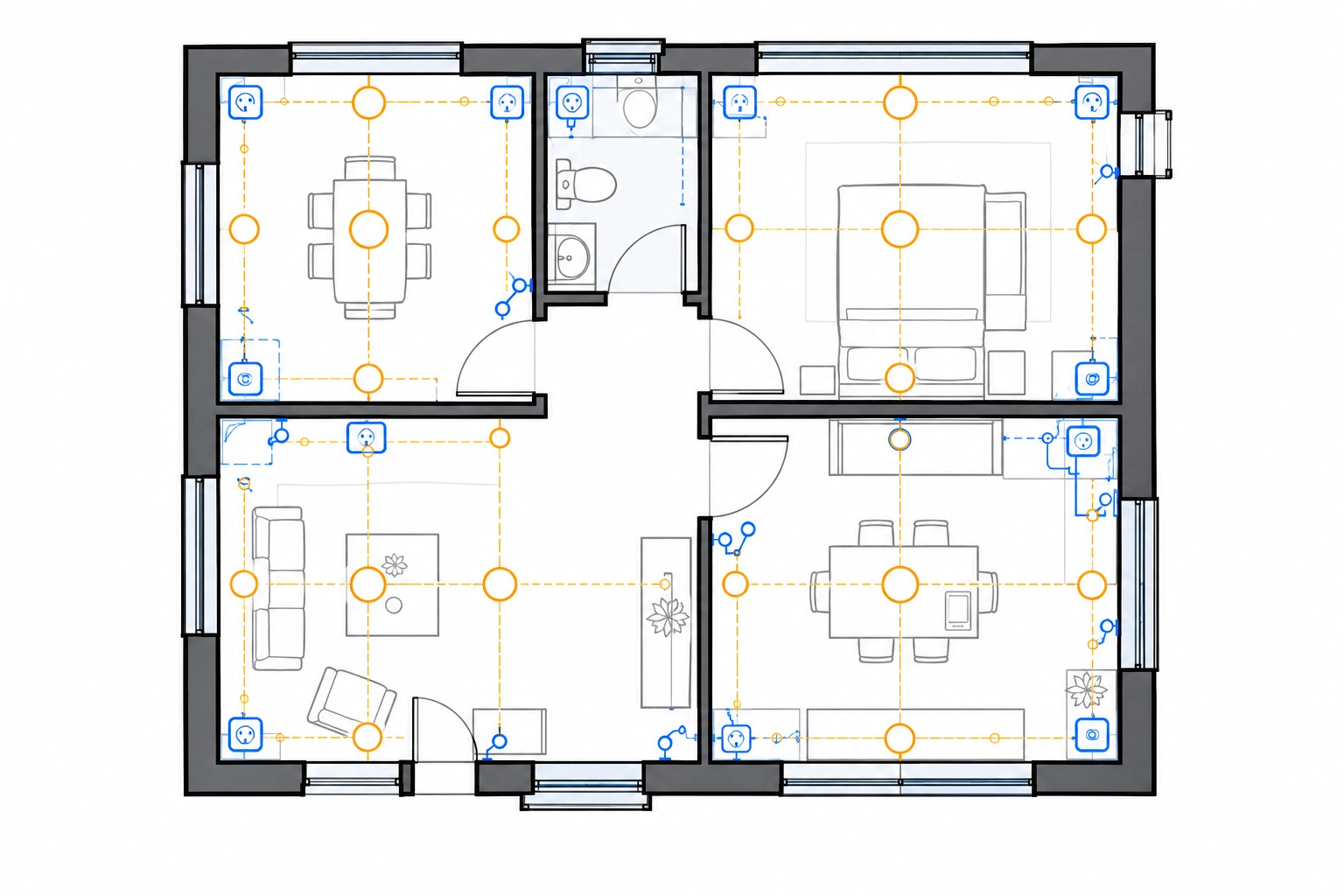
Review fixture and switch locations room by room.
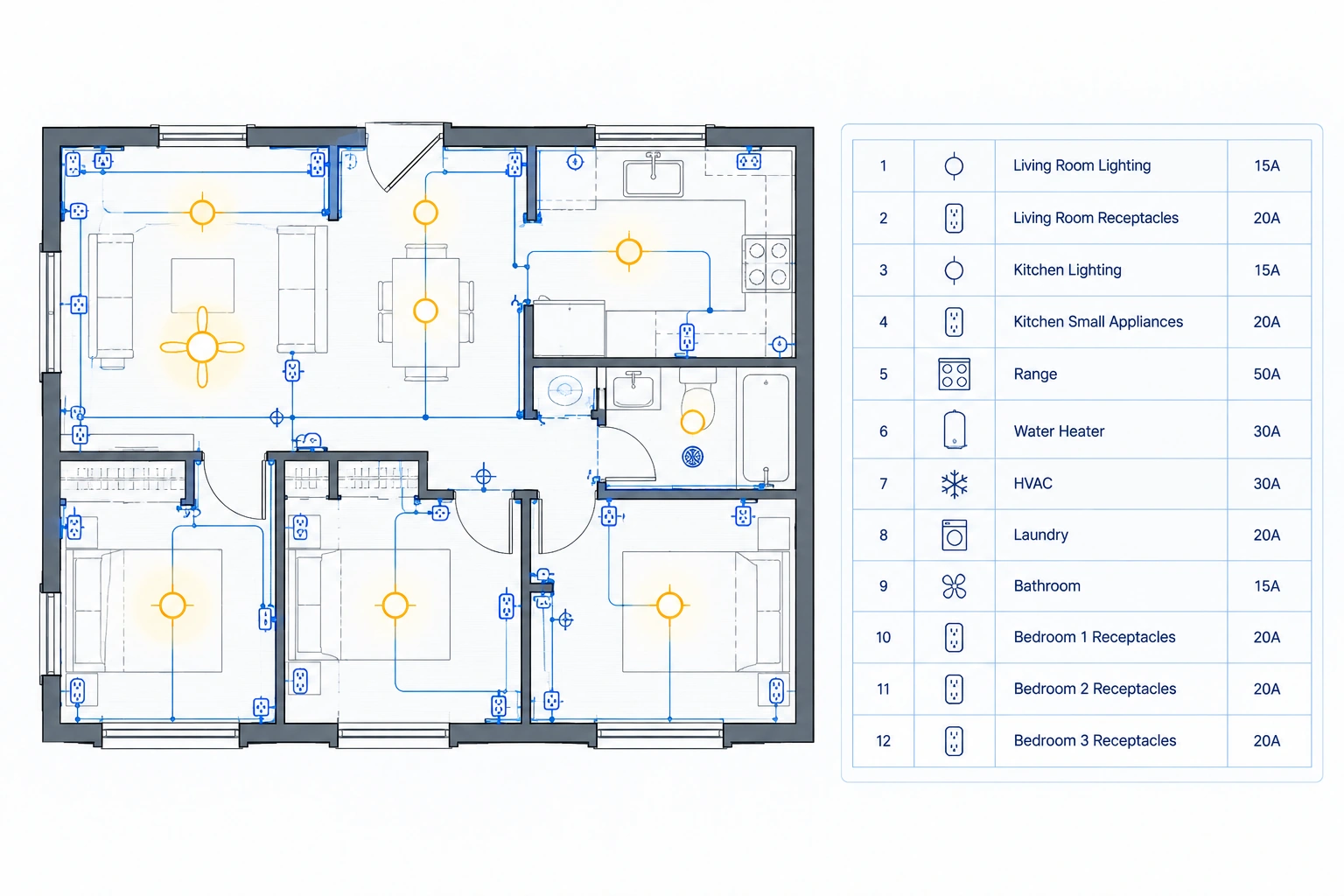
Prepare a clearer panel and circuit planning brief.
Use an early electrical layout to coordinate requirements before detailed engineering or installation.

Plan outlet, switch, and lighting requirements for a residential floor plan.
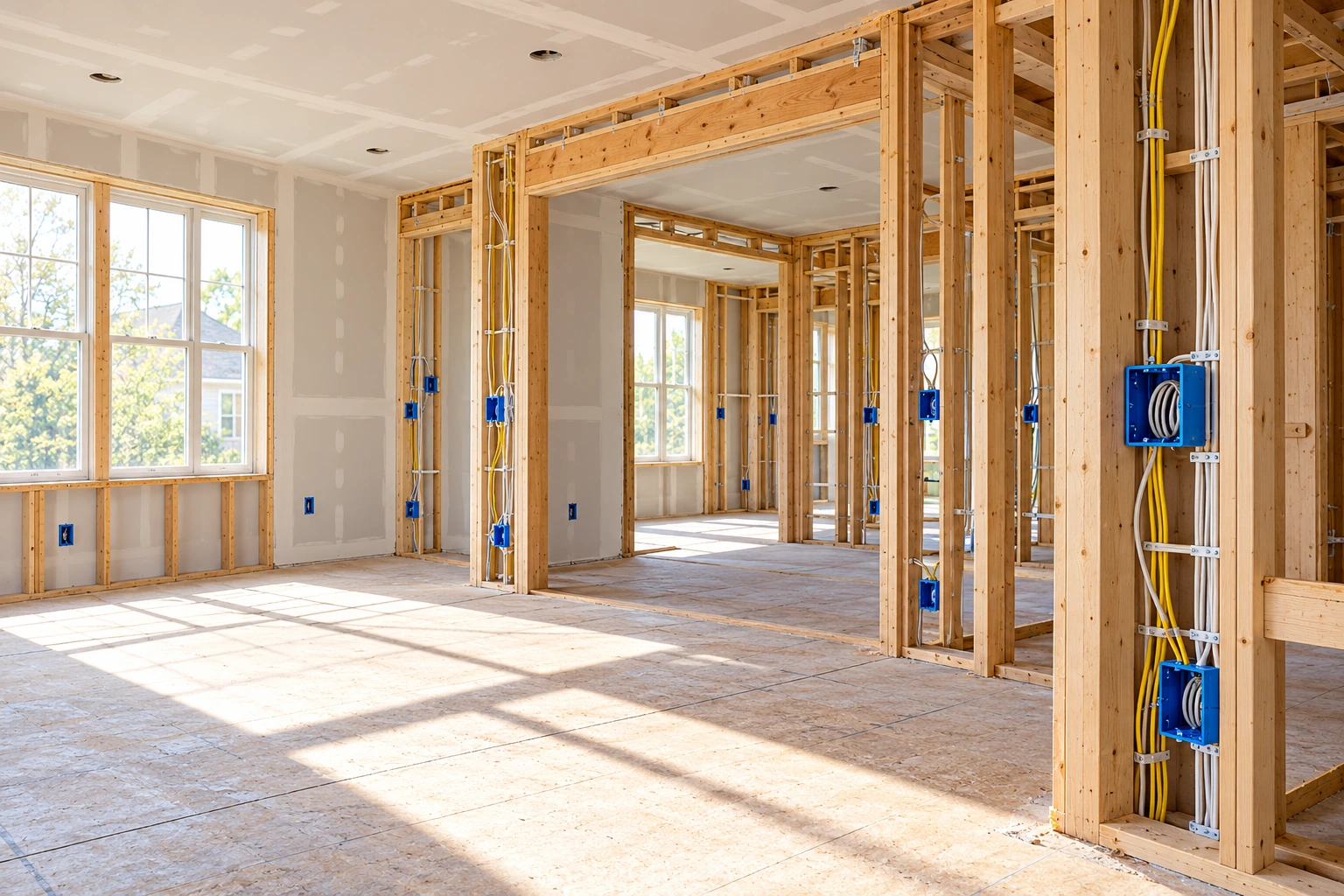
Check how new electrical needs fit an existing layout before construction discussions.

Coordinate outlets, lighting, panels, and low-voltage requirements for a tenant space.
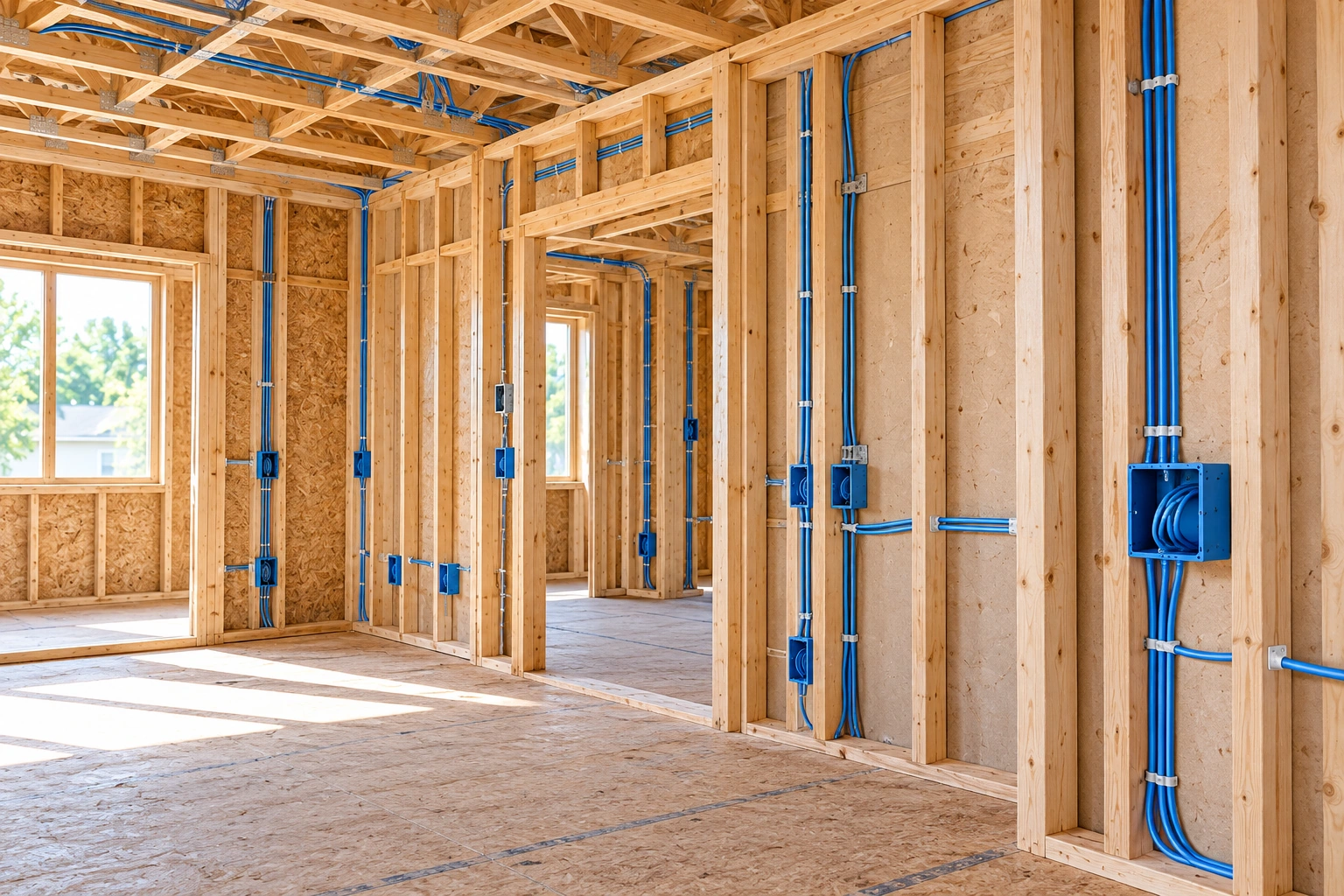
Give owners, designers, and contractors a clearer electrical planning reference.
Turn a building floor plan into a clearer electrical layout for planning and coordination.
Plan outlets, switches, lighting, and electrical panels from one floor plan.
Upload a plan, select a building type, set total area and panel amperage, and add optional requirements.
Include low-voltage systems and generate a panel schedule when needed.
Create an electrical floor plan draft to review and refine.
The result is intended for planning and communication. Always verify dimensions, scale, engineering details, and local codes before construction or installation.
Upload a floor plan, enter your electrical requirements, and generate a clear first draft for review and coordination.